Anima
Figma to Production Code Agent
Freemium
Unterstützte Plattformen
web
Was ist Anima
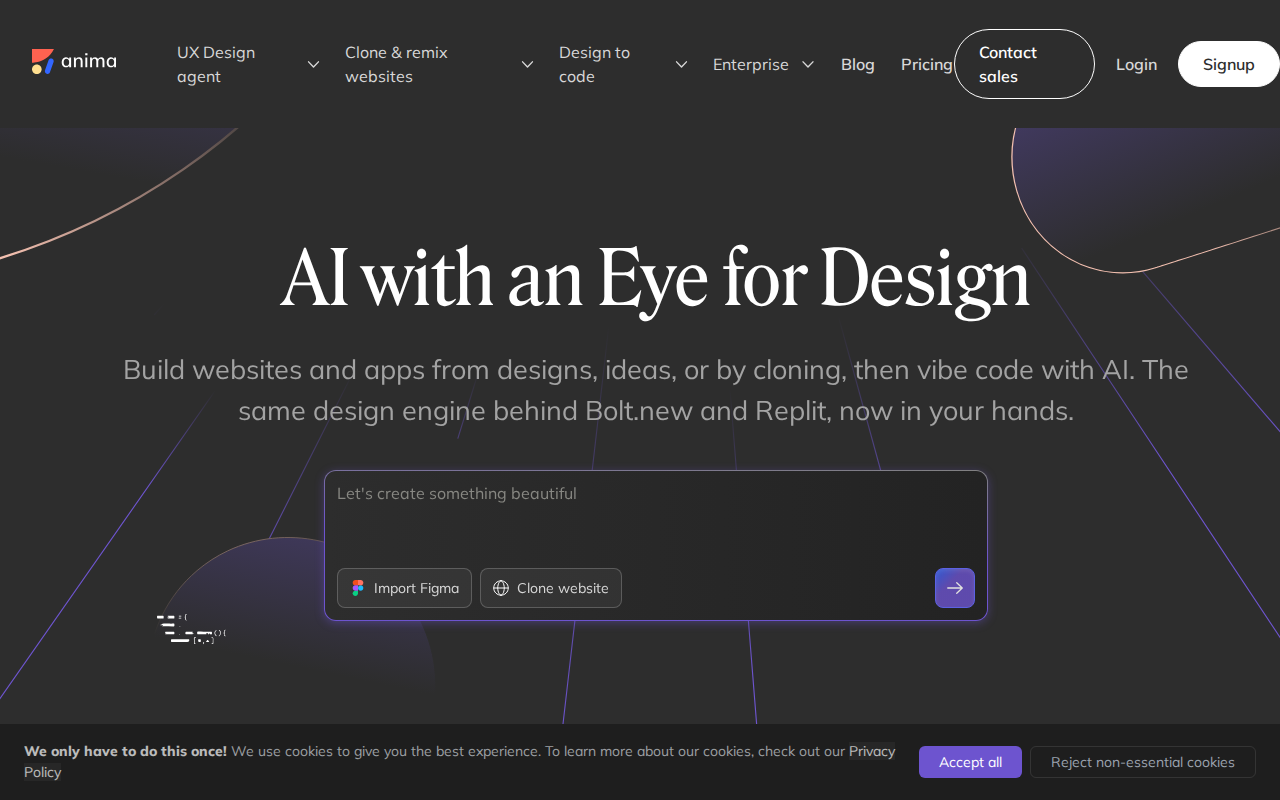
Anima is a specialized UX design agent that bridges the gap between high-fidelity design and production-ready code. Unlike standard design-to-code plugins that generate static, unmaintainable HTML, Anima utilizes a sophisticated AI engine to transform Figma components, URLs, or natural language prompts into clean, modular React, Vue, or HTML/CSS code. It serves as a headless API for AI development platforms like Replit and Bolt.new, enabling them to interpret complex UI layouts with semantic accuracy. By automating the boilerplate phase of frontend development, Anima allows engineering teams to focus on business logic rather than pixel-perfect CSS implementation, significantly reducing the design-to-development handoff cycle.
Hauptfunktionen von Anima
Semantic Code Generation
Anima maps Figma layers to semantic HTML elements and reusable React components. By analyzing the design hierarchy, it produces clean, readable code that avoids the 'div soup' common in automated exporters. This ensures that the generated output is maintainable and follows industry-standard naming conventions, saving developers hours of manual refactoring after the initial export.
Headless API for AI Agents
Anima provides a robust API that powers third-party coding agents like Bolt.new and Replit. This allows these platforms to ingest design files and output functional UI code programmatically. By offloading the complex task of visual interpretation to Anima, these agents achieve higher accuracy in rendering complex layouts, grids, and responsive breakpoints that standard LLMs often struggle to interpret correctly.
Responsive Design Mapping
The engine automatically translates Figma's Auto Layout constraints into CSS Flexbox or Grid properties. It detects breakpoints and media queries defined in the design, ensuring that the generated code is inherently responsive. This eliminates the need for manual CSS adjustments, as the output maintains the exact visual fidelity across mobile, tablet, and desktop viewports as defined in the original design file.
Design System Synchronization
Anima integrates with existing design systems by mapping Figma tokens to your project's CSS variables or Tailwind configuration. This ensures that the generated code uses your actual design tokens (colors, spacing, typography) rather than hardcoded values. This feature is critical for maintaining design consistency at scale and preventing the accumulation of technical debt in frontend projects.
SOC 2 Type II Compliance
Security-conscious teams can utilize Anima with confidence, as the platform maintains SOC 2 Type II compliance. This ensures that design assets and proprietary codebases processed through the platform are handled with enterprise-grade security protocols. This is a significant differentiator for large-scale organizations that require strict data handling and privacy standards when integrating third-party AI tools into their development workflow.
Wie man Anima verwendet
Install the Anima plugin directly from the Figma Community marketplace.,Select your design frames or components within Figma and trigger the Anima panel.,Configure your target framework (React, Vue, or HTML) and styling preference (Tailwind, CSS Modules, or Styled Components).,Use the 'Sync to Code' feature to generate the component tree and preview the live, responsive output.,Export the code directly to your local codebase or push it to a GitHub repository via the Anima CLI.,Integrate the Anima API into your custom AI coding agent to automate UI generation from design system tokens.
Anwendungsfälle von Anima
Rapid Prototyping for Startups
Founders and solo developers use Anima to convert Figma wireframes into functional React apps in minutes. This allows them to ship MVPs significantly faster, bypassing the need for a dedicated frontend engineer during the initial validation phase.
Design-to-Code Handoff Automation
Product teams use Anima to eliminate the 'translation gap' between designers and developers. By automating the creation of UI components, developers spend less time on CSS styling and more time on complex backend integration and state management.
AI Agent UI Enhancement
AI development platforms integrate Anima's API to provide their users with high-fidelity UI generation. When a user asks an AI agent to 'build a dashboard,' the agent uses Anima to ensure the resulting code is visually accurate and structurally sound.
Wer profitiert von Anima
Frontend Developers
Developers looking to automate repetitive UI coding tasks and reduce the time spent on CSS implementation, allowing them to focus on complex application logic and architecture.
Product Designers
Designers who want to ensure their high-fidelity Figma prototypes are implemented exactly as intended without relying on lengthy back-and-forth communication with engineering teams.
AI Tool Builders
Developers building AI coding agents or development platforms who need a reliable, headless solution to handle visual design interpretation and code generation.
Preise für Anima
Free tier for individuals. Pro plan at $39/mo for advanced features and team collaboration. Enterprise plans available with custom pricing.