Cursor Review 2026: Is It Worth Switching From VS Code?
Utilo
3/21/2026
Cursor Review 2026: Is It Worth Switching From VS Code?
Cursor has gone from a niche AI coding experiment to the most talked-about code editor in the industry. With over 40,000 engineers at NVIDIA using it daily and Y Combinator calling it the tool that spread like wildfire, the hype is real. But is the product?
We spent two weeks using Cursor as our primary editor to find out.
What Is Cursor?
Cursor is an AI-first code editor built on top of VS Code. It keeps everything you love about VS Code — extensions, keybindings, themes — and layers on deep AI integration that goes far beyond simple code completion.
The key difference: Cursor is not a plugin. It is a fork of VS Code rebuilt from the ground up to make AI a first-class citizen in every interaction.
Core Features
1. Agent Mode — The Game Changer
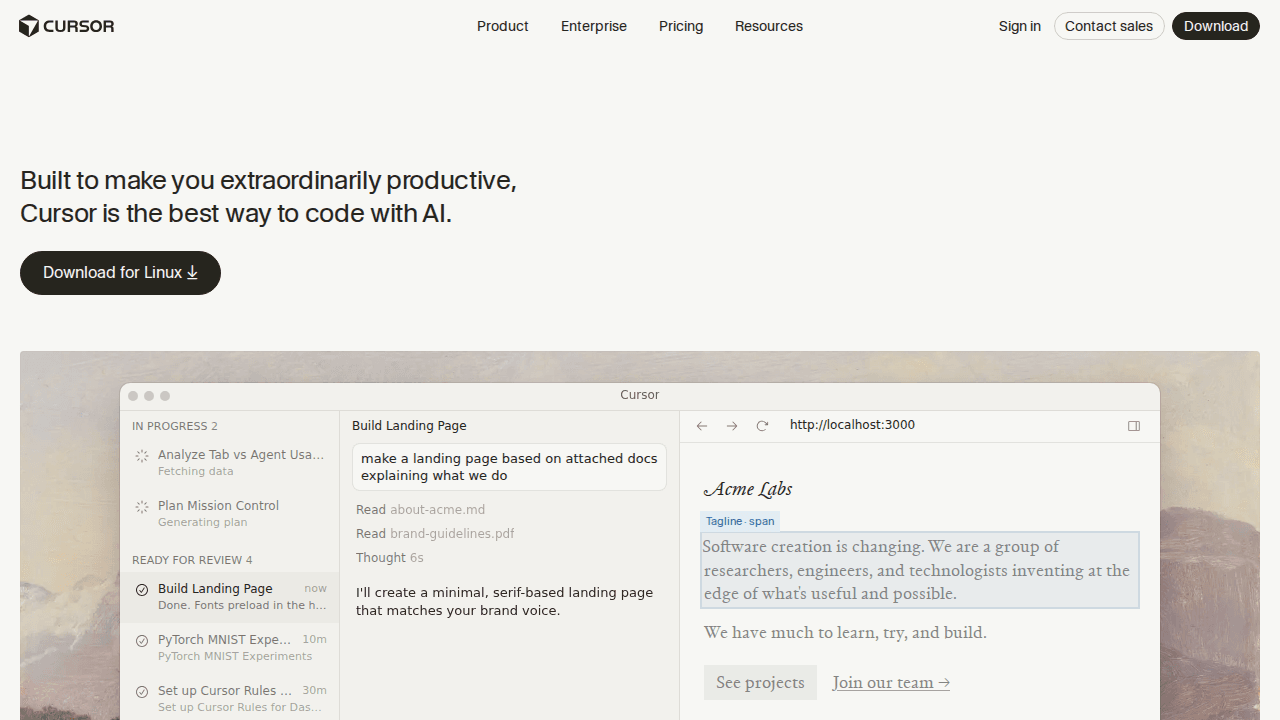
Cursor's Agent mode is where it truly differentiates itself. Instead of just suggesting code, the Agent can:
- Read your entire codebase to understand context
- Run terminal commands to test its own changes
- Create and modify multiple files in a single operation
- Iterate on errors by reading linter and compiler output
This is not autocomplete — it is an autonomous coding partner. You describe what you want in natural language, and the Agent builds it, tests it, and presents the result for review.
2. Tab Completion — Smarter Than You Think
Cursor's tab completion predicts your next edit based on your recent changes. It does not just complete the current line — it understands the pattern of what you are doing and suggests multi-line changes across your file.
For example, if you rename a function parameter, Tab will automatically suggest renaming it everywhere else it appears.
3. Inline Editing (Cmd+K)
Highlight any code, press Cmd+K, and describe what you want changed in plain English. Cursor rewrites the selection while keeping the surrounding context intact. This is perfect for:
- Refactoring functions
- Adding error handling
- Converting code between languages
- Writing tests for existing code
4. Codebase-Wide Understanding
Cursor indexes your entire project and uses this context when generating code. Ask it where the authentication middleware is and it will find it — even in a 100,000-line codebase. This is powered by embeddings and intelligent retrieval, not just simple text search.
5. Multi-Model Support
Cursor gives you access to frontier models from OpenAI, Anthropic (Claude), Google (Gemini), and xAI. You can choose the best model for each task:
- Claude for complex reasoning and large refactors
- GPT-4o for fast, general-purpose coding
- Gemini for long-context analysis
Pricing Breakdown
| Plan | Price | What You Get |
|---|---|---|
| Hobby | Free | Limited Agent requests, limited Tab completions |
| Pro | $20/mo | Extended Agent limits, frontier models, MCPs, cloud agents |
| Pro+ | $60/mo | 3x usage on all models |
| Ultra | $200/mo | 20x usage, priority access to new features |
| Teams | $40/user/mo | Shared chats, analytics, SSO, role-based access |
| Enterprise | Custom | Pooled usage, SCIM, audit logs, priority support |
Our take: The Pro plan at $20/mo is the sweet spot for most developers. The free tier is too limited for real work, and Pro+ is only worth it if you are doing heavy AI-assisted coding all day.
Pros
- Seamless VS Code migration — all your extensions and settings carry over
- Agent mode is genuinely useful — not a gimmick, actually saves hours
- Multi-model flexibility — switch models per task
- Fast and responsive — does not feel bloated despite the AI features
- Strong privacy controls — Privacy Mode available for enterprise
- Active development — new features ship weekly
Cons
- Usage limits can be frustrating — heavy users will hit Pro limits
- Cloud dependency — AI features require internet connection
- Learning curve for Agent — takes time to learn how to prompt effectively
- Price adds up for teams — $40/user/mo is steep for large organizations
- Not fully open source �� unlike VS Code itself
Who Should Use Cursor?
Yes, switch if you are:
- A VS Code user who wants AI beyond Copilot
- A developer who frequently writes boilerplate or refactors code
- Working on large codebases where context matters
- A team lead evaluating AI coding tools for your org
Stay with VS Code + Copilot if you:
- Only need basic autocomplete
- Are on a very tight budget (Copilot at $10/mo vs Cursor at $20/mo)
- Work primarily offline
- Prefer fully open-source tools
The Verdict
8.5/10 — Cursor is the best AI code editor available today. Agent mode is a genuine leap forward, and the VS Code foundation means zero friction to switch. The main drawback is pricing for heavy users and teams.
If you write code daily and are still using vanilla VS Code, you owe it to yourself to try the free tier. You will probably upgrade to Pro within a week.
Want to explore more AI coding tools? Check out our AI Coding Assistants category for alternatives and comparisons.