Visual Studio Code
Open-source AI code editor
Free
Support platforms
web
What is Visual Studio Code
Visual Studio Code (VS Code) is a free, open-source code editor developed by Microsoft. It's designed to provide a streamlined and customizable coding experience, supporting a wide range of programming languages through its extensive extension marketplace. VS Code distinguishes itself from traditional IDEs with its lightweight design, fast performance, and flexible architecture. Its key technology is based on Electron, a framework for building cross-platform desktop applications using web technologies. Developers benefit most from VS Code, as it offers features like intelligent code completion, debugging, and integrated Git support, significantly boosting productivity and code quality. The editor's extensibility allows users to tailor it to their specific needs, making it a versatile tool for any developer.
Visual Studio Code 's Core features
IntelliSense Code Completion
VS Code's IntelliSense provides smart code completion, parameter info, and quick info, significantly speeding up coding. It leverages language servers and extension-provided features to offer context-aware suggestions, reducing typing and improving code accuracy. This feature supports a wide range of languages, offering a more efficient coding experience compared to basic text editors.
Integrated Debugging
VS Code includes a powerful debugger that supports various programming languages and runtimes. Developers can set breakpoints, step through code, inspect variables, and evaluate expressions directly within the editor. This integrated debugging capability streamlines the process of identifying and fixing bugs, saving time and improving code quality compared to using separate debugging tools.
Built-in Git Support
VS Code offers seamless integration with Git, allowing developers to manage their code repositories directly from the editor. Features include staging changes, committing, pushing, pulling, and resolving merge conflicts. This integration streamlines the version control workflow, making it easier to collaborate with others and track changes compared to using a separate Git client.
Extensible Marketplace
The VS Code Marketplace provides a vast collection of extensions that enhance the editor's functionality. Developers can install extensions for language support, debugging, theming, and more. This extensibility allows users to customize VS Code to their specific needs, improving productivity and tailoring the editor to their workflow, unlike many other editors with limited customization options.
Cross-Platform Compatibility
VS Code is available on Windows, macOS, and Linux, ensuring a consistent coding experience across different operating systems. This cross-platform compatibility allows developers to work on their projects regardless of their preferred platform. The consistent interface and feature set reduce the learning curve when switching between platforms, unlike IDEs that may have platform-specific versions.
Customizable UI
VS Code offers extensive customization options for the user interface, including themes, fonts, and layout. Users can personalize the editor's appearance to suit their preferences and improve readability. This level of customization enhances the coding experience by creating a comfortable and visually appealing environment, unlike editors with rigid UI configurations.
How to use Visual Studio Code
- Download and install Visual Studio Code from the official website for your operating system (Windows, macOS, or Linux).,2. Open VS Code and install relevant extensions for your preferred programming languages (e.g., Python, JavaScript, C++) from the Extensions Marketplace (Ctrl+Shift+X).,3. Open a folder containing your project files using 'File > Open Folder' or by dragging and dropping the folder into the VS Code window.,4. Start coding! VS Code provides features like IntelliSense (code completion), syntax highlighting, and error detection to assist you.,5. Use the integrated terminal (View > Terminal) to run commands, manage your project, and interact with version control systems like Git.,6. Utilize the built-in debugging tools to set breakpoints, inspect variables, and step through your code to identify and fix errors.
Use cases of Visual Studio Code
Web Development
Web developers use VS Code to write, debug, and manage their HTML, CSS, and JavaScript code. They utilize extensions for frameworks like React, Angular, and Vue.js, along with features like IntelliSense and integrated Git, to build and deploy web applications efficiently. This leads to faster development cycles and improved code quality.
Python Development
Python developers use VS Code with the Python extension to write and debug Python code. They benefit from features like code completion, linting, and integrated testing tools. This setup streamlines the Python development workflow, making it easier to write, test, and debug Python applications, improving productivity.
Data Science
Data scientists use VS Code with extensions like Jupyter and Python to analyze data, build machine learning models, and visualize results. They can run Jupyter notebooks directly within VS Code, making it easier to explore data and share findings. This integration streamlines the data science workflow, improving collaboration.
Game Development
Game developers use VS Code with extensions for languages like C# and C++ to write game code. They can use debugging tools and Git integration to manage their projects. This setup streamlines the game development workflow, making it easier to write, test, and debug game code.
Who benefits from Visual Studio Code
Web Developers
Web developers benefit from VS Code's support for HTML, CSS, JavaScript, and popular web frameworks. The editor's features like IntelliSense, debugging, and integrated Git streamline the development process, increasing productivity and code quality for building and maintaining web applications.
Python Developers
Python developers find VS Code ideal due to its excellent Python extension support. Features like code completion, linting, and debugging tools enhance the Python development workflow, making it easier to write, test, and debug Python applications, leading to faster development cycles.
Data Scientists
Data scientists leverage VS Code's integration with Jupyter notebooks and Python support for data analysis and machine learning tasks. The ability to run notebooks directly within the editor and utilize extensions for data visualization streamlines the workflow, improving efficiency.
Students and Beginners
Students and beginners appreciate VS Code's user-friendly interface and extensive documentation. The editor's ease of use, combined with the availability of extensions for various languages, makes it an excellent choice for learning to code and developing projects.
Pricing of Visual Studio Code
Free and open-source (MIT License). No paid plans or tiers.
More similar tools like Visual Studio Code

Kimi AI with K2.5
Kimi is an AI-powered chatbot designed to assist users with various inquiries and tasks.


Reply Logo
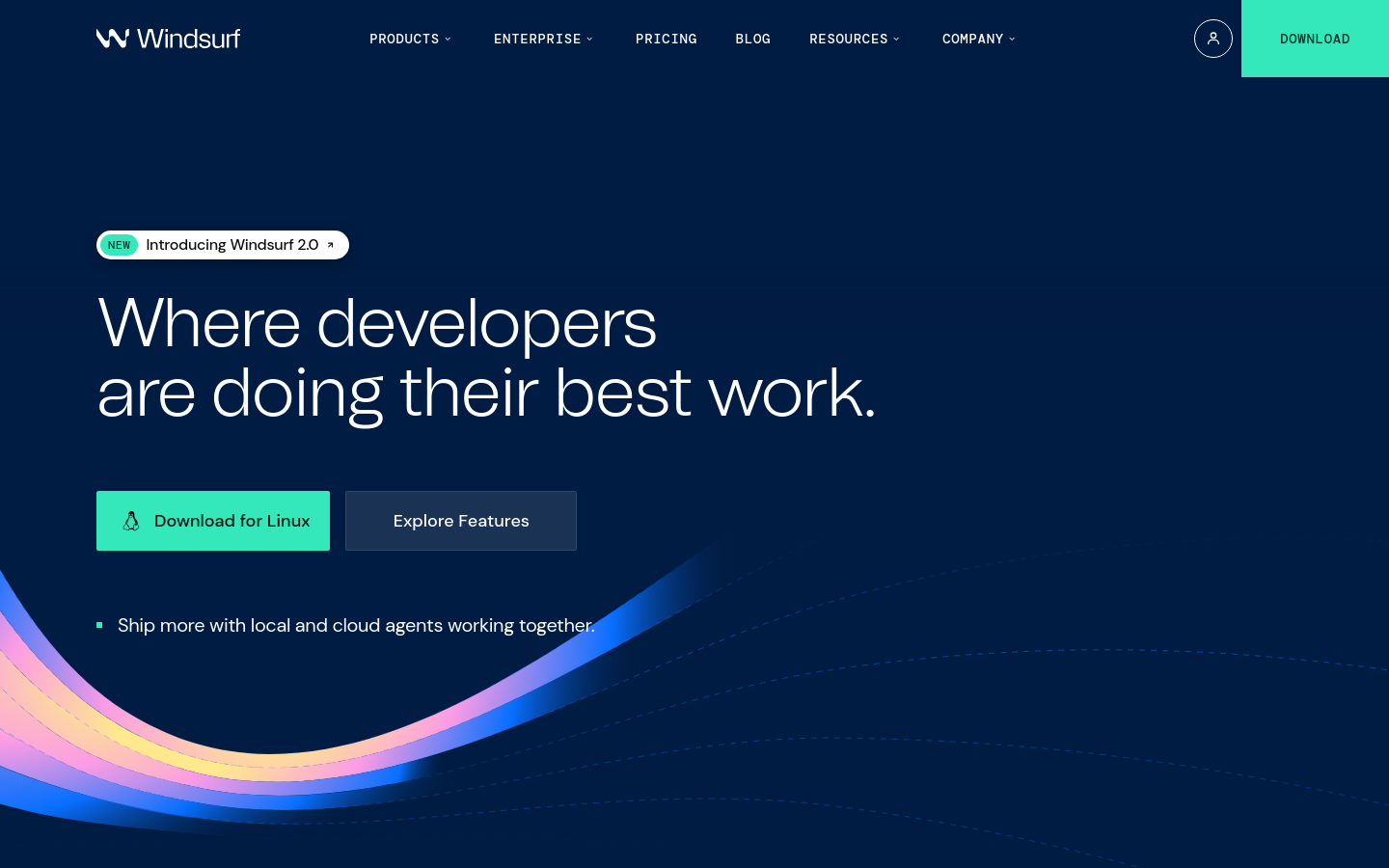
Windsurf is an intuitive AI coding assistant designed to enhance developer productivity and streamline coding workflows.