Nucleo – The Ultimate Icon Bundle
40k+ SVG Icon System & App
Paid
Support platforms
web

What is Nucleo – The Ultimate Icon Bundle
Nucleo is a comprehensive icon management ecosystem comprising over 40,000 premium SVG icons and a dedicated desktop/web application for asset orchestration. Unlike static icon libraries, Nucleo provides a native app that allows users to search, customize, and export icons in various formats (SVG, PNG, PDF) and sizes without leaving their workflow. It integrates directly into development environments via dedicated React packages, ensuring consistent icon implementation across UI components. The platform is built for scalability, offering multiple visual styles—from pixel-perfect UI sets to bold, micro, and isometric variants—making it a centralized source of truth for design systems and product teams.
Nucleo – The Ultimate Icon Bundle 's Core features
Native Desktop Management App
The Nucleo desktop app acts as a local asset manager, allowing users to browse, search, and export 40,000+ icons without internet reliance. It supports batch exporting and custom sizing, which is significantly faster than downloading individual files from web-based repositories. This local-first approach ensures that designers can maintain a consistent workflow even when offline, while the app's internal engine handles SVG optimization and path simplification automatically.
React Component Integration
Nucleo provides dedicated React packages that allow developers to import icons as native components. This eliminates the need to manually manage SVG files in the project directory. By using props for size, color, and stroke, developers can dynamically update icon styles based on application state, reducing bundle size and ensuring that icon rendering is consistent with the rest of the UI component library.
Multi-Style Icon Consistency
The library includes over 40,000 icons across distinct styles like Core, UI, Sharp, Pixel, and Micro. Each style is meticulously crafted to share the same grid and design language. This allows teams to switch between styles (e.g., from 'Sharp' to 'Pixel') across an entire product interface while maintaining visual harmony, a task that is notoriously difficult when mixing icons from disparate open-source sets.
Advanced SVG Customization
The app features an integrated editor that allows users to modify icon properties before export. Users can adjust stroke weight, corner radius, and color palettes in real-time. This ensures that every icon exported matches the specific brand guidelines of the project, preventing the need for post-export editing in external vector software like Illustrator, thereby saving significant time in the design-to-development handoff process.
Extensive Metadata Search
Every icon in the Nucleo library is tagged with comprehensive metadata, enabling sub-second search results across 40,000+ assets. The search algorithm understands context, allowing users to find icons by function (e.g., 'navigation', 'editor') or visual characteristic. This high-performance search capability is critical for large-scale product teams who need to locate specific UI elements quickly to maintain velocity during rapid prototyping and development cycles.
How to use Nucleo – The Ultimate Icon Bundle
Download and install the Nucleo desktop application for macOS or Windows from the official website.,Launch the app and browse the library of 40,000+ icons using the search bar or category filters.,Select an icon and use the customization panel to adjust stroke width, color, and size before exporting.,Drag and drop icons directly into design tools like Figma, Sketch, or Adobe XD.,Install the @nucleo/react package via npm to programmatically render icons as React components in your codebase.,Sync your project with the Nucleo app to maintain consistency between your design assets and production code.
Use cases of Nucleo – The Ultimate Icon Bundle
Design System Maintenance
Product designers use Nucleo to maintain a single source of truth for icons. By using the app to export standardized assets, they ensure that all UI elements across a web or mobile application share identical stroke weights and grid alignment, resulting in a cohesive visual identity.
Rapid Frontend Development
Frontend developers use the Nucleo React package to inject icons directly into their code. This avoids the overhead of managing thousands of individual SVG files, allowing them to change icon colors and sizes via props, which speeds up the implementation of UI updates.
Cross-Platform Asset Syncing
Agencies working on multiple projects use the Nucleo app to organize icons into custom 'projects' or 'collections'. This allows them to quickly switch between different client design languages without cluttering their local file system with thousands of unused assets.
Who benefits from Nucleo – The Ultimate Icon Bundle
Product Designers
They require a vast, consistent library of icons to build high-fidelity prototypes. Nucleo solves the problem of 'icon fragmentation' where different sets clash in style, ensuring a professional, unified look for all UI components.
Frontend Developers
They need a programmatic way to implement icons that doesn't involve manual SVG optimization. Nucleo’s React integration allows them to treat icons as standard components, improving code maintainability and reducing build times.
Design Agencies
Agencies manage multiple clients simultaneously. Nucleo provides the organizational tools to keep asset libraries distinct and accessible, ensuring that designers can deliver high-quality, consistent work across diverse project requirements.
Pricing of Nucleo – The Ultimate Icon Bundle
One-time purchase for the Icon Bundle (approx. $99). Includes access to all 40,000+ icons, the desktop app, and React packages. No recurring fees.
More similar tools like Nucleo – The Ultimate Icon Bundle
Mobbin
Mobbin is a design inspiration tool that helps teams and enterprises discover real-world design patterns.
Notion
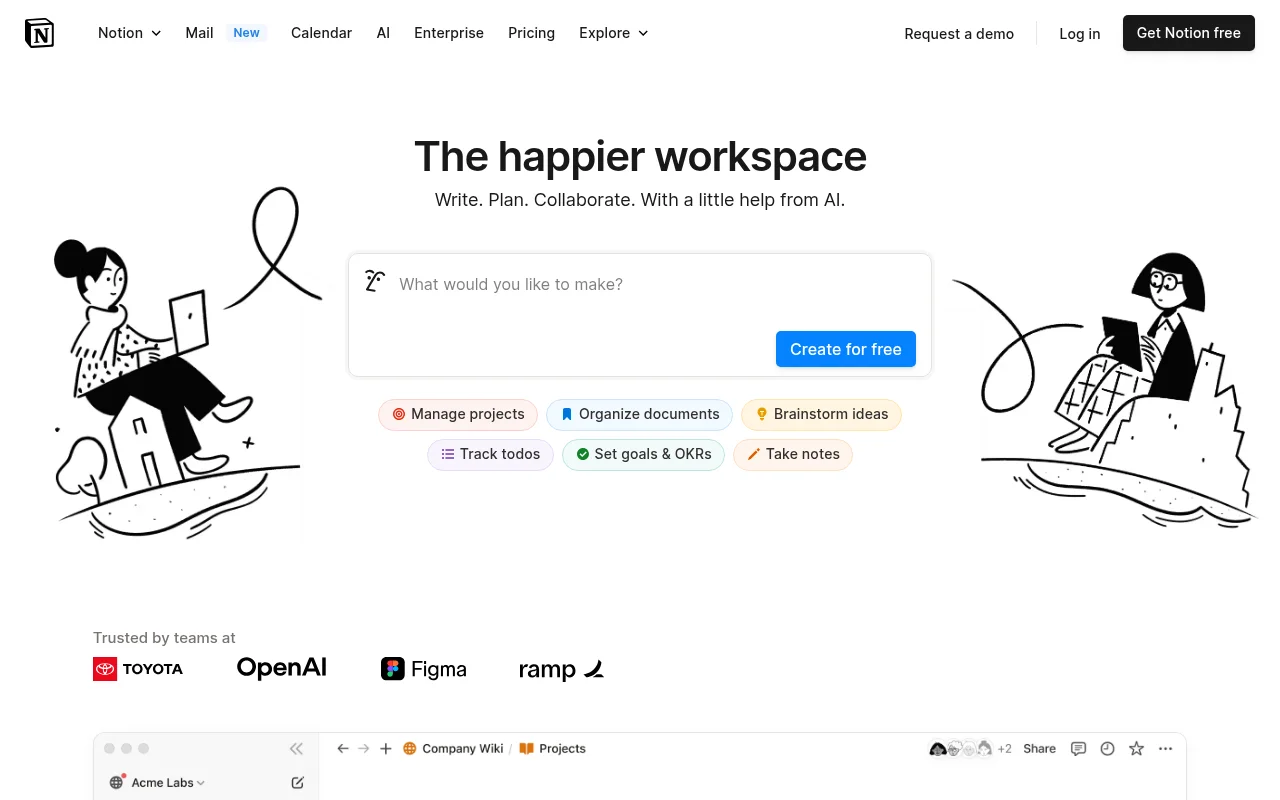
Notion is an all-in-one workspace that combines notes, docs, wikis, and more into a single collaborative platform.

Trello
Trello is a collaboration and project management tool that helps teams capture, organize, and tackle their to-dos from anywhere.