Telegram Desktop
Secure, synced desktop messaging.
Free
Support platforms
web
What is Telegram Desktop
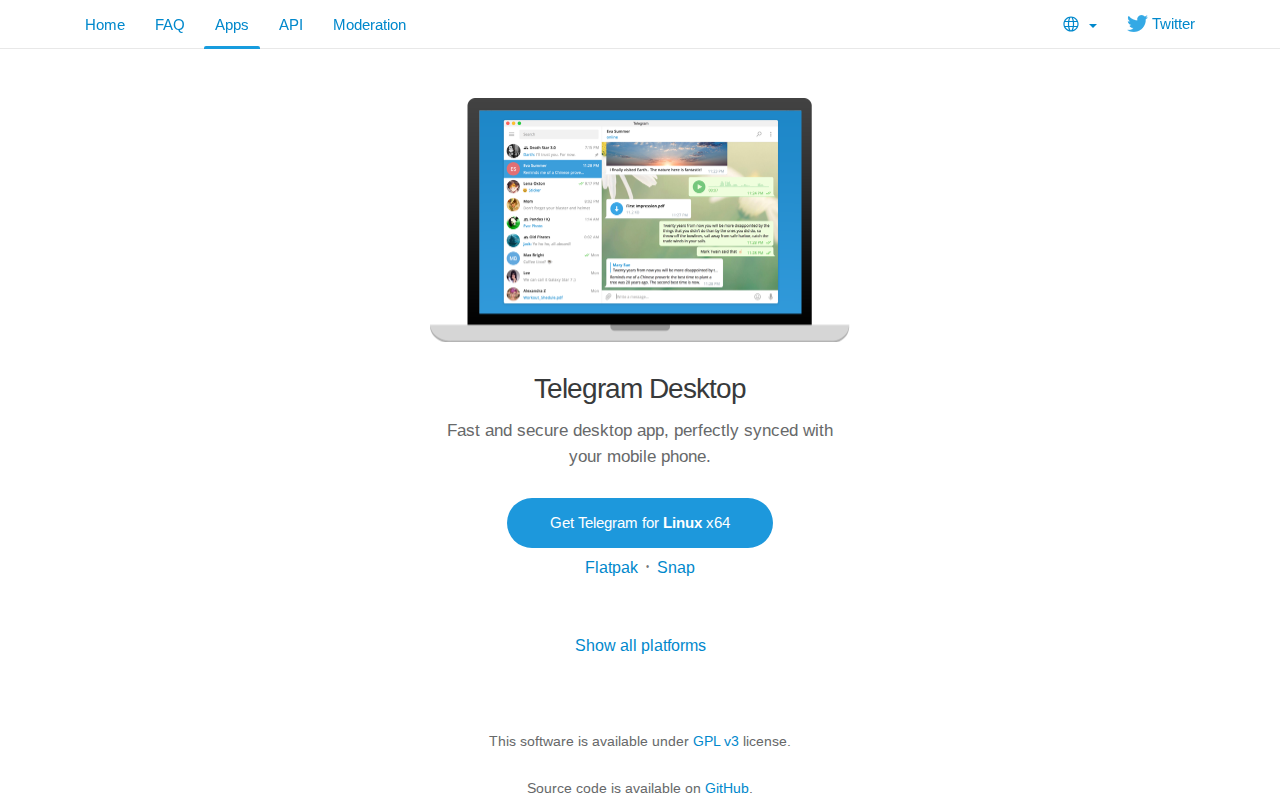
Telegram Desktop is a fast, secure, and perfectly synced desktop application for messaging. It offers seamless integration with your mobile Telegram account, ensuring all messages, media, and contacts are readily available across devices. Unlike other messaging apps, Telegram prioritizes security with end-to-end encryption for secret chats and cloud-based storage for standard chats, allowing access from any device. Its open-source nature, under the GPL v3 license, fosters transparency and community contributions, setting it apart from proprietary alternatives. Users benefit from a user-friendly interface, robust features like large file sharing, and the ability to customize the app's appearance. This makes it ideal for individuals and professionals seeking a reliable and feature-rich messaging experience across multiple platforms.
Telegram Desktop 's Core features
Cross-Platform Synchronization
Telegram Desktop seamlessly synchronizes with your mobile Telegram account, ensuring all messages, media, and contacts are available across all your devices. This synchronization uses Telegram's cloud-based infrastructure, providing real-time updates and access to your data regardless of the device you are using. This feature is crucial for users who need to access their messages from various locations and devices.
Secure Messaging
Telegram offers end-to-end encryption for 'Secret Chats', ensuring that messages are only readable by the sender and receiver. This encryption uses the MTProto protocol, known for its security and speed. Standard chats are stored on Telegram's cloud servers, allowing access from any device, while secret chats offer an extra layer of privacy with no server-side storage.
Large File Sharing
Telegram Desktop allows users to share files of up to 2 GB in size, far exceeding the limits of many other messaging apps. This is particularly useful for sharing large documents, videos, or other media files. Files are stored on Telegram's servers, accessible to all chat participants, making it a convenient solution for file transfer and collaboration.
Customizable Interface
Telegram Desktop offers extensive customization options, allowing users to personalize the app's appearance. Users can choose from various themes, adjust chat bubble styles, and customize the overall look and feel of the application. This level of customization enhances the user experience and allows users to tailor the app to their preferences.
Open Source and Free
Telegram Desktop is available under the GPL v3 license, meaning the source code is publicly available on GitHub. This promotes transparency, allows for community contributions, and ensures that the software remains free to use. This open-source nature fosters trust and allows developers to inspect and contribute to the code.
How to use Telegram Desktop
- Download the Telegram Desktop application for your operating system (Windows, macOS, or Linux) from the official website.,2. Install the application following the standard installation process for your operating system.,3. Open Telegram Desktop and click 'Start Messaging'.,4. Enter your phone number associated with your Telegram account and click 'Next'.,5. Enter the verification code sent to your Telegram mobile app.,6. Telegram Desktop will sync your chats and contacts, allowing you to start messaging immediately.
Use cases of Telegram Desktop
Personal Communication
Individuals use Telegram Desktop to communicate with friends and family across multiple devices. They can send text messages, share photos and videos, and make voice calls, all synced seamlessly between their phone and desktop. The large file-sharing capabilities are useful for sharing large media files.
Professional Collaboration
Teams use Telegram Desktop to collaborate on projects. They can create group chats for discussions, share files, and stay connected regardless of their location. The desktop app provides a convenient interface for managing communications and accessing files, especially for those who work on computers.
Secure Information Exchange
Journalists and activists use Telegram Desktop's 'Secret Chats' feature for secure and private communication. End-to-end encryption ensures that messages are protected from prying eyes, making it a reliable tool for sharing sensitive information. The self-destructing message feature adds an extra layer of privacy.
Large Community Management
Administrators of large Telegram groups and channels use Telegram Desktop to manage their communities. They can moderate discussions, share announcements, and organize content efficiently. The desktop app provides a more comprehensive interface for managing large volumes of messages and users.
Who benefits from Telegram Desktop
Individuals
Individuals benefit from Telegram Desktop's cross-platform synchronization, allowing them to stay connected with friends and family across all their devices. The user-friendly interface and robust features make it an ideal choice for everyday communication needs.
Professionals
Professionals use Telegram Desktop for secure and efficient communication and file sharing. The ability to share large files and the availability on multiple platforms makes it a valuable tool for collaboration and project management.
Security-Conscious Users
Users who prioritize privacy and security use Telegram Desktop's 'Secret Chats' feature for end-to-end encrypted messaging. The open-source nature and focus on security make it a trusted choice for sensitive communications.
Community Managers
Community managers and administrators use Telegram Desktop to manage large groups and channels. The desktop interface provides tools for moderation, content organization, and efficient communication with a large audience.
Pricing of Telegram Desktop
Free to use. Open source under GPL v3 license.