Inline Help
Interactive, in-app customer help.
Paid
Support platforms
web
What is Inline Help
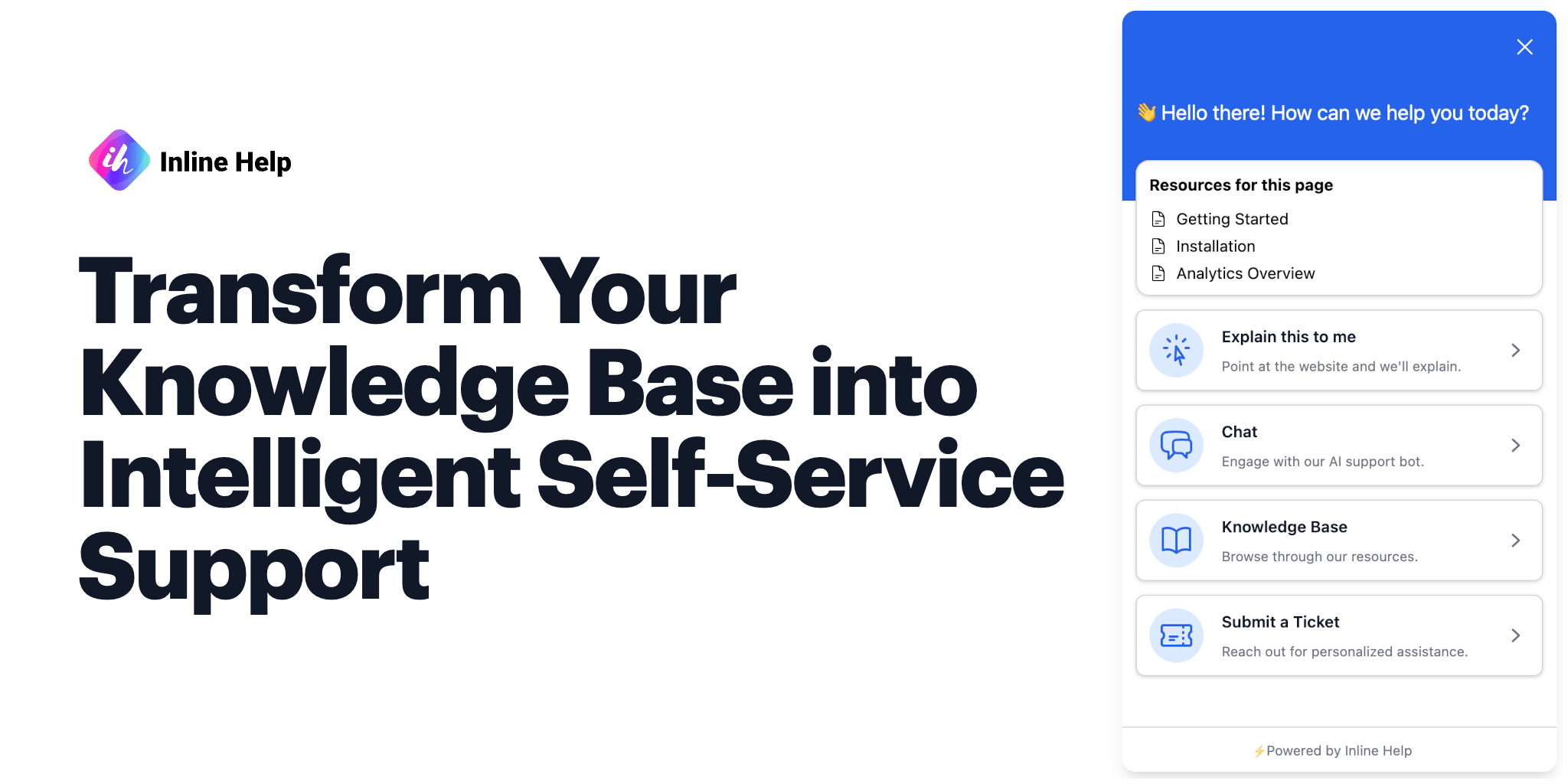
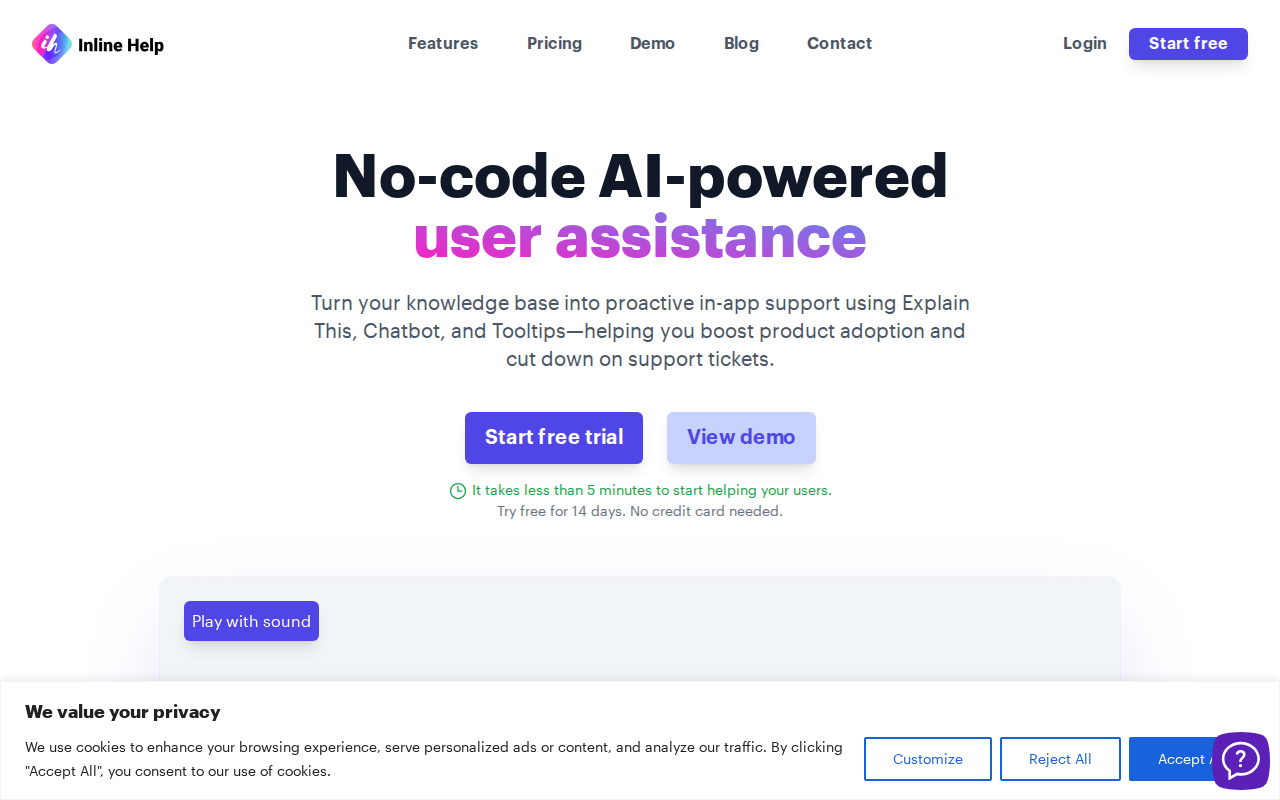
Inline Help provides interactive, in-app customer support, answering questions directly within your application. It proactively guides users, reducing support tickets and improving user onboarding. Unlike traditional documentation or chatbots, Inline Help integrates seamlessly into the user interface, offering context-aware assistance. The platform uses a combination of interactive guides, tooltips, and embedded FAQs to provide immediate solutions. This approach minimizes user friction and maximizes engagement. Businesses benefit from reduced support costs, improved user satisfaction, and increased product adoption. The technology focuses on delivering relevant information at the point of need, making it a valuable tool for SaaS companies and any business aiming to enhance user experience.
Inline Help 's Core features
Interactive Guides
Create step-by-step guides that walk users through complex processes within your application. These guides are interactive, allowing users to progress at their own pace and receive immediate feedback. This feature reduces user confusion and accelerates onboarding, leading to higher product adoption rates. Guides can include interactive elements such as highlighting specific UI components or providing contextual information.
Contextual Tooltips
Display helpful information directly within your application's UI using tooltips. Trigger tooltips based on user actions or specific elements on the page. This feature provides instant answers to common questions and reduces the need for users to navigate away from their current task. Tooltips can be customized with rich text, images, and links to further resources.
Embedded FAQs
Integrate frequently asked questions (FAQs) directly into your application. Users can access answers to common queries without leaving the context of their current task. This feature reduces the volume of support tickets and empowers users to find solutions independently. FAQs can be organized by topic and include search functionality for easy access.
User Segmentation
Target specific user segments with tailored help content. Display different guides, tooltips, and FAQs based on user roles, subscription levels, or other criteria. This feature ensures that users receive the most relevant information based on their individual needs and experience. Segmentation can be implemented using user attributes or behavior data.
Analytics & Reporting
Track the performance of your help content with detailed analytics. Monitor metrics such as guide completion rates, tooltip views, and FAQ interactions. This data provides insights into user behavior and helps you optimize your content for maximum impact. Reports can be generated to identify areas for improvement and measure the effectiveness of your support efforts.
Seamless Integration
Easily integrate Inline Help into your existing application with a simple JavaScript snippet. The platform is designed to be non-intrusive and blends seamlessly with your UI. This allows for quick implementation and minimal disruption to your development workflow. The integration process is straightforward and well-documented, ensuring a smooth setup experience.
How to use Inline Help
- Sign up for an Inline Help account and obtain your unique client API key.,2. Integrate the Inline Help JavaScript snippet into your application's HTML, placing it just before the closing
</body>tag. This snippet loads the necessary client-side code.,3. Use theInlineHelp.load()method in your JavaScript code, passing yourclientApiKeyas a configuration option. This initializes the Inline Help client.,4. Use the Inline Help dashboard to create and manage interactive guides, tooltips, and FAQs. Customize these elements to match your application's design and user needs.,5. Target specific elements within your application to trigger Inline Help content, ensuring relevant assistance is displayed at the appropriate time.,6. Monitor user interactions and analyze performance metrics within the Inline Help dashboard to optimize your content and improve user engagement.
Use cases of Inline Help
Onboarding New Users
A SaaS company uses Inline Help to create interactive guides that walk new users through the key features of their platform. This helps users quickly understand the value of the product and reduces the time it takes to become proficient, leading to higher user retention and satisfaction.
Feature Explanations
An e-commerce platform uses tooltips to explain complex features, such as advanced filtering options or product customization. This helps users understand how to use these features effectively, leading to increased engagement and sales. Tooltips are triggered when users hover over specific UI elements.
Reducing Support Tickets
A financial software company uses embedded FAQs to answer common questions about account management and billing. This empowers users to find answers independently, reducing the volume of support tickets and freeing up support staff to handle more complex issues.
Product Updates
A software company uses Inline Help to announce and explain new features and updates. Interactive guides highlight the changes and guide users through the new functionality. This ensures that users are aware of the latest improvements and can quickly adopt them.
Who benefits from Inline Help
SaaS Companies
SaaS companies benefit from Inline Help by improving user onboarding, reducing support costs, and increasing product adoption. The platform helps them deliver in-app guidance, leading to higher customer satisfaction and retention rates. It's a cost-effective solution for providing proactive support.
E-commerce Businesses
E-commerce businesses can use Inline Help to explain complex features, guide users through the checkout process, and answer common questions. This improves the user experience, increases conversion rates, and reduces cart abandonment. It helps customers find the information they need quickly.
Software Developers
Software developers can integrate Inline Help into their applications to provide context-aware help and documentation. This reduces the need for external documentation and improves the overall user experience. It allows developers to provide in-app support and guidance.
Customer Support Teams
Customer support teams can leverage Inline Help to reduce the volume of support tickets and improve the efficiency of their support operations. By providing in-app self-service options, they can free up their time to handle more complex issues and provide better support.
Pricing of Inline Help
Paid plans available. Specific pricing details are not available on the landing page. Users are encouraged to contact the sales team for custom pricing.