Helm
Kubernetes Package Manager
Free
Support platforms
web
What is Helm
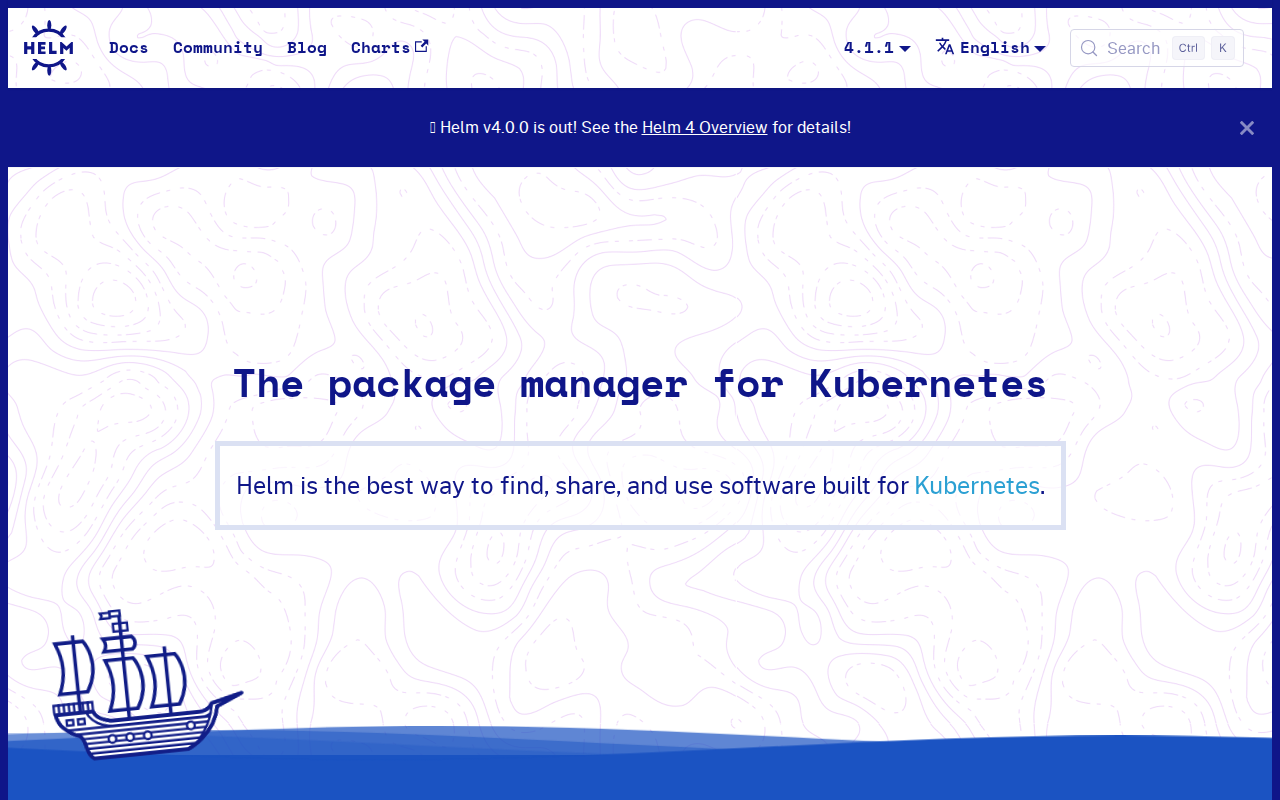
Helm is the package manager for Kubernetes, simplifying the deployment and management of applications on Kubernetes clusters. It allows users to define, install, and upgrade even the most complex Kubernetes applications using Helm Charts. These charts are easy to create, version, share, and publish, eliminating the need for manual configuration and repetitive tasks. Unlike manual deployments or scripting, Helm provides a centralized and repeatable approach to application management, ensuring consistency and reducing errors. It's a graduated project in the CNCF and is maintained by a vibrant community, offering features like in-place upgrades, custom hooks, and easy rollbacks. Helm is ideal for developers, DevOps engineers, and anyone managing applications on Kubernetes, streamlining deployments and improving efficiency.
Helm 's Core features
Simplified Application Deployment
Helm simplifies the deployment of applications on Kubernetes by packaging them into charts. These charts contain all the necessary Kubernetes resources (Deployments, Services, ConfigMaps, etc.) and their configurations. This eliminates the need for manual configuration and reduces the risk of errors, making deployments faster and more reliable. Helm charts are reusable and shareable, promoting consistency across deployments.
Chart Versioning and Sharing
Helm supports chart versioning, allowing users to track changes and manage different versions of their applications. Charts can be shared and hosted on public or private repositories, enabling collaboration and reuse. This versioning system ensures that deployments are reproducible and that updates can be rolled back if necessary, providing a robust management system.
Easy Upgrades and Rollbacks
Helm provides in-place upgrades and easy rollbacks, making it simple to update applications and revert to previous versions. The `helm upgrade` command allows users to update a release to a newer version of a chart or to apply configuration changes. The `helm rollback` command allows users to revert to a previous release version, minimizing downtime and ensuring stability.
Custom Hooks
Helm supports custom hooks, which allow users to execute custom actions during the lifecycle of a release. These hooks can be used to perform tasks such as database migrations, data initialization, or cleanup operations. This provides flexibility and allows users to integrate Helm with their existing workflows and automate complex deployment processes.
Template-Based Configuration
Helm uses a templating engine (Go templating) to allow for dynamic configuration of Kubernetes resources. This enables users to customize deployments based on environment variables, user inputs, or other data sources. This flexibility allows for the creation of reusable charts that can be adapted to different environments and use cases.
Dependency Management
Helm supports dependency management, allowing charts to depend on other charts. This enables users to create complex applications by combining multiple charts. Helm handles the installation and management of dependencies, simplifying the deployment of applications that rely on other services or components.
How to use Helm
- Install Helm: Download the Helm client from the official website (https://helm.sh/docs/install/) and follow the instructions for your operating system (e.g., using a package manager like
brew install helmon macOS).,2. Initialize Helm: Initialize Helm in your Kubernetes cluster by runninghelm init(orhelm install --create-namespace --namespace kube-system helm-install helm/helm-installfor newer versions). This installs Tiller (Helm's server-side component) in your cluster (note: Tiller is deprecated in Helm 3).,3. Add a Chart Repository: Add a chart repository to Helm to access pre-built charts. For example, add the stable repository:helm repo add stable https://charts.helm.sh/stable.,4. Search for Charts: Search for available charts usinghelm search repo <keyword>to find applications you want to deploy (e.g.,helm search repo nginx).,5. Install a Chart: Install a chart usinghelm install <release-name> <chart-name> --values <values.yaml>. Replace<release-name>with a name for your deployment,<chart-name>with the chart name (e.g., stable/nginx), and optionally specify avalues.yamlfile to customize the deployment.,6. Manage Releases: Use commands likehelm listto view deployed releases,helm upgradeto update releases, andhelm rollbackto revert to previous versions.
Use cases of Helm
Deploying Web Applications
Developers can use Helm to package and deploy web applications (e.g., WordPress, Nginx) on Kubernetes. They define the application's resources (Deployments, Services, etc.) in a Helm chart, making it easy to install, configure, and update the application across different Kubernetes clusters. This streamlines the deployment process and ensures consistency.
Managing Database Deployments
DevOps engineers can use Helm to deploy and manage databases (e.g., MySQL, PostgreSQL) on Kubernetes. Helm charts provide a standardized way to configure and deploy databases, including setting up persistent volumes, configuring access controls, and managing backups. This simplifies database management and reduces the risk of errors.
Deploying Microservices
Teams building microservices architectures can use Helm to deploy and manage individual microservices as separate charts. This allows for independent scaling, updating, and rolling back of each service. Helm simplifies the orchestration of microservices and ensures that they are deployed and configured consistently.
Automated CI/CD Pipelines
Software engineers can integrate Helm into their CI/CD pipelines to automate the deployment of applications to Kubernetes. Helm charts can be used to define the application's deployment configuration, and Helm commands can be used to install, upgrade, and rollback releases. This enables automated deployments and reduces the time and effort required to deploy applications.
Who benefits from Helm
Developers
Developers benefit from Helm by simplifying the deployment and management of their applications on Kubernetes. Helm charts allow developers to package their applications and their dependencies into reusable units, reducing the complexity of deployments and improving consistency.
DevOps Engineers
DevOps engineers use Helm to automate and streamline the deployment and management of applications on Kubernetes. Helm provides features like versioning, rollbacks, and easy upgrades, which improve the reliability and efficiency of deployments and reduce operational overhead.
System Administrators
System administrators can leverage Helm to manage Kubernetes clusters and the applications running on them. Helm simplifies the deployment and configuration of applications, making it easier to maintain and scale Kubernetes environments. It also provides tools for monitoring and troubleshooting deployments.
Cloud Architects
Cloud architects use Helm to design and implement Kubernetes-based solutions. Helm allows them to define and manage complex application deployments, ensuring that applications are deployed and configured consistently across different environments. This helps to improve the scalability, reliability, and portability of cloud-native applications.
Pricing of Helm
Helm is open-source and free to use under the Apache 2.0 license. There are no associated costs for using the Helm client or the Helm chart repository.