Three.js – JavaScript 3D Library
JavaScript 3D Graphics Library
Free
Support platforms
web
What is Three.js – JavaScript 3D Library
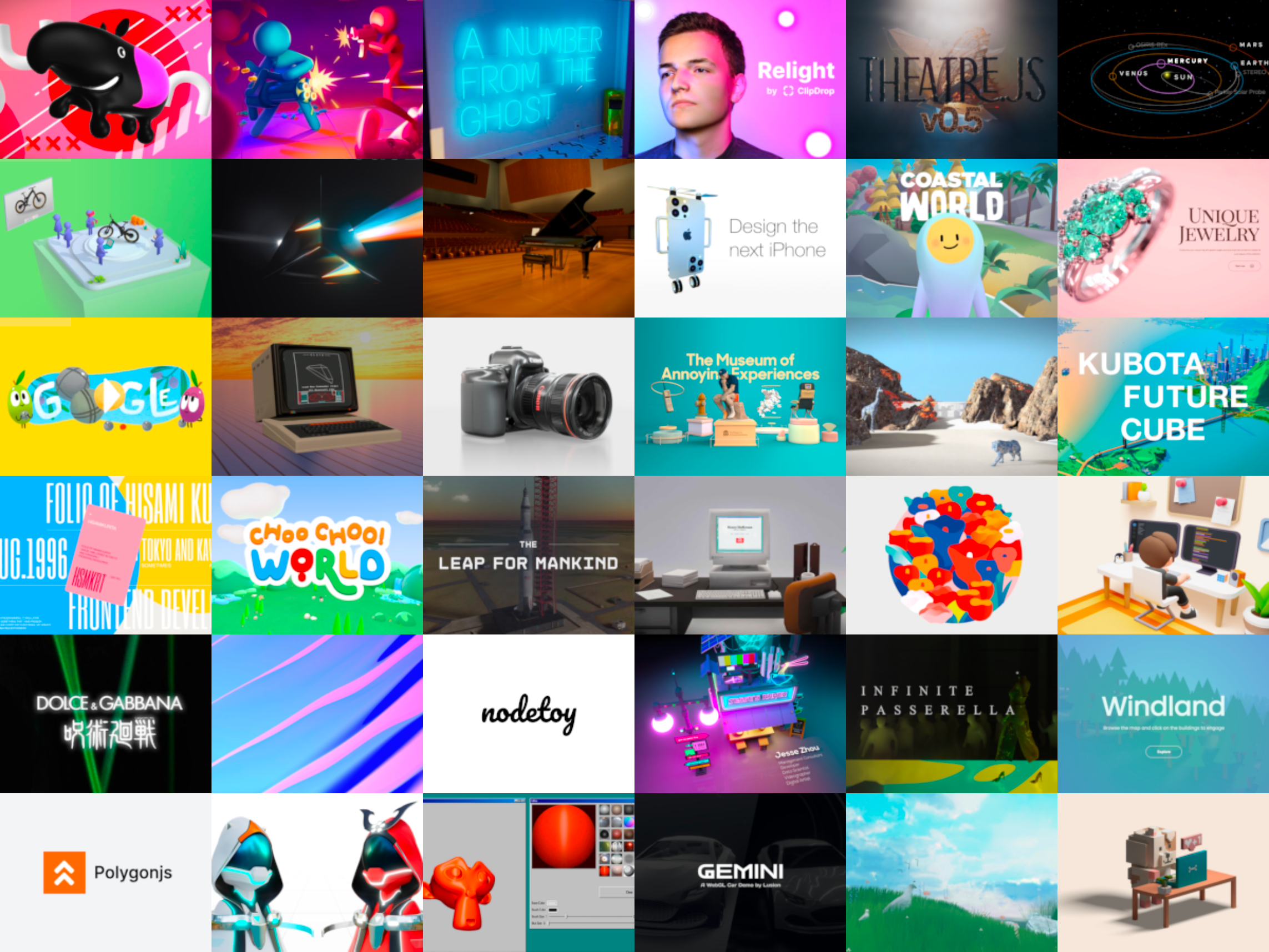
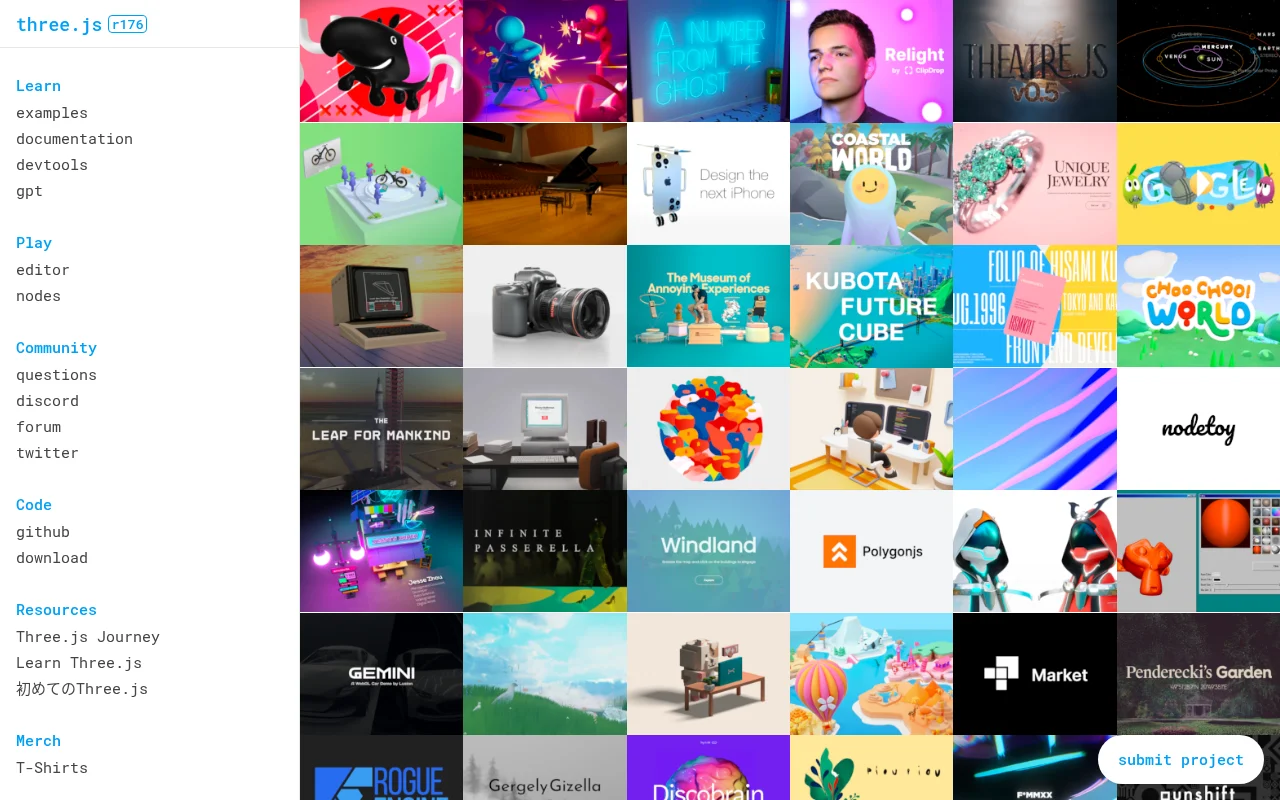
Three.js is a JavaScript library that simplifies the creation and display of 3D computer graphics in a web browser. It provides a high-level API for rendering 3D scenes using WebGL, without requiring developers to write low-level WebGL code directly. The core value proposition is to make 3D graphics accessible to web developers. Unlike other 3D libraries that may focus on specific game engines or require extensive setup, Three.js offers a flexible and lightweight solution. It uses a scene graph structure for organizing objects, supports various renderers (WebGL, Canvas, SVG), and includes a wide range of materials, geometries, and utilities. Web developers, game developers, and designers benefit from Three.js by enabling them to create interactive 3D experiences, visualizations, and animations directly within web pages.
Three.js – JavaScript 3D Library 's Core features
WebGL Abstraction
Three.js abstracts away the complexities of WebGL, allowing developers to create 3D graphics without writing low-level shader code. This abstraction simplifies the development process, making it easier to create and deploy 3D content across different browsers and devices. It handles browser compatibility issues and optimizes rendering performance, enabling developers to focus on the creative aspects of 3D design.
Scene Graph Management
The library uses a scene graph structure to organize 3D objects. This hierarchical structure allows for efficient management of complex scenes. Developers can easily group objects, apply transformations (translation, rotation, scaling) to groups, and manage the relationships between objects. This simplifies scene manipulation and improves performance by optimizing rendering order.
Diverse Material Support
Three.js supports a wide range of materials, including basic, Lambert, Phong, and physical materials. These materials define how objects interact with light, allowing for realistic and visually appealing rendering. Developers can customize material properties such as color, texture, reflectivity, and shininess to achieve a variety of visual effects. This flexibility is crucial for creating diverse 3D scenes.
Extensive Geometry Options
The library provides a variety of built-in geometries, such as cubes, spheres, and cylinders, as well as the ability to import custom 3D models. This allows developers to quickly create basic shapes and complex models. Support for various file formats (e.g., OBJ, GLTF) enables the integration of assets created in external 3D modeling software, expanding the range of possible 3D content.
Animation and Interaction
Three.js includes tools for creating animations and interactive experiences. Developers can animate object properties over time using built-in animation libraries or integrate with external animation tools. Support for user input (mouse, keyboard, touch) allows for interactive control of 3D scenes, enabling the creation of games, simulations, and interactive visualizations. This interactivity enhances user engagement and immersion.
Cross-Browser Compatibility
Three.js is designed to work across different web browsers and devices. It handles browser-specific differences and provides a consistent API, ensuring that 3D content renders correctly on various platforms. This cross-browser compatibility simplifies development and deployment, allowing developers to reach a wider audience without needing to write platform-specific code.
Community and Ecosystem
Three.js has a large and active community, providing extensive documentation, examples, and support. The library's popularity has led to the development of numerous tools, extensions, and resources, including model viewers, editors, and tutorials. This robust ecosystem makes it easier for developers to learn, troubleshoot, and extend the functionality of Three.js.
How to use Three.js – JavaScript 3D Library
- Include the Three.js library in your HTML file using a
<script>tag, referencing the CDN or a local copy of thethree.jsfile.,2. Create ascene,camera, andrendererobjects. The scene holds all the 3D objects, the camera defines the viewpoint, and the renderer handles the actual rendering.,3. Define the camera's position and orientation using itspositionandlookAt()methods. For example,camera.position.z = 5;.,4. Create 3D objects (e.g., cubes, spheres, custom models) using geometries and materials. For example,const geometry = new THREE.BoxGeometry(1, 1, 1);andconst material = new THREE.MeshBasicMaterial({ color: 0xff0000 });.,5. Add the objects to the scene usingscene.add(object);.,6. Animate the scene using a render loop that updates the objects' properties (e.g., rotation, position) and callsrenderer.render(scene, camera);to redraw the scene in each frame.
Use cases of Three.js – JavaScript 3D Library
Interactive Product Visualization
E-commerce businesses use Three.js to create interactive 3D models of products. Customers can rotate, zoom, and explore products from all angles, improving the shopping experience and increasing conversion rates. For example, a furniture retailer can allow customers to visualize a sofa in their living room before purchase.
Data Visualization
Data scientists and analysts use Three.js to visualize complex datasets in 3D. They can create interactive charts, graphs, and maps to explore data patterns and insights. For example, a financial analyst can visualize stock market data in a 3D interactive chart to identify trends.
Game Development
Game developers use Three.js to create web-based 3D games. The library provides the necessary tools for rendering 3D environments, handling user input, and implementing game logic. For example, indie game developers can create browser-based games with realistic graphics and interactive gameplay.
Architectural Visualization
Architects and designers use Three.js to create interactive 3D models of buildings and spaces. Clients can explore the designs in a virtual environment, providing a better understanding of the project. For example, an architect can create a 3D walkthrough of a new house design.
Educational Simulations
Educators use Three.js to create interactive simulations and educational tools. Students can explore complex concepts in a visual and engaging way. For example, a science teacher can create a 3D model of the solar system for students to interact with.
Who benefits from Three.js – JavaScript 3D Library
Web Developers
Web developers benefit from Three.js by enabling them to add 3D graphics and interactive experiences to their websites and web applications. It simplifies the process of creating 3D content, allowing developers to focus on functionality and user experience rather than low-level graphics programming.
Game Developers
Game developers use Three.js to create web-based 3D games. The library provides the necessary tools for rendering 3D environments, handling user input, and implementing game logic, allowing them to create engaging and interactive gaming experiences within a web browser.
Designers and Artists
Designers and artists use Three.js to create interactive 3D visualizations, animations, and presentations. They can showcase their work in a more engaging and immersive way, allowing clients and audiences to explore their designs and concepts in a 3D environment.
Educators and Students
Educators and students use Three.js to create interactive simulations and educational tools. It provides a platform for visualizing complex concepts in a 3D environment, making learning more engaging and accessible across various subjects like science, mathematics, and engineering.
Pricing of Three.js – JavaScript 3D Library
Open Source (MIT License). Free to use, modify, and distribute, including for commercial purposes. No associated costs or subscription fees.