GSAP
JavaScript Animation Library
Freemium
Support platforms
web
What is GSAP
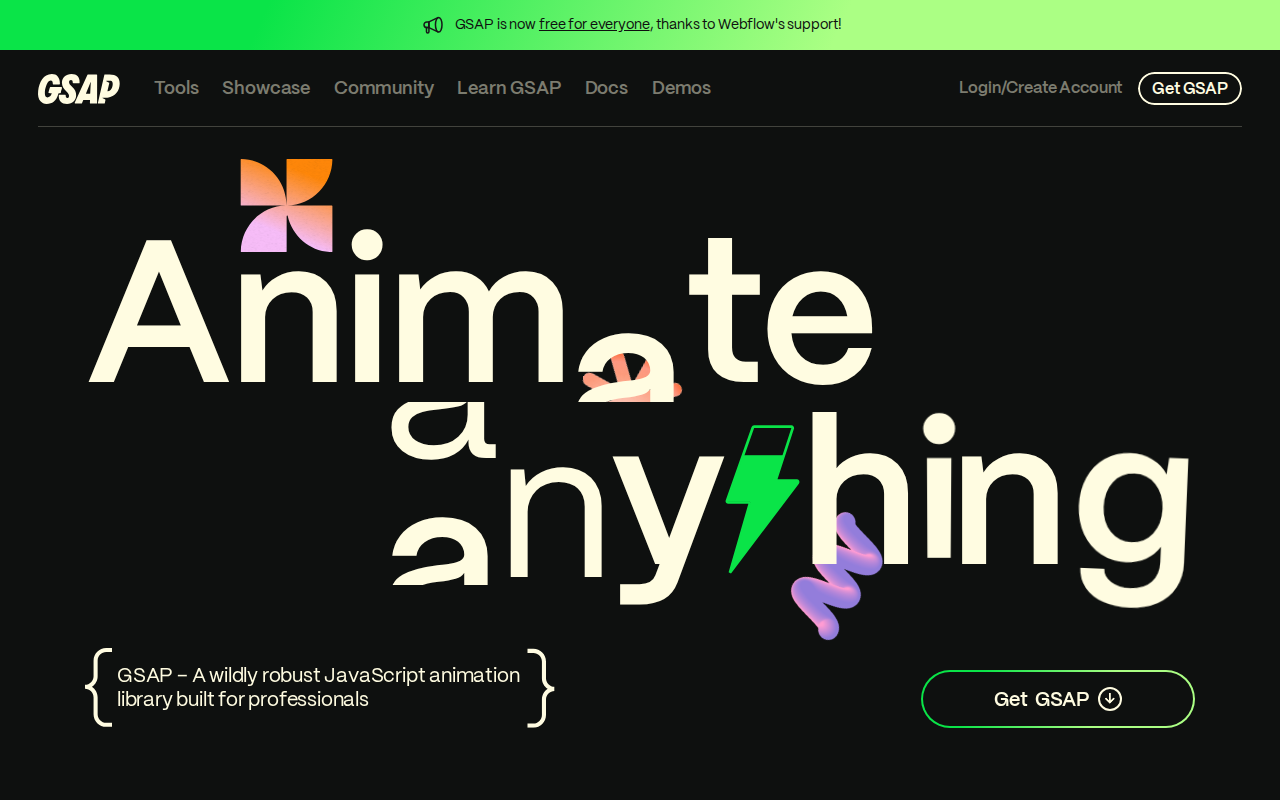
GSAP (GreenSock Animation Platform) is a robust JavaScript library for creating high-performance animations for the web. It excels at animating virtually anything JavaScript can touch, from CSS properties and SVG attributes to React components and canvas elements. Unlike many animation libraries, GSAP focuses on performance and flexibility, offering granular control over animations and a vast plugin ecosystem for advanced effects. Its core value lies in simplifying complex animations, ensuring smooth playback, and providing cross-browser compatibility. GSAP stands out from alternatives by its unparalleled performance, extensive feature set, and a large community. It uses a highly optimized animation engine that minimizes repaints and reflows, resulting in smoother animations. Developers, designers, and front-end engineers benefit most from GSAP, as it empowers them to build engaging and performant web experiences.
GSAP 's Core features
High-Performance Animation Engine
GSAP's core engine is highly optimized to minimize browser repaints and reflows, resulting in smoother animations. It uses techniques like property caching and efficient DOM manipulation. Benchmarks often show GSAP outperforming other animation libraries by 20-50% in terms of frame rate and CPU usage, especially for complex animations involving multiple elements and properties.
Extensive Plugin Ecosystem
GSAP offers a wide range of plugins that extend its capabilities. These plugins handle complex tasks such as animating along paths (MotionPathPlugin), creating scroll-triggered animations (ScrollTrigger), and managing responsive layouts (SplitText). This modular design allows developers to add functionality as needed, reducing the overall bundle size if only core features are required.
Cross-Browser Compatibility
GSAP ensures consistent animation behavior across all modern browsers, including Chrome, Firefox, Safari, Edge, and even older versions of Internet Explorer (with the appropriate polyfills). It handles browser-specific quirks and inconsistencies, saving developers time and effort in testing and debugging.
Timeline Control
GSAP's timeline feature allows developers to orchestrate complex animation sequences with precise control over timing, sequencing, and synchronization. Timelines can nest other timelines and tweens, making it easy to create intricate animations. This is particularly useful for creating interactive storytelling experiences or complex UI transitions.
Ease Functions
GSAP provides a rich set of ease functions (e.g., `power1.inOut`, `bounce.out`, `elastic.in`) that control the rate of change of an animation over time. These easing functions allow developers to create more natural and visually appealing animations. Custom ease functions can also be defined to achieve unique animation behaviors.
Robust API
GSAP boasts a comprehensive and well-documented API, making it easy for developers to learn and use. The API provides methods for controlling animations, such as pausing, resuming, reversing, and seeking to specific points in the animation. The API's flexibility allows for dynamic animation control based on user interactions or data changes.
How to use GSAP
- Include the GSAP core library and any necessary plugins in your HTML file via CDN or local files.,2. Create a timeline or use individual tweens to define your animation sequences. For example,
gsap.to(".element", {duration: 1, x: 100});animates an element's horizontal position.,3. Customize animations using various properties likeduration,delay,ease, andstaggerto control timing and effects.,4. Utilize GSAP's plugin system for advanced animations, such as ScrollTrigger for scroll-based animations or MotionPath for animating along paths.,5. Optimize performance by using theforce3D: trueproperty for hardware acceleration on 3D transforms.,6. Test your animations across different browsers and devices to ensure consistent behavior and performance.
Use cases of GSAP
Interactive Website Navigation
Web developers use GSAP to create smooth and engaging transitions between website sections. When a user clicks a navigation link, GSAP animates the content, providing a visually appealing and intuitive user experience. This improves user engagement and reduces bounce rates.
Animated UI Components
Front-end developers use GSAP to animate UI elements like buttons, forms, and modals. For example, a button can smoothly scale up on hover, or a modal can slide in from the side. This adds visual polish and improves the overall usability of the interface.
Scroll-Triggered Animations
Designers and developers use GSAP's ScrollTrigger plugin to create animations that respond to the user's scrolling behavior. Elements can fade in, slide in, or change their appearance as the user scrolls down the page, creating a dynamic and immersive storytelling experience.
Data Visualization
Data scientists and web developers use GSAP to animate charts and graphs, making data more engaging and easier to understand. For example, bars in a bar chart can animate to their final values, or lines in a line graph can trace their paths over time.
Who benefits from GSAP
Front-End Developers
Front-end developers need GSAP to create engaging and performant animations for websites and web applications. It simplifies complex animation tasks, provides cross-browser compatibility, and offers a wide range of features to enhance user interfaces and interactions.
Web Designers
Web designers use GSAP to bring their creative visions to life with smooth and visually appealing animations. It allows them to create dynamic and interactive experiences that enhance the user's engagement and overall impression of the website.
UI/UX Engineers
UI/UX engineers leverage GSAP to build interactive and intuitive user interfaces. They can create animations for transitions, feedback, and micro-interactions, improving the usability and aesthetics of web applications.
Interactive Storytellers
Interactive storytellers use GSAP to create immersive and engaging narratives on the web. They can use GSAP's animation capabilities to control the flow of information and create dynamic visual experiences that captivate the audience.
Pricing of GSAP
GSAP is free for commercial use under the standard MIT license. Premium plugins and Club GreenSock membership offer advanced features and support, with various pricing tiers depending on the features required.