Open WebUI: Self-Hosted AI Platform
Self-Hosted AI Interface
Free
Support platforms
web
Tool tags
What is Open WebUI: Self-Hosted AI Platform
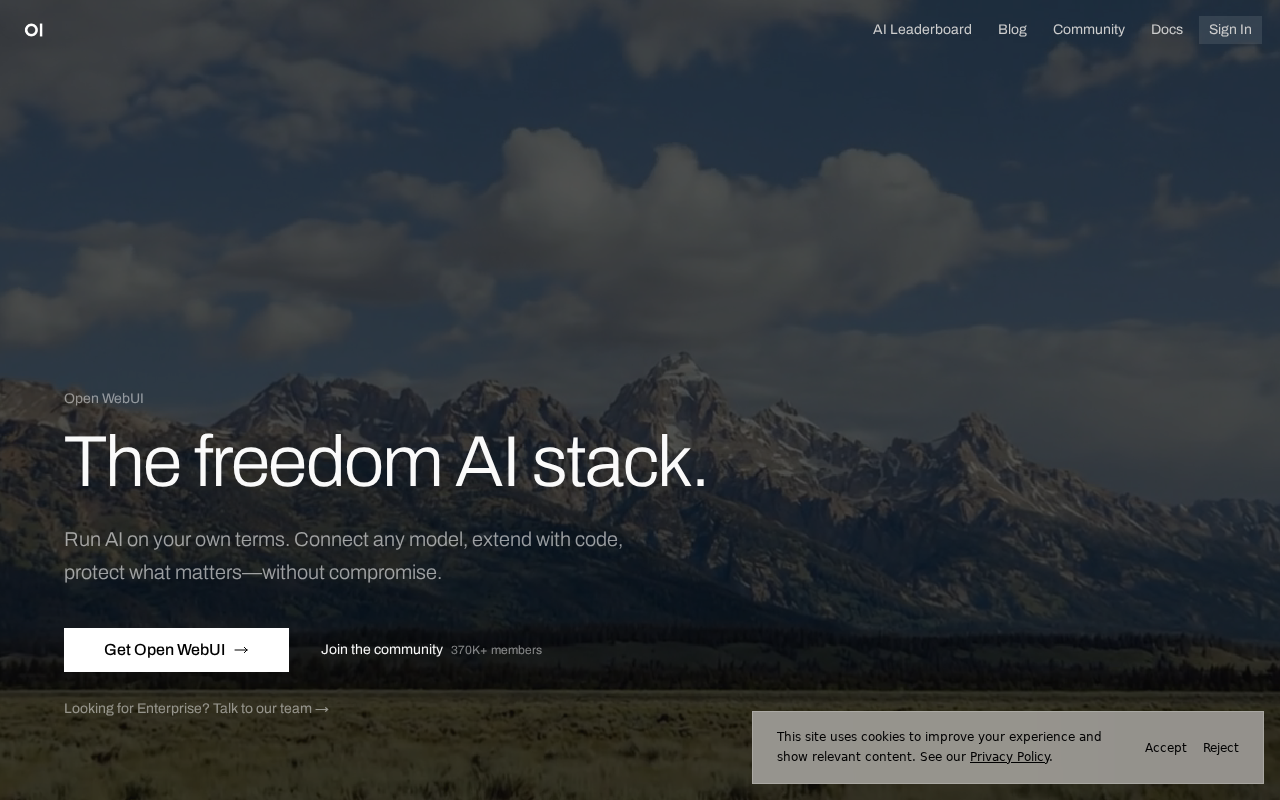
Open WebUI is a self-hosted platform designed to give users complete control over their AI interactions. It allows you to connect to various AI models, including local and cloud-based options like Ollama, OpenAI, and Anthropic. The platform emphasizes data privacy by keeping your data within your infrastructure. Users can extend functionality with Python scripts and share their creations within a large community. Unlike proprietary AI interfaces, Open WebUI offers flexibility and customization, empowering users to tailor their AI experience. It's built for developers, researchers, and anyone seeking a private and extensible AI environment.
Open WebUI: Self-Hosted AI Platform 's Core features
Self-Hosted AI Platform
Open WebUI allows users to run AI models on their own infrastructure, ensuring data privacy and control. This contrasts with cloud-based services, where data is processed on external servers. This self-hosting capability is particularly beneficial for users handling sensitive data or those prioritizing data sovereignty. It supports various models, including local and cloud-based options.
Model Agnostic Connectivity
Open WebUI supports a wide range of AI models, including Ollama, OpenAI, and Anthropic. This flexibility allows users to choose the best model for their needs without being locked into a single provider. The platform's architecture facilitates easy integration of new models, expanding the available options over time. This is a key differentiator from platforms that limit model choices.
Python Scripting for Extension
Users can extend Open WebUI's functionality using Python scripts. This allows for custom integrations, data processing, and workflow automation. This feature empowers users to tailor the platform to their specific requirements, creating custom AI applications and workflows. This is a significant advantage for developers and researchers who need flexibility.
Community-Driven Resources
Open WebUI fosters a vibrant community where users share prompts, models, tools, and discussions. This collaborative environment provides access to a wealth of resources, accelerating learning and development. The community-driven approach ensures continuous improvement and a diverse range of contributions, making it a valuable resource for users of all levels.
User-Friendly Interface
Open WebUI provides an intuitive and easy-to-use interface for interacting with AI models. This simplifies the process of connecting to models, managing conversations, and exploring community resources. The user-friendly design makes the platform accessible to both technical and non-technical users, promoting wider adoption and ease of use.
How to use Open WebUI: Self-Hosted AI Platform
- Installation: Choose your preferred installation method (Docker, manual installation). For Docker, run
docker run -d -p 3000:3000 --name openwebui --restart always ghcr.io/open-webui/openwebui:latest.,2. Access the Interface: Open your web browser and navigate tohttp://localhost:3000(or the port you specified during Docker setup).,3. Model Connection: Connect to your desired AI model. Configure the model endpoint and any necessary API keys within the Open WebUI interface.,4. Explore the Community: Browse the community for prompts, models, and tools to enhance your AI interactions.,5. Customize with Python: Integrate Python scripts to extend functionality and tailor the platform to your specific needs.,6. Start Chatting: Begin interacting with your chosen AI model through the Open WebUI interface.
Use cases of Open WebUI: Self-Hosted AI Platform
Personal AI Assistant
A user can set up Open WebUI with a local LLM to create a personalized AI assistant. They can use it for tasks like summarizing documents, generating creative content, or answering questions. This provides a private and customizable AI experience, free from data privacy concerns.
Research and Development
Researchers can use Open WebUI to experiment with different AI models and configurations. They can connect to various models, analyze their performance, and develop custom scripts for data processing and analysis. This allows for controlled experimentation and rapid prototyping.
Educational Tool
Educators can use Open WebUI to create interactive learning experiences. They can integrate AI models into educational applications, providing students with personalized learning support and feedback. This enhances the learning process and provides students with access to AI tools.
Data Privacy and Security
Organizations can use Open WebUI to ensure data privacy and security. By self-hosting the platform, they can keep sensitive data within their infrastructure, reducing the risk of data breaches and ensuring compliance with data privacy regulations. This is crucial for industries that handle sensitive information.
Who benefits from Open WebUI: Self-Hosted AI Platform
AI Enthusiasts
Individuals interested in experimenting with AI models and exploring the capabilities of AI technology. They want to try different models and customize their experience without relying on external services.
Developers
Developers looking to build AI-powered applications and integrate AI models into their projects. They need a flexible and extensible platform to customize and integrate AI functionality.
Researchers
Researchers working on AI-related projects and needing a platform to experiment with different models, analyze their performance, and develop custom scripts. They need a controlled environment for their research.
Privacy-Conscious Users
Users who prioritize data privacy and want to keep their data within their own infrastructure. They need a self-hosted solution to ensure control over their data and comply with data privacy regulations.
Pricing of Open WebUI: Self-Hosted AI Platform
Open Source (MIT License). Free to use.