Web Design Museum
Digital UI/UX History Archive
Free
Support platforms
web

What is Web Design Museum
The Web Design Museum is a curated digital archive preserving the evolution of web aesthetics, interaction design, and software development from the 1990s to the late 2000s. Unlike general web crawlers like the Wayback Machine, this platform provides a structured, thematic exhibition of over 2,000+ high-fidelity screenshots and videos. It serves as a critical reference for designers and developers to study historical UI patterns, Flash-based interactivity, and the transition from skeuomorphic to flat design. By categorizing content by era, color, and technology, it enables researchers to analyze the technical constraints and creative breakthroughs that shaped modern web standards.
Web Design Museum 's Core features
Thematic Design Exhibitions
The platform organizes thousands of assets into curated collections based on design movements, such as 'The Era of Flash' or 'Web 2.0 Aesthetics.' This structured approach allows users to compare UI/UX patterns across different time periods, providing a clearer understanding of how technical limitations—like low bandwidth and browser incompatibility—dictated design choices in the early internet era.
Flash Game Preservation
The museum maintains a dedicated archive of interactive Flash content, which is otherwise largely inaccessible due to the deprecation of the Adobe Flash Player. By providing video captures and technical context, it preserves the interactive design paradigms that defined early 2000s web gaming, serving as a vital resource for game developers and historians studying the roots of browser-based interactivity.
Chronological UI Timeline
The interactive timeline allows users to visualize the progression of web design from 1991 to the present. By mapping specific design milestones to their respective years, developers can trace the adoption of technologies like CSS, JavaScript, and responsive design, helping them understand the historical context behind modern front-end development practices and standard browser behaviors.
High-Fidelity Visual Archive
Unlike automated snapshots that often break due to missing CSS or assets, the museum provides manually curated, high-resolution visual records. This ensures that the design intent, color palettes, and layout structures are accurately preserved, allowing designers to perform precise visual audits of legacy interfaces without the technical noise associated with raw web crawls.
Technical Design Analysis
Beyond visual storage, the museum offers editorial content that analyzes the 'why' behind design trends. It breaks down the technical constraints of the time, such as table-based layouts and image-slicing techniques, providing a pedagogical resource for modern developers to appreciate the evolution of web standards and the shift toward semantic HTML and accessibility-first design.
How to use Web Design Museum
Navigate to webdesignmuseum.org and use the 'Exhibitions' menu to browse by specific eras or design trends.,Utilize the 'Search' bar to query specific legacy software, websites, or design elements like 'Flash games' or 'skeuomorphism'.,Click on any thumbnail to view high-resolution screenshots or embedded video demonstrations of the original interface.,Use the 'Timeline' feature to filter visual data by specific years to track the evolution of a particular brand or UI pattern.,Reference the 'Web Design History' blog section for deep-dive technical analysis on how specific design trends were implemented.
Use cases of Web Design Museum
UX Research and Benchmarking
UX designers use the archive to study the evolution of navigation patterns and interaction models. By analyzing how early sites handled complex information architecture, they can identify timeless usability principles and avoid repeating historical design failures in modern projects.
Brand Identity Evolution
Brand managers and historians use the museum to track the visual identity of major tech companies over decades. This helps in understanding how corporate branding has adapted to changing screen resolutions, device types, and shifting aesthetic trends from the 90s to today.
Educational Curriculum Development
Design educators utilize the museum as a primary source for teaching web history. It provides students with concrete examples of how browser limitations influenced creative output, bridging the gap between theoretical design history and practical front-end development.
Who benefits from Web Design Museum
UI/UX Designers
Need to understand the history of design patterns to inform modern interface decisions and gain inspiration from past creative solutions that were constrained by early web technology.
Front-End Developers
Require context on how web standards evolved, helping them appreciate modern CSS/JS capabilities by comparing them against the complex workarounds used in the 90s and 2000s.
Digital Historians
Focus on the preservation of digital culture and the documentation of the internet's formative years, requiring a reliable, curated repository of visual assets.
Pricing of Web Design Museum
The Web Design Museum is a free-to-access, non-profit digital archive. No subscription or payment is required to view the full collection.
More similar tools like Web Design Museum
Mobbin
Mobbin is a design inspiration tool that helps teams and enterprises discover real-world design patterns.

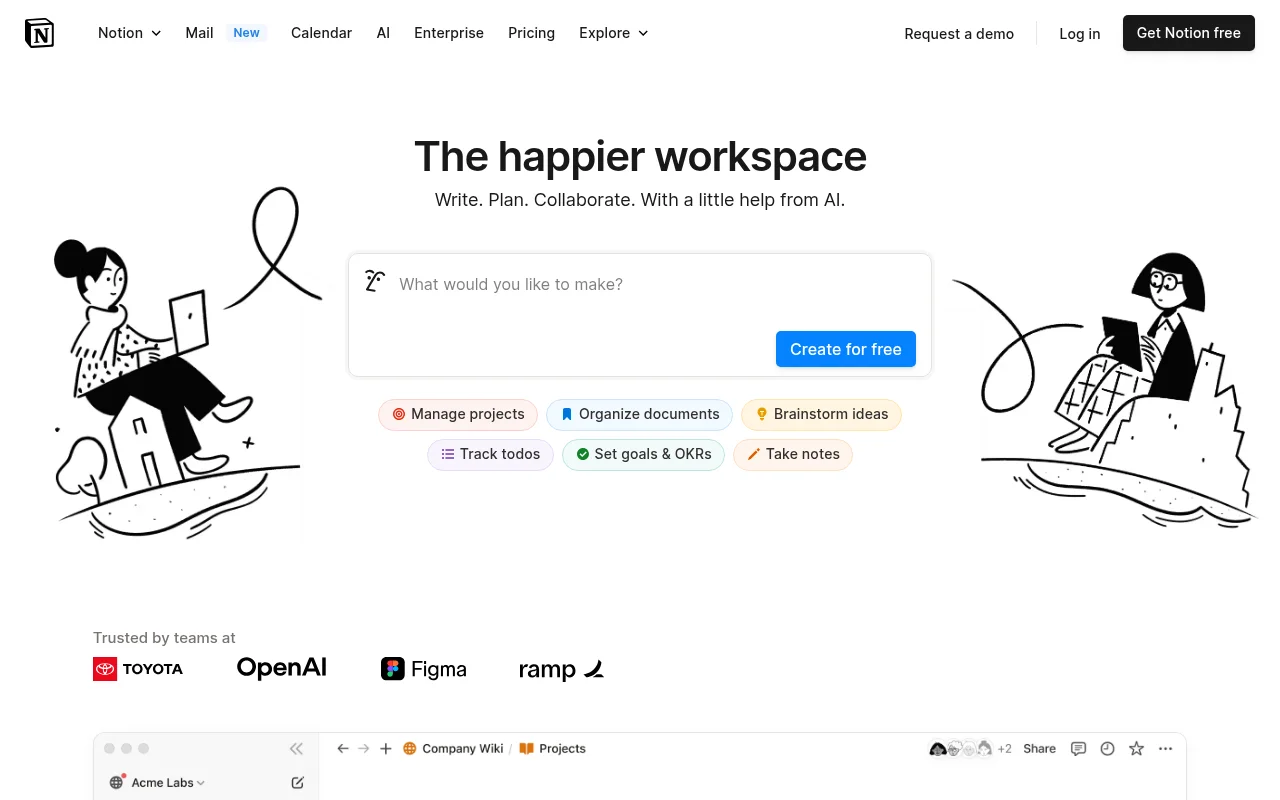
Notion
Notion is an all-in-one workspace that combines notes, docs, wikis, and more into a single collaborative platform.

Trello
Trello is a collaboration and project management tool that helps teams capture, organize, and tackle their to-dos from anywhere.