ScreensDesign
Curated iOS UI Design Library
Freemium
Support platforms
web
What is ScreensDesign
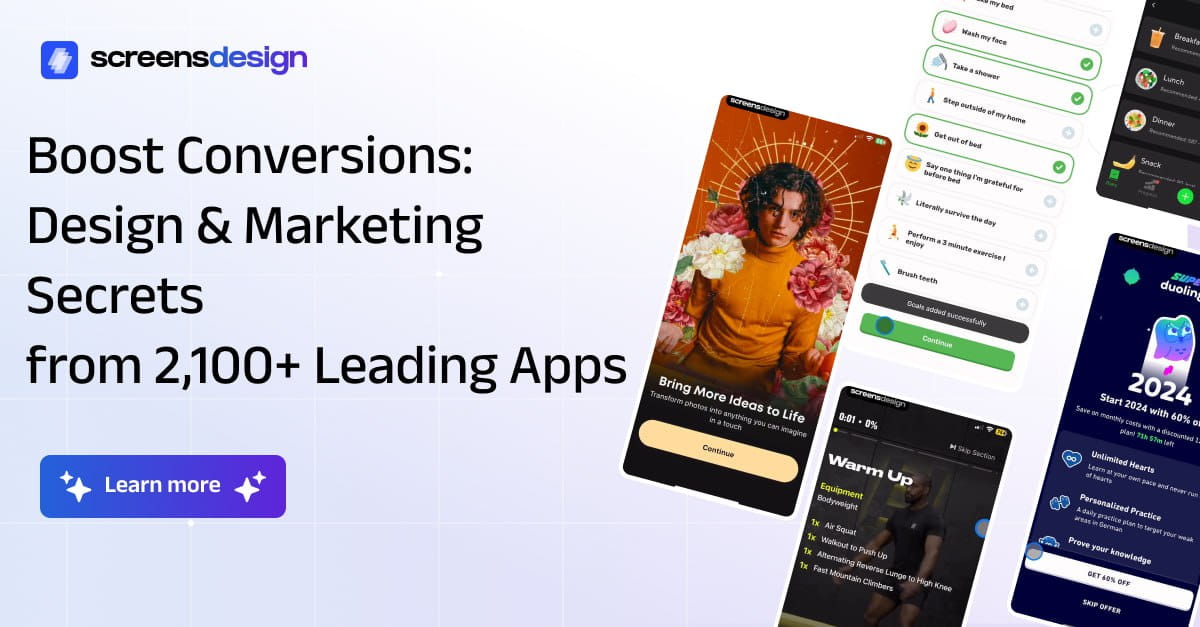
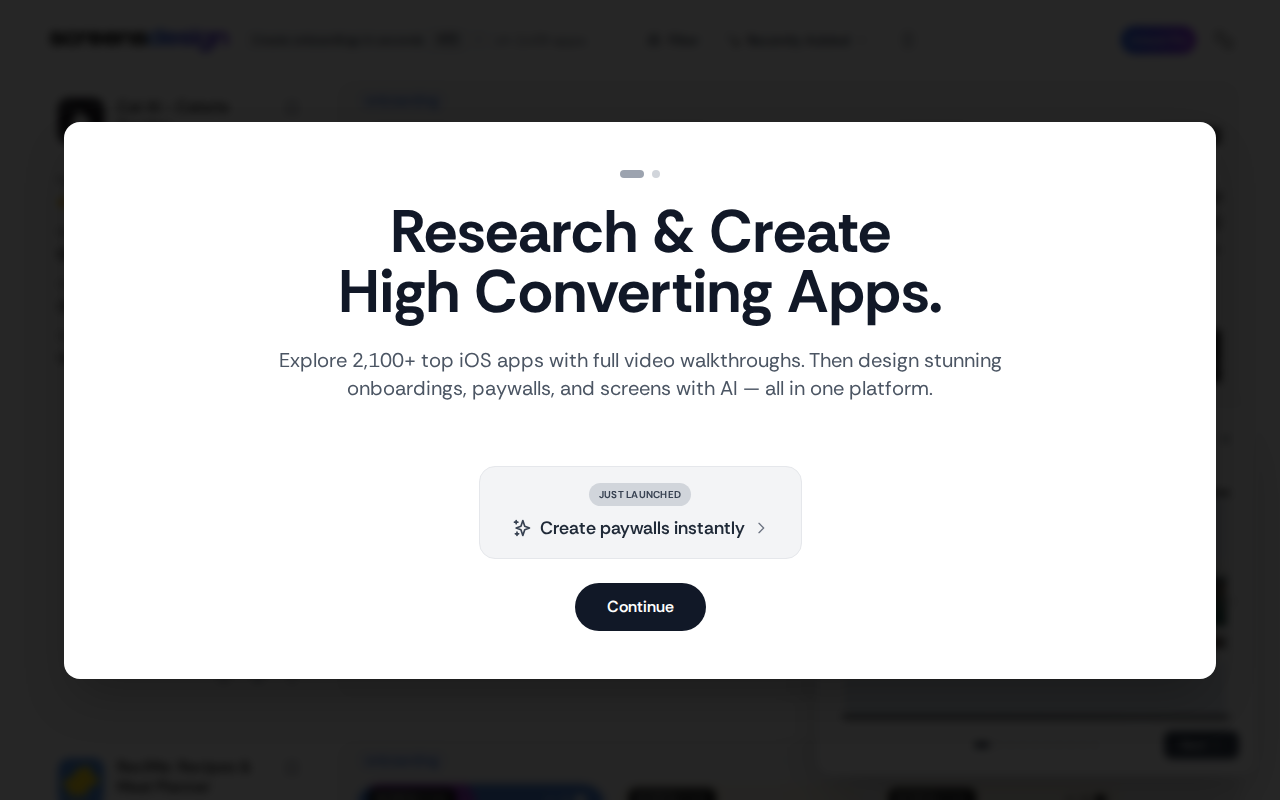
ScreensDesign is a high-fidelity visual database specifically curated for iOS mobile application designers and developers. Unlike generic design platforms, it focuses exclusively on native iOS patterns, providing a structured repository of screenshots categorized by app flow, component, and interaction. It serves as a visual reference tool to accelerate the design-to-development pipeline by offering real-world examples of Apple Human Interface Guidelines implementation. The platform is optimized for rapid pattern discovery, allowing teams to benchmark their UI/UX against top-performing App Store applications without the noise of cross-platform or web-based design clutter.
ScreensDesign 's Core features
Native iOS Pattern Categorization
Organizes thousands of screenshots by specific iOS-native components such as tab bars, modals, and pickers. This taxonomy allows designers to see how industry leaders implement Apple’s Human Interface Guidelines, reducing the time spent searching for standard interaction models by approximately 60% compared to general-purpose design sites.
High-Resolution Visual Assets
Provides pixel-perfect, high-resolution screenshots that allow for detailed inspection of typography, spacing, and iconography. This clarity is essential for developers and designers who need to extract hex codes, font weights, and layout constraints directly from the visual examples to ensure their own implementations remain consistent with high-end iOS standards.
Contextual Flow Exploration
Groups screenshots into logical user flows, such as sign-up sequences or checkout processes. By viewing these as a sequence rather than isolated images, designers can analyze the transition logic and state management between screens, which is critical for maintaining a cohesive user experience across complex mobile application architectures.
Advanced Search and Filtering
Features a robust search engine that supports filtering by app category, UI element, and specific design patterns. This granular control allows users to isolate specific design challenges, such as 'empty states' or 'dark mode implementations', ensuring that the results are highly relevant to the specific problem being solved in their current sprint.
Regular Content Updates
The library is consistently updated with new screenshots from the latest App Store releases. This ensures that the design patterns reflect current trends in iOS development, including the latest SwiftUI components and iOS-specific design language updates, keeping users ahead of the curve in mobile UI aesthetics.
How to use ScreensDesign
Navigate to screensdesign.com and utilize the primary navigation bar to filter by specific UI components like 'Onboarding', 'Settings', or 'Search'.,Select a specific category to view a grid of high-resolution screenshots sourced from top-tier iOS applications.,Click on any individual screenshot to view the full-screen preview and identify the specific app and design pattern used.,Use the search bar to query specific design elements or app names to find relevant UI implementation examples.,Save or bookmark specific design patterns to your local design system documentation or mood boards for reference during the prototyping phase.
Use cases of ScreensDesign
Onboarding Flow Design
UX designers use the library to research successful onboarding patterns from top apps. By comparing 10+ examples of multi-step sign-up flows, they can identify the most effective ways to reduce user friction and improve conversion rates during the initial app launch.
Component Library Development
Front-end developers building a custom design system reference the library to ensure their UI components align with standard iOS behaviors. This helps in defining consistent padding, button sizes, and navigation patterns that feel native to the iOS ecosystem.
Competitor UI Benchmarking
Product managers analyze how direct competitors handle complex interactions like payment processing or profile management. This provides a data-backed foundation for feature requirements and helps in defining the expected user experience for new product iterations.
Who benefits from ScreensDesign
iOS UI/UX Designers
They need rapid access to high-quality visual references to speed up the wireframing and prototyping process, ensuring their designs adhere to modern iOS standards and user expectations.
Mobile App Developers
Developers use the platform to visualize how specific UI components should behave and look, helping them implement front-end code that matches the intended design without constant back-and-forth with the design team.
Product Managers
PMs leverage the library to communicate feature requirements and UX expectations to their teams by providing concrete visual examples of successful implementations in the market.
Pricing of ScreensDesign
Free access to a curated selection of screenshots. Pro plans offer full library access, advanced filtering, and high-res downloads starting at $19/mo.
More similar tools like ScreensDesign
Mobbin
Mobbin is a design inspiration tool that helps teams and enterprises discover real-world design patterns.

Notion
Notion is an all-in-one workspace that combines notes, docs, wikis, and more into a single collaborative platform.

Trello
Trello is a collaboration and project management tool that helps teams capture, organize, and tackle their to-dos from anywhere.