
Verdict
Best for Efficient File Navigation
Yazi is a lightning fast terminal file manager designed for efficiency and speed
Best for
Developers
System Administrators
Command-Line Enthusiasts
Key Features
Blazing Fast Performance
Terminal-Based Interface
File Preview
Actions
Share
Yazi Screenshots & Demo
What is Yazi
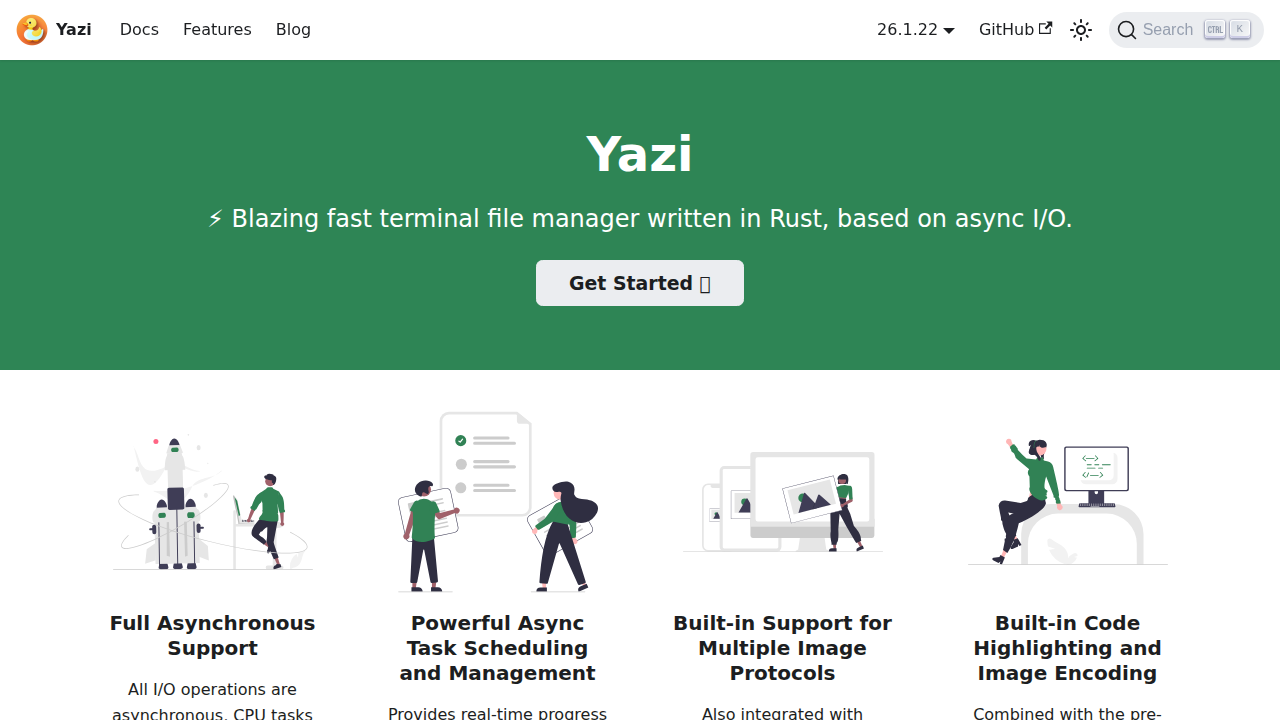
Yazi is a lightning-fast terminal file manager designed for efficiency and speed. Built with Rust, it offers a responsive and intuitive interface for navigating and managing files directly from the terminal. Yazi provides a wide range of features, including file preview, quick navigation, and customizable keybindings. It's designed to be highly configurable, allowing users to tailor the experience to their specific needs and preferences. With its focus on performance and user experience, Yazi aims to streamline file management tasks for developers, system administrators, and anyone who frequently interacts with files in the terminal environment. The project is actively developed and maintained on GitHub.
Yazi 's Core features
Blazing Fast Performance
Built with Rust, Yazi offers exceptional speed and responsiveness in file navigation and operations.
Terminal-Based Interface
Operates directly within the terminal, providing a familiar and efficient environment for command-line users.
File Preview
Supports previewing various file types, including images, text files, and more, directly in the terminal.
Customizable Keybindings
Allows users to configure keybindings to match their preferred workflow and increase efficiency.
Highly Configurable
Offers extensive customization options for appearance, behavior, and functionality.
Plugin Support
Extensible with plugins to add new features and integrations.
How to use Yazi
Install Yazi using the provided installation instructions (e.g., package manager or build from source).,Open your terminal and type yazi to launch the file manager.,Use the arrow keys (or configured keybindings) to navigate through directories and files.,Use keybindings (e.g., Enter to open a file, d to delete) to perform actions.,Customize Yazi's configuration file to adjust keybindings, appearance, and other settings.
Use cases of Yazi
Efficient File Navigation
Quickly browse and locate files and directories within the terminal, saving time compared to using `cd` and `ls`.
File Management Tasks
Perform common file operations like copying, moving, deleting, and renaming files directly from the terminal.
System Administration
Manage files and directories on servers and remote systems through SSH or other terminal connections.
Developer Workflow
Quickly access and manage project files, view code, and execute commands within the terminal environment.
Who benefits from Yazi
Developers
Developers who frequently work with files and directories in the terminal, seeking a faster and more efficient file management tool.
System Administrators
System administrators who need a powerful and efficient way to manage files and directories on servers and remote systems.
Command-Line Enthusiasts
Users who prefer working in the terminal and want a feature-rich file manager that integrates seamlessly with their workflow.
Pricing of Yazi
Yazi is an open-source project and is available for free. There are no associated costs for its use.