Hex Naw
Automated WCAG color checker
Free
Support platforms
web
What is Hex Naw
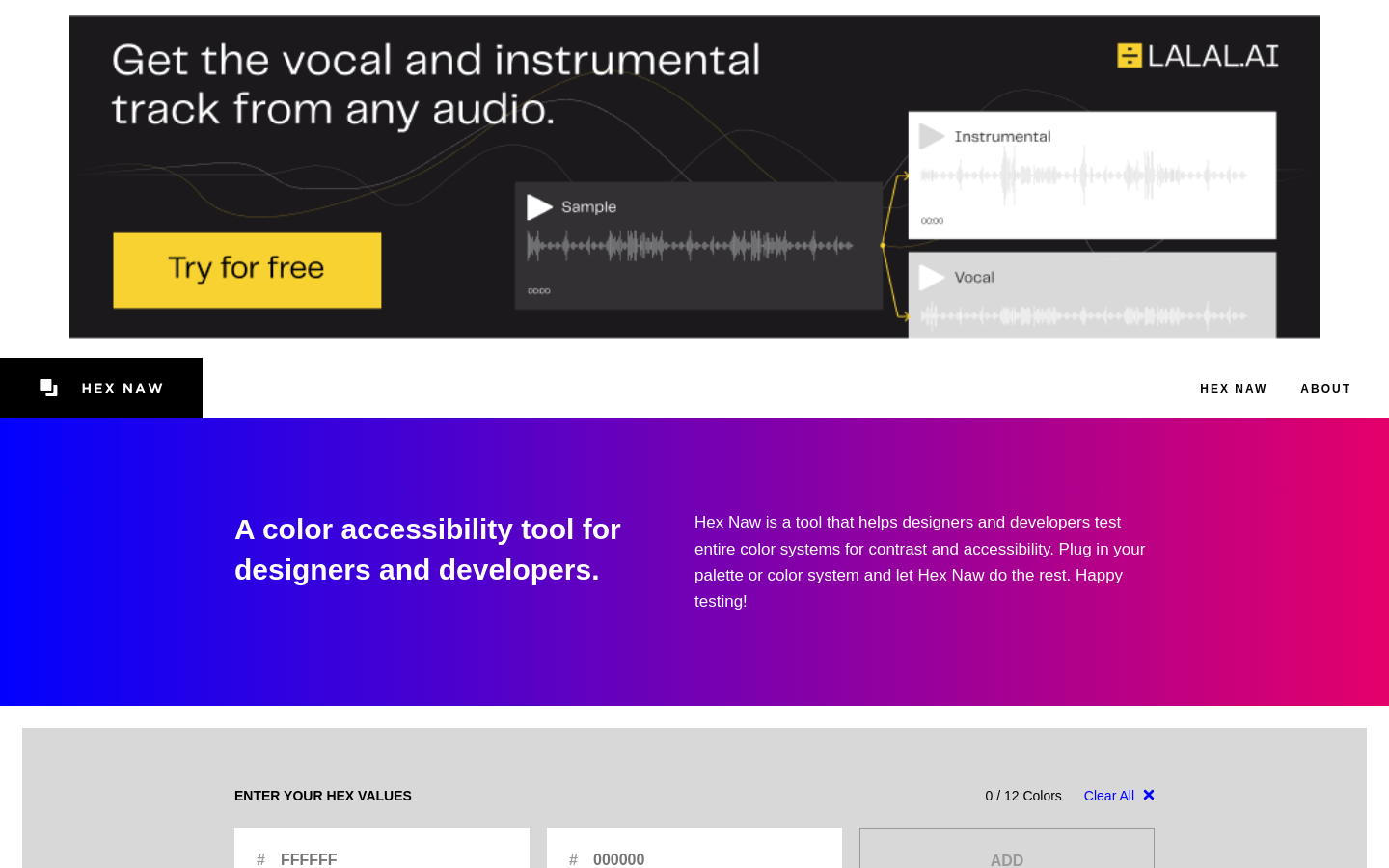
Hex Naw is a specialized accessibility auditing tool designed to streamline the verification of color contrast ratios against WCAG 2.1 and 2.2 standards. Unlike manual contrast checkers that require inputting hex codes one by one, Hex Naw allows designers and developers to audit entire color palettes or CSS files in bulk. By automating the comparison of foreground and background combinations, it identifies non-compliant pairs that fail AA or AAA contrast requirements. It is an essential utility for design systems teams and front-end developers aiming to ensure digital inclusivity without the manual overhead of traditional testing methods.
Hex Naw 's Core features
Bulk Palette Auditing
Instead of testing individual pairs, Hex Naw processes entire palettes simultaneously. This allows developers to visualize the accessibility of an entire design system at once, identifying which specific color combinations fail contrast requirements. This bulk approach reduces audit time by approximately 80% compared to manual tools, ensuring that every possible combination in a design system is accounted for before implementation.
WCAG 2.1/2.2 Compliance Engine
The tool utilizes the official WCAG mathematical formulas to calculate relative luminance and contrast ratios. By strictly adhering to the 4.5:1 ratio for AA and 7:1 for AAA, it provides mathematically accurate results that satisfy accessibility audits. This removes human error from the testing process, providing a reliable baseline for compliance reporting.
Real-time Contrast Feedback
As you modify color values, the interface updates the contrast matrix instantly. This immediate feedback loop allows designers to tweak colors—such as darkening a primary blue or lightening a background gray—until they hit the required threshold. It eliminates the 'guess and check' cycle, enabling designers to find the closest accessible color variant without leaving the application.
Multiple Color Format Support
Hex Naw supports input via Hex, RGB, and HSL formats, making it compatible with various design workflows. Whether you are pulling values from a Figma design token file or a CSS stylesheet, you can paste them directly into the tool. This flexibility ensures that developers don't need to perform manual conversions before testing, streamlining the integration of accessibility checks into existing development pipelines.
Visual Contrast Matrix
The tool generates a grid-based matrix that maps every foreground color against every background color. This visual representation makes it easy to spot 'hot zones' where contrast is insufficient. By seeing the entire matrix, teams can quickly identify which colors are the most versatile and which should be avoided for text-on-background applications, facilitating better decision-making for UI component libraries.
How to use Hex Naw
Navigate to hexnaw.com in your browser.,Input your color palette using hex, RGB, or HSL values into the provided input fields.,Select the specific WCAG compliance level (AA or AAA) you wish to target.,Review the generated contrast matrix which highlights passing and failing color combinations.,Adjust individual color values in real-time to see immediate updates to the contrast matrix.,Export your validated color palette for use in your CSS or design system documentation.
Use cases of Hex Naw
Design System Maintenance
Designers use Hex Naw to validate new color additions to a design system. By running the full palette through the tool, they ensure that new brand colors do not break existing accessibility standards, preventing the introduction of non-compliant UI elements into the production codebase.
Front-end Accessibility Audits
Developers use the tool to audit existing CSS files. By extracting color variables and running them through Hex Naw, they can quickly generate a report of failing combinations, allowing them to prioritize accessibility fixes during refactoring sprints.
UI Component Prototyping
UI designers use the tool while prototyping to ensure that button states, hover effects, and text overlays meet WCAG requirements from the start. This prevents costly design changes later in the development cycle by ensuring accessibility is baked into the initial design phase.
Who benefits from Hex Naw
UI/UX Designers
Need to ensure their color choices are inclusive and compliant with web standards without sacrificing aesthetic quality. Hex Naw helps them iterate on brand colors while maintaining strict accessibility requirements.
Front-end Developers
Responsible for implementing accessible interfaces. They use Hex Naw to verify that the colors defined in design handoffs meet WCAG standards before writing the CSS.
Accessibility Specialists
Need a fast, reliable way to audit large-scale digital products. Hex Naw provides them with a quick method to identify and document accessibility failures across complex color systems.
Pricing of Hex Naw
Hex Naw is a free, web-based utility. No subscription or account creation is required to access the full suite of color auditing features.