BrandColors
Official Brand Color Database
Free
Support platforms
web
What is BrandColors
BrandColors is a comprehensive, open-source repository of official brand color hex codes. It serves as a centralized source of truth for designers and developers who need to implement accurate brand identities across web and mobile applications. Unlike generic color pickers or crowdsourced palettes, BrandColors focuses on verified, official brand guidelines. The platform utilizes a clean, high-performance interface that allows for rapid searching and copying of hex values. It is an essential utility for UI/UX designers, front-end developers, and branding agencies looking to maintain strict visual consistency without manually extracting values from logos or style guides.
BrandColors 's Core features
Verified Official Hex Codes
Unlike community-driven platforms that rely on user submissions, BrandColors curates data based on official brand style guides. This ensures 100% accuracy in color representation, preventing the common issue of 'off-brand' colors that occur when designers manually sample colors from low-resolution logos or inconsistent marketing materials.
Rapid Clipboard Integration
The interface is optimized for developer workflow efficiency. By clicking a color swatch, the hex code is instantly copied to the system clipboard. This eliminates the need for manual highlighting or external eyedropper tools, reducing the time spent on repetitive CSS property definitions during the initial setup of a design system.
Multi-Brand Collection System
The platform allows users to select multiple brands simultaneously, creating a custom 'collection' of colors. This is particularly useful for agencies working on multi-brand projects or design systems that require comparing color palettes from competitors or partner companies in a single, unified view.
Lightweight Performance-First UI
Built with a minimal footprint, the site avoids heavy frameworks and unnecessary tracking scripts. This results in near-instant load times, even on slower network connections. The UI is responsive, ensuring that developers can access critical brand data on mobile devices during client meetings or on-the-go development sessions.
Open-Source Data Transparency
The project maintains transparency by allowing the community to contribute and verify data via GitHub. This collaborative approach ensures that the database stays updated with the latest brand rebrands and visual identity changes, making it a living, breathing resource that evolves alongside the design industry.
How to use BrandColors
Navigate to brandcolors.net to access the searchable index of brands.,Use the search bar to filter by brand name or browse the alphabetical list.,Click on a brand card to expand its color palette and reveal specific hex codes.,Click on any individual color swatch to automatically copy the hex code to your clipboard.,Use the 'collected' feature to select multiple brands and export their combined color palettes for your project.
Use cases of BrandColors
Design System Prototyping
UI designers use BrandColors to quickly populate design tokens in Figma or Sketch. By grabbing verified hex codes, they ensure that prototypes accurately reflect the client's brand identity from the very first iteration, saving hours of manual color correction.
Front-End CSS Development
Front-end developers use the tool to define CSS variables or Tailwind configuration files. By copying official hex codes directly from the site, they ensure that the production code matches the design specifications perfectly, avoiding discrepancies between the design mockup and the live application.
Competitive Brand Analysis
Marketing teams use the platform to compare the color palettes of direct competitors. By collecting multiple brand palettes, they can visualize market trends and identify opportunities for differentiation in their own visual branding strategy.
Who benefits from BrandColors
UI/UX Designers
Need accurate color values to maintain brand integrity in high-fidelity mockups and design systems. They rely on the tool to avoid the time-consuming process of manual color extraction.
Front-End Developers
Require precise hex codes for CSS implementation and style sheet management. They value the tool for its speed and the ability to copy values directly into their IDEs.
Brand Strategists
Use the platform to audit existing brand identities and compare color usage across the industry to inform new visual identity projects.
Pricing of BrandColors
Completely free and open-source. The project is maintained as a public resource for the design and development community.
More similar tools like BrandColors
Mobbin
Mobbin is a design inspiration tool that helps teams and enterprises discover real-world design patterns.

Notion
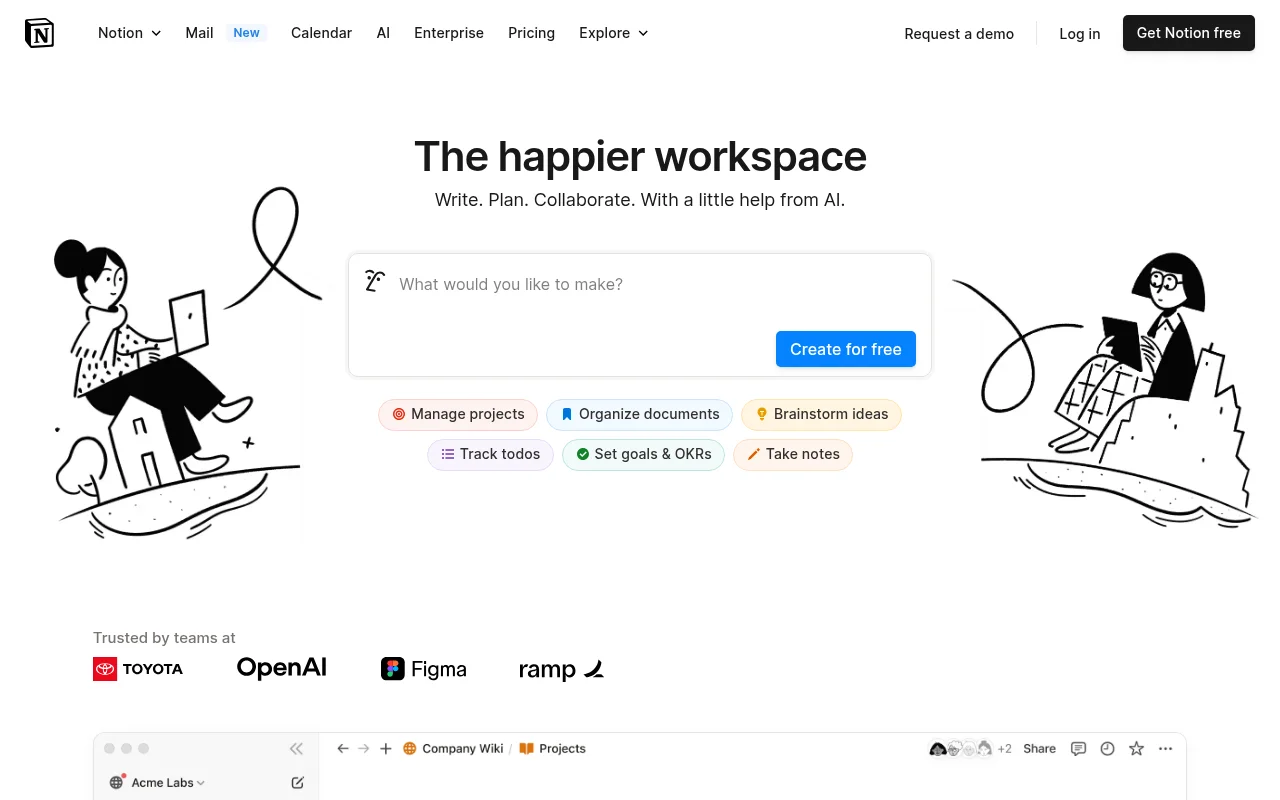
Notion is an all-in-one workspace that combines notes, docs, wikis, and more into a single collaborative platform.

Trello
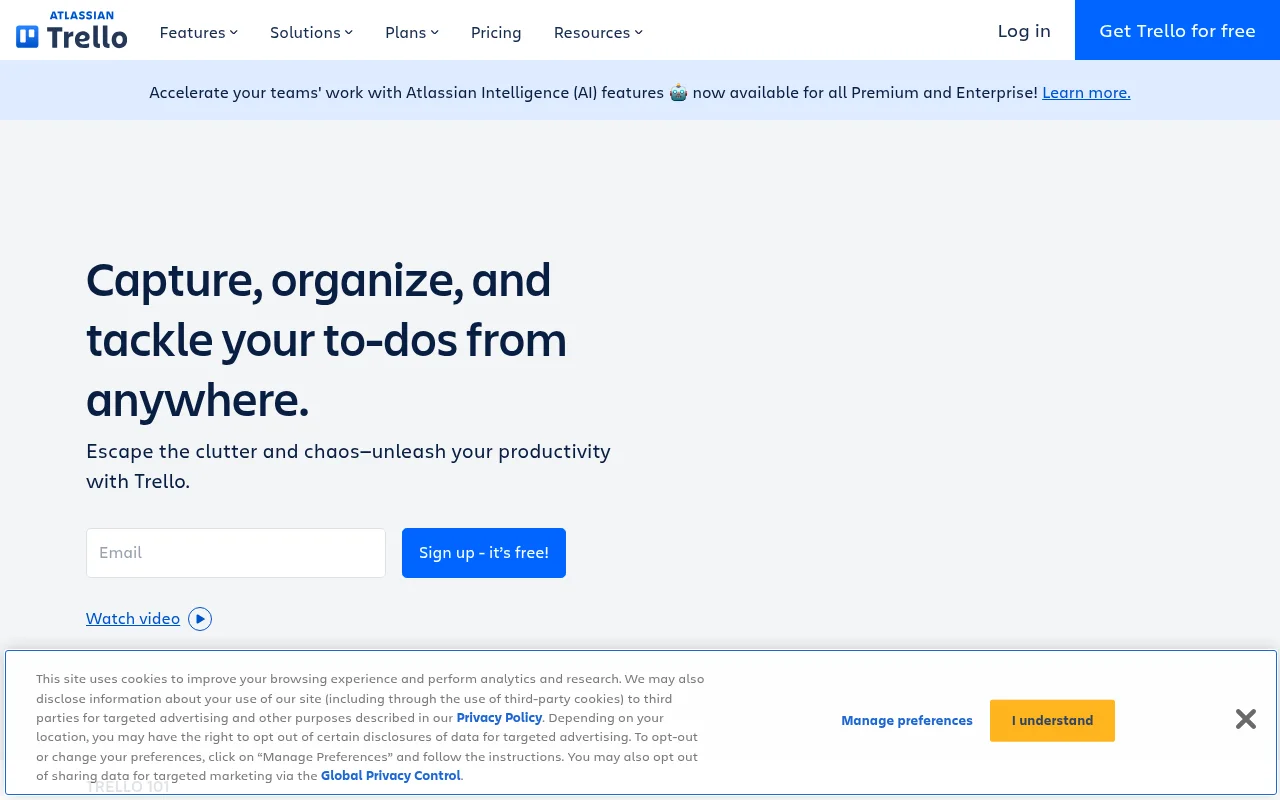
Trello is a collaboration and project management tool that helps teams capture, organize, and tackle their to-dos from anywhere.