jQuery
Fast, small, and feature-rich JavaScript library
Free
Support platforms
web
What is jQuery
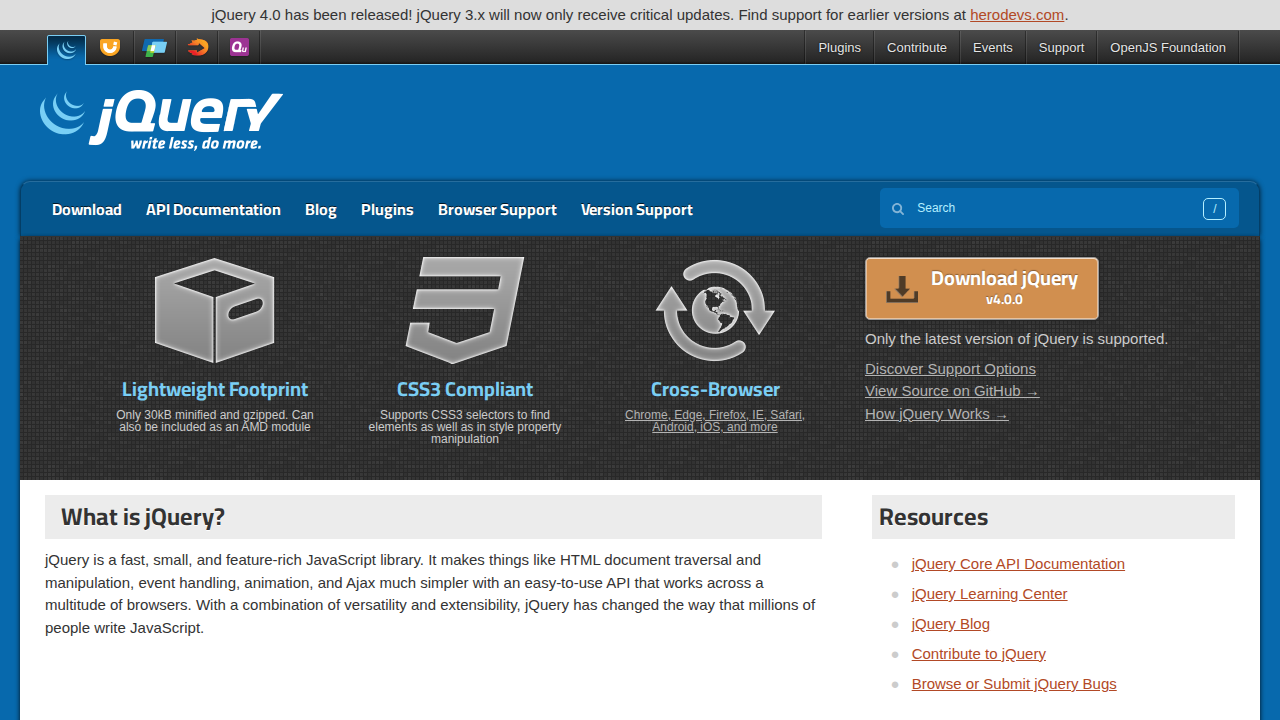
jQuery is a fast, small, and feature-rich JavaScript library. It simplifies HTML document traversing, event handling, animating, and Ajax interactions for rapid web development. jQuery's core value lies in its ability to abstract away browser inconsistencies, providing a consistent API across different browsers. Unlike modern frameworks like React or Angular, jQuery focuses on DOM manipulation and dynamic content updates rather than full application state management. It uses a CSS-like selector engine (Sizzle) for efficient element selection. jQuery is ideal for projects needing quick DOM manipulation, AJAX requests, and cross-browser compatibility without the complexity of a full-fledged framework. It benefits developers who prioritize ease of use and rapid prototyping.
jQuery 's Core features
DOM Manipulation
jQuery simplifies DOM manipulation with methods like `.append()`, `.prepend()`, `.addClass()`, and `.removeClass()`. These methods allow developers to easily add, remove, and modify HTML elements and their attributes. This reduces the amount of verbose JavaScript code needed for common tasks, making web development faster and more efficient. For example, adding a class to an element can be done with a single line of jQuery code, compared to multiple lines of native JavaScript.
CSS Selection
jQuery uses CSS selectors to select HTML elements, making it easy to target specific elements or groups of elements. The Sizzle selector engine, which is part of jQuery, provides a fast and efficient way to select elements based on their ID, class, tag name, attributes, and more. This feature allows developers to write concise and readable code for selecting and manipulating elements on a webpage. For instance, `$(".myClass")` selects all elements with the class 'myClass'.
Event Handling
jQuery provides a simplified and consistent way to handle events across different browsers. Methods like `.click()`, `.hover()`, and `.submit()` allow developers to attach event handlers to elements with minimal code. jQuery normalizes event behavior, ensuring consistent results regardless of the browser. This feature streamlines the process of creating interactive web pages and handling user input. For example, `.click()` attaches a function to execute when an element is clicked.
AJAX Support
jQuery simplifies AJAX (Asynchronous JavaScript and XML) interactions with methods like `$.ajax()`, `$.get()`, and `$.post()`. These methods allow developers to make HTTP requests to the server without reloading the page. This feature is crucial for creating dynamic web applications that update content in real-time. jQuery handles browser-specific AJAX implementations, providing a consistent API. For example, `$.get("data.php", function(data) { // Handle data });` fetches data from a server.
Cross-Browser Compatibility
jQuery abstracts away the inconsistencies between different web browsers, providing a consistent API for developers. This means that jQuery code will work reliably across various browsers without requiring browser-specific code. This feature significantly reduces the time and effort required for web development, as developers do not have to worry about browser compatibility issues. jQuery handles the differences in DOM manipulation, event handling, and AJAX implementation.
Animation Effects
jQuery includes built-in animation effects, such as `.fadeIn()`, `.fadeOut()`, `.slideUp()`, and `.slideDown()`, which simplify the creation of dynamic and visually appealing web pages. These methods allow developers to easily animate elements on a webpage with smooth transitions. jQuery handles the complexities of animation, making it easy to create interactive and engaging user interfaces. Custom animations are also possible using the `.animate()` method.
How to use jQuery
- Include the jQuery library in your HTML file by either downloading it or using a CDN link (e.g.,
<script src="https://code.jquery.com/jquery-3.7.1.min.js"></script>).,2. Wrap your jQuery code within a document ready function to ensure the DOM is fully loaded before execution:$(document).ready(function() { // Your jQuery code here });.,3. Select HTML elements using jQuery's CSS-like selectors (e.g.,$("#myElement")to select an element with the ID 'myElement').,4. Manipulate the selected elements using jQuery methods (e.g.,$("#myElement").text("New Text")to change the text content).,5. Handle events using jQuery's event handling methods (e.g.,$("#myButton").click(function() { // Code to execute on click });).,6. Use jQuery's AJAX functions (e.g.,$.ajax()or$.get()) to make asynchronous HTTP requests and update the page content dynamically.
Use cases of jQuery
Dynamic Content Updates
Web developers use jQuery to update content on a webpage without requiring a full page reload. They fetch data from a server using AJAX and dynamically insert it into the DOM. For example, a developer might use jQuery to load and display new comments on a blog post as they are submitted, providing a seamless user experience.
Form Validation
Developers use jQuery to validate form inputs, ensuring data integrity before submission. They can easily add validation rules for required fields, email formats, and other criteria. For example, a developer can use jQuery to highlight invalid form fields and display error messages, improving the user experience and reducing server-side validation needs.
Interactive UI Elements
Front-end developers use jQuery to create interactive UI elements, such as dropdown menus, image sliders, and modal dialogs. They can easily add event listeners and animations to these elements. For example, a developer might use jQuery to create a responsive navigation menu that collapses on smaller screens.
Cross-Browser Compatibility
Developers use jQuery to ensure their websites function consistently across different web browsers. jQuery handles browser-specific inconsistencies, allowing developers to write code that works reliably on various platforms. For example, a developer can use jQuery to ensure that a specific animation plays correctly in both Chrome and Firefox.
Who benefits from jQuery
Front-End Developers
Front-end developers benefit from jQuery's ease of use and ability to quickly manipulate the DOM, handle events, and make AJAX requests. It simplifies common tasks, allowing them to build interactive and dynamic web pages faster and with less code.
Web Designers
Web designers use jQuery to add interactivity and visual effects to their designs without needing extensive JavaScript knowledge. It allows them to create engaging user interfaces and enhance the user experience with animations and dynamic content updates.
Small Project Teams
Small project teams benefit from jQuery's simplicity and ease of integration, enabling rapid prototyping and development. It allows them to quickly build web applications with minimal overhead and without the complexity of larger frameworks.
Legacy System Maintainers
Developers maintaining older websites or applications often use jQuery to add new features or fix bugs without rewriting the entire codebase. jQuery provides a practical solution for enhancing existing projects with modern functionalities.
Pricing of jQuery
Open Source (MIT License). Free to use and distribute.