Notion
AI-powered workspace for teams
Freemium
Support platforms
web
What is Notion
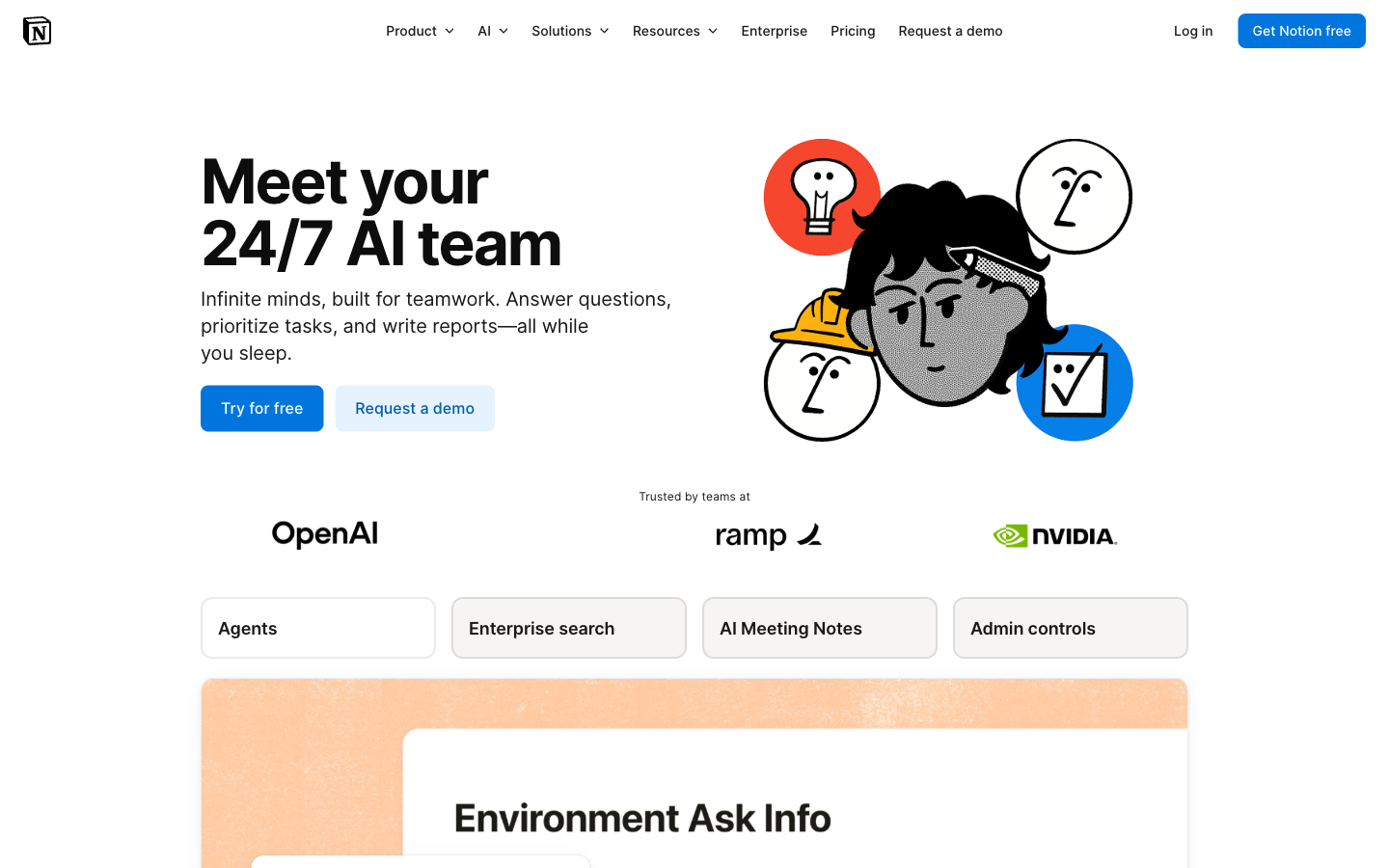
Notion is an all-in-one workspace that combines note-taking, project management, and database functionalities, enhanced with AI capabilities. It allows users to create and organize information in a flexible and collaborative environment. Notion AI integrates directly into the workspace, offering features like automated note-taking, summarization, and content generation, setting it apart from standalone AI tools. It leverages a block-based editor, enabling users to build custom workflows and dashboards. This makes it ideal for teams of all sizes, from startups to enterprises, seeking to streamline their workflows, improve knowledge management, and boost productivity through AI-driven insights and automation.
Notion 's Core features
AI-Powered Content Generation
Notion AI can generate text, summarize information, and translate content directly within your workspace. It leverages large language models (LLMs) to provide writing assistance, brainstorm ideas, and answer questions. Users can specify prompts and desired outputs, improving content creation efficiency. For example, it can summarize a meeting transcript in seconds, saving hours of manual review.
Flexible Database Functionality
Notion's databases allow users to organize information in various formats, including tables, boards, calendars, and galleries. These databases support custom properties, filtering, sorting, and relations, enabling complex project management and knowledge organization. This is a key differentiator from simpler note-taking apps, offering a structured approach to data management.
Collaborative Workspace
Notion facilitates real-time collaboration with features like shared pages, comments, and mentions. Multiple users can edit pages simultaneously, track changes, and provide feedback. This promotes team communication and ensures everyone stays informed. The platform also offers version history, allowing users to revert to previous versions of pages.
Customizable Templates
Notion provides a wide range of pre-built templates for various use cases, including project management, note-taking, and personal organization. These templates can be customized to fit specific needs, saving time and effort. Users can also create and share their own templates, fostering a community-driven approach to workspace design.
Cross-Platform Accessibility
Notion is available on web, desktop (macOS, Windows), and mobile (iOS, Android) platforms, ensuring accessibility across devices. This allows users to access and update their information from anywhere. Data is synced in real-time, providing a consistent experience across all platforms. Offline access is also available.
How to use Notion
- Sign up for a Notion account at notion.so and create a workspace.,2. Explore the pre-built templates for various use cases like project management, note-taking, and knowledge bases.,3. Start creating pages and organizing content using the block-based editor; add text, images, databases, and more.,4. Integrate Notion AI by typing
/aiwithin a page to access features like summarization, writing assistance, and translation.,5. Invite team members to collaborate on projects and share information within the workspace.,6. Customize your workspace with integrations to connect with other apps and services.
Use cases of Notion
Project Management
Project managers can use Notion to create project dashboards, track tasks, manage deadlines, and collaborate with team members. They can utilize databases to organize tasks, assign responsibilities, and monitor progress, ensuring projects stay on track and within budget. The AI features can help summarize project updates and identify potential roadblocks.
Knowledge Base
Teams can build a centralized knowledge base in Notion to store and share information, such as company policies, onboarding guides, and best practices. Employees can easily search and access relevant information, reducing the time spent on repetitive tasks and improving overall efficiency. AI can help summarize and categorize knowledge base articles.
Note-Taking and Personal Organization
Individuals can use Notion for note-taking, journaling, and personal organization. They can create pages for different topics, add notes, images, and other media, and organize them using databases and tags. The AI features can assist with summarizing notes, generating ideas, and improving writing quality.
Meeting Notes and Action Items
Teams can use Notion to take meeting notes, assign action items, and track follow-ups. The AI features can automatically summarize meeting discussions, identify key decisions, and generate action item lists, ensuring that all participants are aligned and tasks are completed efficiently.
Who benefits from Notion
Project Managers
Project managers need Notion to streamline project workflows, track progress, and facilitate team collaboration. The platform's database capabilities and AI features help them manage tasks, deadlines, and resources effectively, leading to improved project outcomes and reduced project delays.
Teams & Startups
Teams and startups benefit from Notion's collaborative features, flexible organization, and AI-powered tools. It helps them centralize information, improve communication, and boost productivity. The platform's adaptability makes it suitable for various team sizes and project types.
Students and Educators
Students and educators can use Notion for note-taking, organizing course materials, and managing assignments. The platform's flexibility and AI features help them create personalized learning environments, improve study habits, and enhance academic performance.
Individuals & Professionals
Individuals and professionals can use Notion to organize their personal and professional lives. They can create to-do lists, manage projects, take notes, and track goals. The AI features can help with writing, summarizing, and brainstorming, improving productivity and organization.
Pricing of Notion
Free plan for individuals. Paid plans for teams: Plus ($8/user/month), Business ($15/user/month), and Enterprise (custom pricing). Offers unlimited storage and AI features in paid plans.