YouTube
YouTube Playlist Analysis
Free
Support platforms
web
What is YouTube
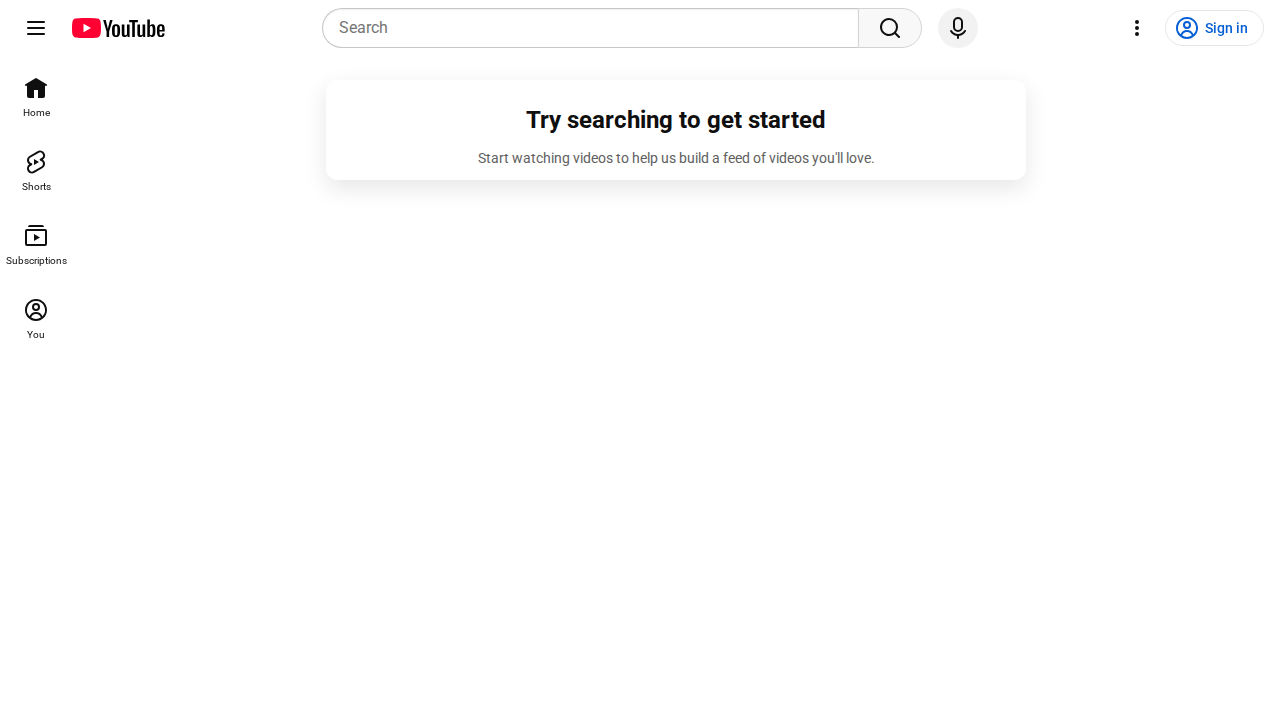
This tool provides access to a YouTube playlist. It allows users to view videos within the playlist. The core value proposition is to provide a structured way to consume video content. Unlike a standard YouTube search, this tool offers a curated viewing experience. The underlying technology is based on the YouTube API. This tool is ideal for anyone who wants to watch a specific set of videos in a defined order, such as students following a course or users consuming a series of tutorials. It is also useful for content creators who want to share a curated list of videos with their audience.
YouTube 's Core features
Playlist Video Display
Displays the videos within the specified YouTube playlist. This feature uses the YouTube API to fetch video titles, thumbnails, and durations. This allows users to quickly scan the content of the playlist. The display is optimized for fast loading, with thumbnails cached for improved performance. The video order matches the playlist order.
Video Playback
Enables direct playback of videos within the playlist. This utilizes the YouTube player API to embed and control the video playback. Users can control playback speed, volume, and full-screen mode. The player is responsive and adapts to different screen sizes. Playback quality is automatically adjusted based on the user's internet connection.
Playlist Navigation
Provides controls to navigate through the playlist. Users can easily move to the next or previous video. The navigation controls are clearly labeled and accessible. The playlist automatically advances to the next video upon completion of the current video. This ensures a seamless viewing experience.
Playlist Information
Displays playlist metadata, including the playlist title, description, and the number of videos. This information is fetched from the YouTube API. This allows users to quickly understand the context and content of the playlist. The metadata is updated automatically when the playlist is modified on YouTube.
Responsive Design
The interface is designed to be responsive and accessible across various devices, including desktops, tablets, and smartphones. This ensures a consistent user experience regardless of the device used. The layout adapts to different screen sizes, and the controls are touch-friendly for mobile users.
How to use YouTube
- Navigate to the YouTube playlist URL.,2. The playlist will automatically load, displaying the videos.,3. Click on a video to start playing it.,4. Use the controls to pause, play, adjust volume, and navigate through the playlist.,5. The playlist will automatically advance to the next video.,6. You can also view the playlist on the YouTube platform for additional features.
Use cases of YouTube
Online Course Consumption
Students can use this to follow an online course presented as a YouTube playlist. They can watch the videos in order, pause, rewind, and easily navigate between lessons. This provides a structured learning experience, allowing students to focus on the content without distractions.
Tutorial Series Viewing
Developers can use this to watch a tutorial series on a specific technology. They can follow the steps in order, pausing and replaying as needed. This allows them to learn new skills and build projects. The playlist format ensures they don't miss any steps.
Content Curation
Content creators can share curated lists of videos with their audience. They can create playlists on YouTube and then share the playlist link. This allows them to organize their content and provide a structured viewing experience for their viewers.
Educational Resource
Teachers can use this to create playlists of educational videos for their students. They can share the playlist link with their students, providing a structured learning resource. This helps students learn at their own pace and review the content as needed.
Who benefits from YouTube
Students
Students benefit from structured learning. They can easily follow online courses and tutorials, ensuring they don't miss any content. The playlist format provides a clear and organized learning path.
Developers
Developers can use this to learn new technologies and frameworks through video tutorials. The playlist format allows them to follow along with the tutorials in the correct order, enhancing their learning experience.
Content Creators
Content creators can curate and share their videos in a structured manner. This helps them organize their content and provide a better viewing experience for their audience, increasing engagement and watch time.
Educators
Educators can create playlists of educational videos for their students. This provides a structured and organized learning resource, making it easier for students to access and learn from the content.
Pricing of YouTube
Free to use. Access to the YouTube playlist is provided without any cost. No subscription or payment is required.