
Cockpit Project — Cockpit Project
Web-based server interface.
Free
Support platforms
web
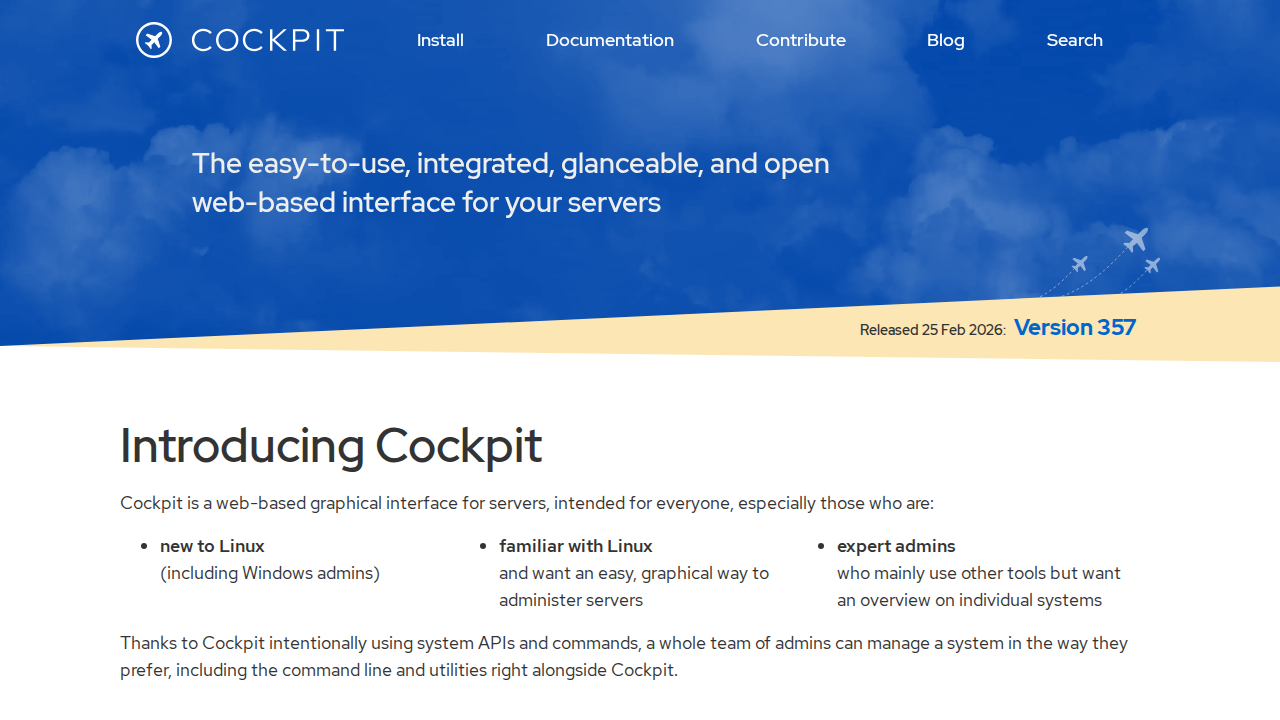
What is Cockpit Project — Cockpit Project
Cockpit Project provides a user-friendly, web-based graphical interface for server administration. It's designed to be easy to use, integrated, and glanceable, making server management accessible for everyone, from Linux newcomers to experienced administrators. Cockpit leverages existing system APIs and commands, allowing users to seamlessly integrate it with their preferred workflows, including the command line and other tools. It offers features like container management, storage administration, network configuration, and log inspection, all accessible through a web browser. Cockpit aims to simplify server management by providing a graphical 'desktop interface' for individual servers, enhancing productivity and reducing the need to memorize complex commands.
Cockpit Project — Cockpit Project 's Core features
Web-based Interface
Provides a graphical interface accessible through any web browser.
Easy to Use
Simplifies server administration tasks for all skill levels.
Integrated
Uses existing system APIs and commands for seamless integration.
Container Management
Allows easy management of containers.
Storage Administration
Provides tools for managing server storage.
Network Configuration
Offers options for configuring server networks.
How to use Cockpit Project — Cockpit Project
Install Cockpit on your server.,Access the Cockpit interface through a web browser.,Log in using your system user credentials.,Navigate the interface to manage server resources.,Utilize built-in tools for tasks like container management and storage configuration.
Use cases of Cockpit Project — Cockpit Project
New Linux Users
Provides a graphical interface to ease the learning curve of server administration.
Experienced Linux Admins
Offers a quick overview and graphical tools alongside existing command-line workflows.
Remote Server Management
Allows for easy remote server administration from any device with a web browser.
System Monitoring
Enables easy monitoring of server resources and logs.
Who benefits from Cockpit Project — Cockpit Project
Linux Newcomers
Individuals new to Linux server administration seeking an intuitive interface.
System Administrators
Experienced admins looking for a convenient graphical tool for server management.
Pricing of Cockpit Project — Cockpit Project
Cockpit is open-source and completely free to use.