RowSpeak
AI-Powered Excel Data Insights
Freemium
Support platforms
web
What is RowSpeak
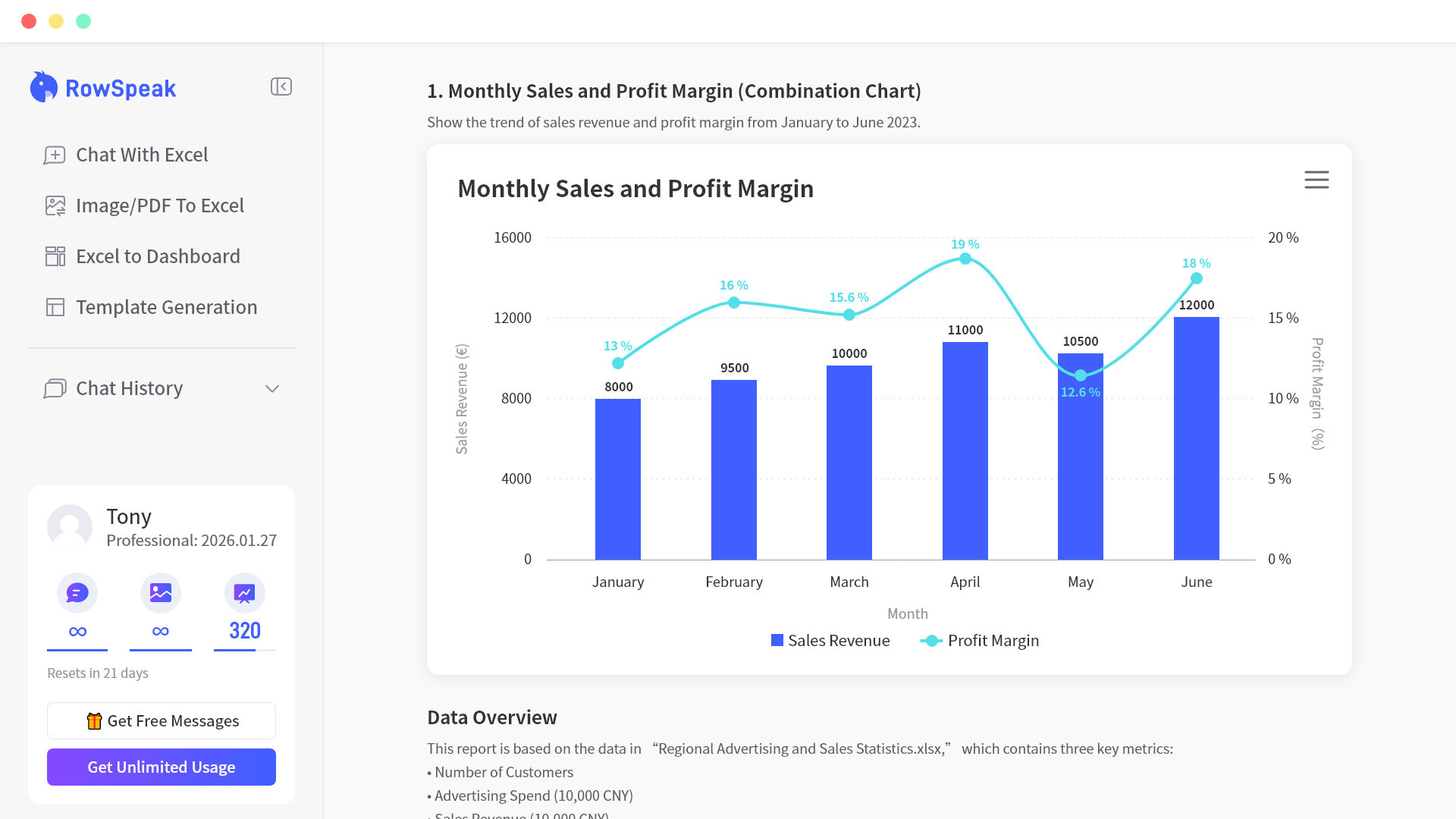
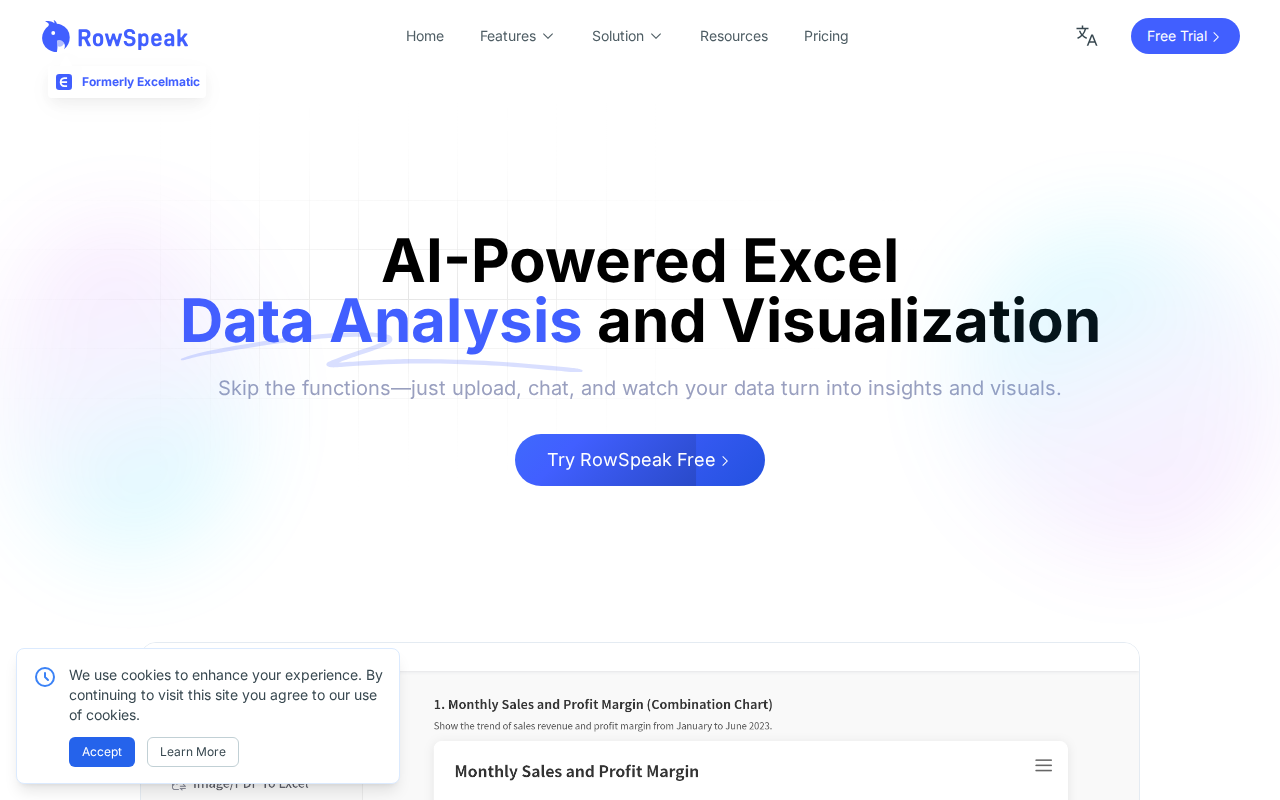
RowSpeak is an AI-powered tool designed to simplify Excel data analysis and visualization. It allows users to upload spreadsheets and interact with their data using natural language, eliminating the need for complex formulas and manual chart creation. Unlike traditional Excel, RowSpeak leverages AI to provide advanced statistical analysis, generate interactive dashboards, and convert images and PDFs into editable Excel formats. This tool is ideal for finance professionals, marketers, and anyone who works with data in Excel and wants to quickly extract insights, create reports, and automate workflows. The core technology uses a combination of natural language processing (NLP) and machine learning (ML) to interpret user queries and generate relevant outputs.
RowSpeak 's Core features
AI Data Analysis & Insights
RowSpeak performs advanced statistical analysis, identifying trends, patterns, and anomalies within your data. It provides insights such as correlation coefficients, regression analysis, and forecasting based on the uploaded data. This feature helps users quickly understand complex datasets without requiring extensive statistical knowledge, saving time and improving decision-making.
Natural Language Interface
Users can interact with their Excel data using simple, conversational language. Instead of writing formulas or navigating complex menus, users can ask questions like "What were the top 5 products by revenue?" or "Show me the growth rate for the last quarter." This significantly reduces the learning curve and makes data analysis accessible to non-technical users.
AI-Powered Chart Generation
RowSpeak automatically generates charts and visualizations based on user requests. Users can specify chart types (e.g., bar, pie, line) or ask for visualizations based on specific data points. The AI intelligently selects the most appropriate chart type and formats the data for optimal clarity, saving time and improving data presentation.
Excel to Dashboard Conversion
Transforms Excel spreadsheets into interactive dashboards with a single click. This feature allows users to create dynamic visualizations and reports that can be easily shared and updated. The dashboards are responsive and can be customized to display key performance indicators (KPIs) and other important metrics, improving data accessibility and collaboration.
Image & PDF to Excel Conversion
Converts table data from images and PDFs into editable Excel spreadsheets. This feature uses Optical Character Recognition (OCR) and data extraction algorithms to accurately convert the data. This eliminates the need for manual data entry, saving time and reducing the risk of errors when dealing with data from various sources.
AI Spreadsheet Generation
Creates spreadsheet templates using natural language prompts. Users can describe the type of spreadsheet they need (e.g., "Create a sales forecast template") and the AI will generate a basic structure with relevant headers and formulas. This is useful for quickly setting up new spreadsheets and automating repetitive tasks.
How to use RowSpeak
- Upload your Excel spreadsheet to the RowSpeak platform.,2. Use the chat interface to ask questions about your data in natural language (e.g., "Show me the sales trends for Q1").,3. Review the AI-generated insights, including statistical analysis and key metrics.,4. Generate charts and visualizations by specifying chart types or asking for specific visual representations (e.g., "Create a bar chart of sales by region").,5. Export the generated reports or dashboards for sharing or further analysis.,6. Utilize features like AI-powered spreadsheet generation to create templates based on your needs.
Use cases of RowSpeak
Financial Analysis
Finance professionals can use RowSpeak to analyze financial statements, identify trends in revenue and expenses, and generate reports for stakeholders. They can ask questions like "What was the gross profit margin last quarter?" and quickly get the answer without manual calculations.
Marketing Campaign Analysis
Marketing teams can analyze campaign performance data, such as click-through rates, conversion rates, and cost per acquisition. They can use the tool to generate charts and dashboards to visualize campaign results and identify areas for improvement, leading to better ROI.
Sales Performance Tracking
Sales teams can use RowSpeak to track sales performance, analyze sales data by region or product, and generate forecasts. They can ask questions like "What were the top-selling products this month?" and quickly get the insights they need to improve sales strategies.
Inventory Management
Supply chain professionals can use RowSpeak to analyze inventory levels, track stock movements, and identify potential shortages. They can use the tool to create dashboards that visualize inventory status and automate reporting, improving efficiency and reducing costs.
Who benefits from RowSpeak
Financial Analysts
Financial analysts need to quickly analyze financial data, generate reports, and create visualizations. RowSpeak simplifies these tasks by automating data analysis and report generation, saving time and improving accuracy.
Marketing Professionals
Marketing professionals need to analyze campaign data, track performance metrics, and create reports. RowSpeak helps them quickly extract insights from their data, create compelling visualizations, and make data-driven decisions.
Sales Managers
Sales managers need to track sales performance, analyze sales data, and generate forecasts. RowSpeak provides them with the tools to quickly analyze sales data, identify trends, and create reports to improve sales strategies.
Business Owners
Business owners need to understand their business performance through data analysis. RowSpeak provides an easy-to-use interface to analyze data, create reports, and make informed decisions without requiring advanced Excel skills.
Pricing of RowSpeak
Free Trial available. Contact for custom pricing.
More similar tools like RowSpeak
PixelAI
PixelAI is an AI-driven finance assistant designed to enhance banking and investment experiences through data analytics and personalized insights.