Podman
Daemonless OCI container engine
Free
Support platforms
web
What is Podman
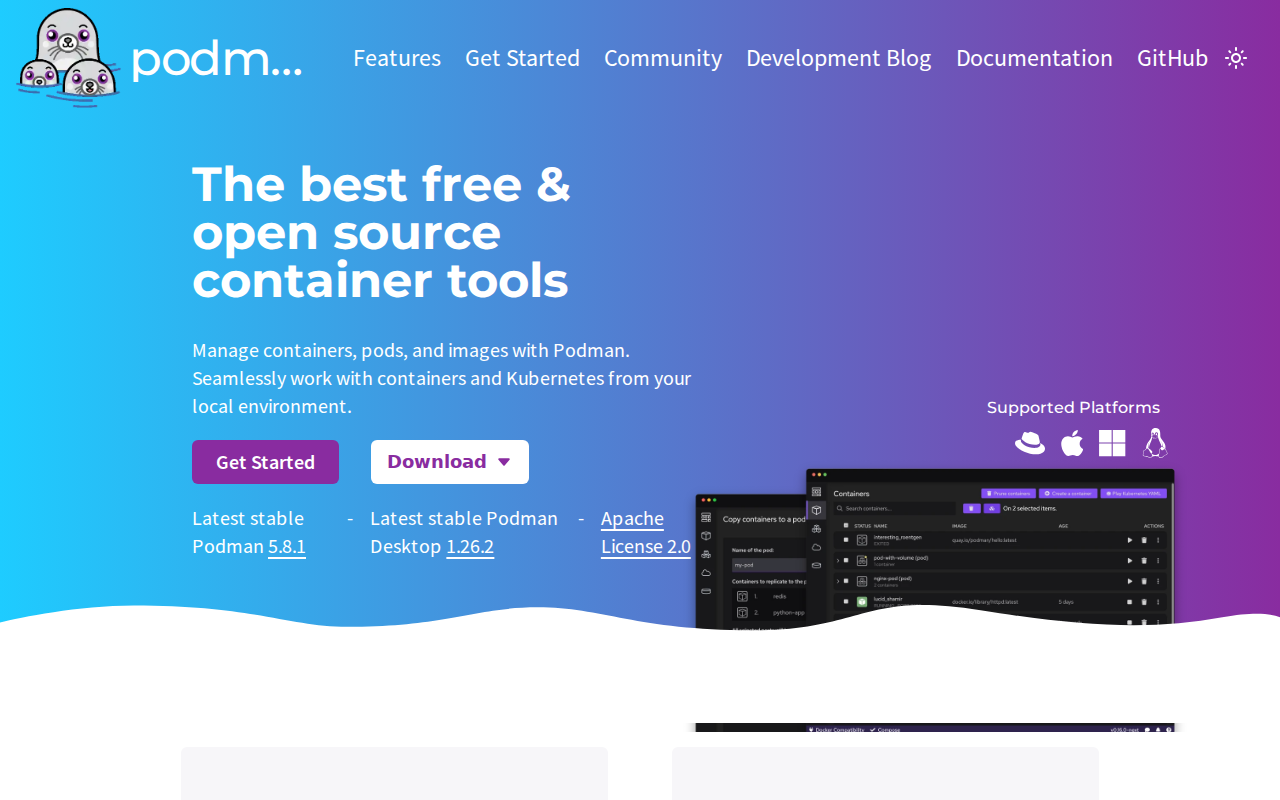
Podman is a daemonless, open-source, Linux-native container engine designed to develop, manage, and run OCI-compliant containers and pods. Unlike Docker, which relies on a centralized background daemon, Podman utilizes a fork-exec model, significantly reducing the attack surface and eliminating a single point of failure. It offers a drop-in replacement for Docker CLI commands, allowing developers to alias docker to podman seamlessly. Podman excels in security-sensitive environments by supporting rootless containers, ensuring that container processes do not require elevated privileges on the host system. It is ideal for DevOps engineers, system administrators, and developers looking for a Kubernetes-native workflow, as it allows for the direct generation of Kubernetes YAML manifests from existing container deployments.
Podman 's Core features
Daemonless Architecture
Podman operates without a central background daemon, which eliminates the single point of failure inherent in traditional container engines. By utilizing a fork-exec model, each container process is a direct child of the Podman process. This architecture improves system stability and security, as a crash in the container engine does not necessarily terminate running containers, and it avoids the security risks associated with a privileged root-level daemon listening on a socket.
Rootless Container Execution
Podman allows non-privileged users to run containers, significantly hardening the host system against container-escape vulnerabilities. By leveraging Linux user namespaces, Podman maps the container's root user to a non-privileged user on the host. This ensures that even if a process inside the container is compromised, the attacker lacks the permissions to modify host files or escalate privileges, making it the preferred choice for secure multi-tenant environments and CI/CD pipelines.
Kubernetes-Native Workflow
Podman is designed with Kubernetes compatibility at its core. It supports the concept of 'Pods'—groups of containers that share network and storage resources—mirroring the Kubernetes pod model. Users can export running containers or pods directly into Kubernetes YAML manifests using the 'podman generate kube' command. This allows developers to prototype complex microservice architectures locally and deploy them to production Kubernetes clusters with minimal configuration drift or translation errors.
Docker CLI Compatibility
Podman provides a near-perfect drop-in replacement for the Docker CLI. By aliasing 'alias docker=podman' in their shell configuration, users can continue using familiar commands like 'docker build', 'docker run', and 'docker ps' without modifying existing scripts or CI/CD pipelines. This compatibility reduces the friction of migrating legacy workflows to a more secure, daemonless engine while maintaining the same operational muscle memory for developers and DevOps engineers.
Podman Desktop Integration
Podman Desktop provides a graphical user interface for managing containers, pods, images, and volumes across different environments. It simplifies complex tasks like managing local Kubernetes clusters (via Kind or Minikube), configuring registry authentication, and monitoring resource usage. With built-in support for VS Code extensions, it enables a seamless development experience, allowing developers to inspect logs, manage container lifecycles, and troubleshoot network configurations without ever leaving their IDE or terminal.
How to use Podman
Install Podman via your system package manager (e.g., 'sudo dnf install podman' on Fedora or 'brew install podman' on macOS).,Verify the installation by running 'podman --version' to ensure the binary is correctly linked in your PATH.,Pull a container image from a registry using 'podman pull nginx:latest' to cache the image locally.,Run a containerized application with 'podman run -dt -p 8080:80 --name my-web-server nginx', mapping host port 8080 to container port 80.,Generate a Kubernetes manifest from your running container using 'podman generate kube my-web-server > deployment.yaml' for deployment orchestration.,Stop and remove the container using 'podman stop my-web-server' and 'podman rm my-web-server' to clean up your local environment.
Use cases of Podman
Secure CI/CD Pipelines
DevOps teams use Podman in CI/CD runners to build and test images without requiring root access. This prevents security vulnerabilities in build scripts from compromising the build server, ensuring a hardened environment for automated software delivery.
Local Kubernetes Prototyping
Developers use Podman to simulate multi-container pods locally. By defining pods and generating Kubernetes YAML, they can test microservice interactions on their laptop before deploying to production clusters, ensuring high fidelity between local development and cloud environments.
Multi-User Shared Servers
System administrators deploy Podman on shared development servers where multiple users need to run containers. Because Podman is rootless, each user can manage their own isolated container environment without interfering with others or requiring administrative privileges.
Who benefits from Podman
DevOps Engineers
Need secure, daemonless container management for CI/CD pipelines and production-ready Kubernetes deployments. Podman solves the security risks of privileged daemons and simplifies manifest generation.
Software Developers
Require a local environment that mimics production Kubernetes clusters. Podman provides a lightweight, compatible, and easy-to-use interface that integrates directly with IDEs like VS Code.
Security-Focused SysAdmins
Manage multi-user environments where container isolation and privilege escalation are critical concerns. Podman's rootless architecture provides the necessary security boundaries for shared infrastructure.
Pricing of Podman
Open source (Apache License 2.0). Completely free to use, modify, and distribute for both personal and commercial projects.