Selenium
Automated Web Browser Testing
Free
Support platforms
web
What is Selenium
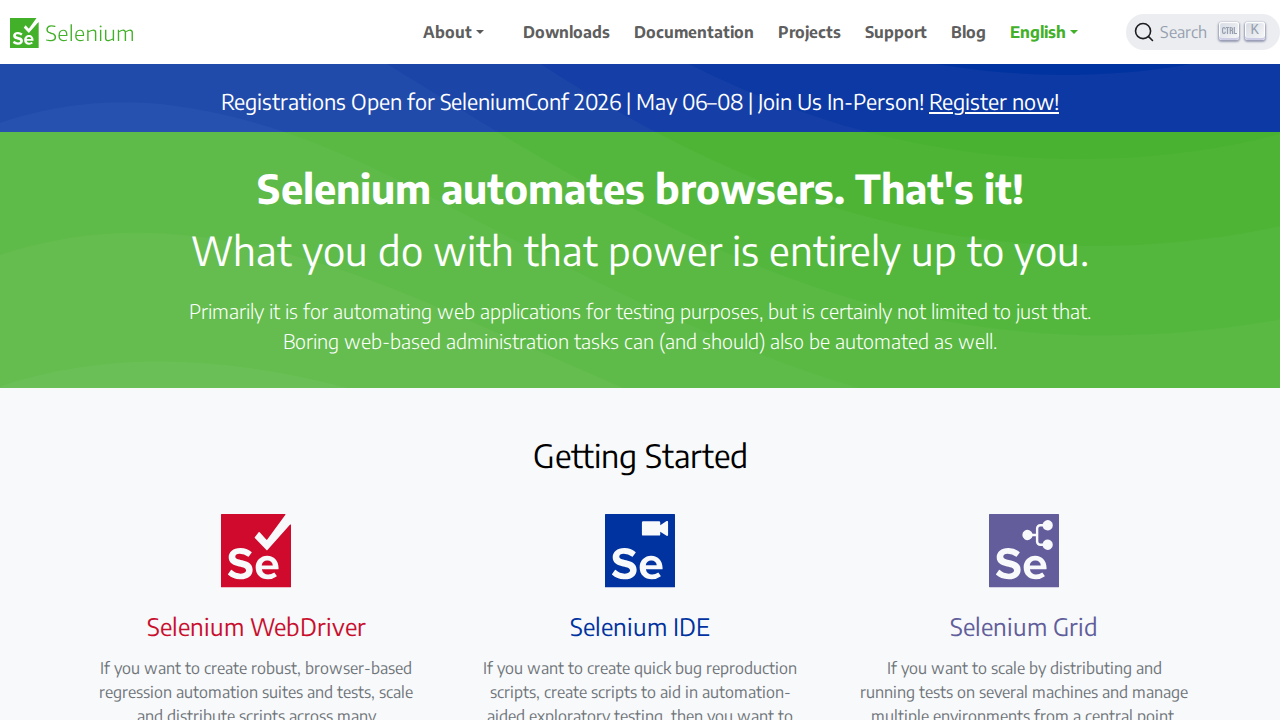
Selenium is a powerful suite of tools designed to automate web browser interactions. Its core value proposition lies in enabling comprehensive testing of web applications, ensuring functionality, performance, and compatibility across various browsers and operating systems. Unlike manual testing, Selenium allows for repeatable and scalable test automation, significantly reducing testing time and costs. Selenium's unique approach involves language-specific bindings (e.g., Java, Python, C#) that interact with browsers, providing a flexible and versatile solution. It benefits software developers, QA engineers, and anyone involved in web application development and testing, offering robust tools for creating and executing automated tests, improving software quality, and accelerating release cycles.
Selenium 's Core features
WebDriver for Browser Automation
Selenium WebDriver provides a language-specific API to control browsers directly. It allows for simulating user interactions such as clicking, typing, and navigating web pages. This direct browser control enables robust and reliable test automation, supporting various browsers like Chrome, Firefox, and Edge. Unlike Selenium IDE, WebDriver allows for complex test scenarios and integrations with testing frameworks.
Selenium IDE for Rapid Prototyping
Selenium IDE is a browser extension for Chrome, Firefox, and Edge that records and replays user interactions. It's ideal for quickly creating test scripts without coding, making it suitable for bug reproduction and exploratory testing. While less powerful than WebDriver, it offers a quick way to create basic automation scripts and understand how Selenium works. It supports simple record-and-playback functionality.
Selenium Grid for Scalable Testing
Selenium Grid enables parallel test execution across multiple machines and browsers. This feature significantly reduces test execution time, allowing for faster feedback cycles. It supports running tests against a vast combination of browsers and operating systems. Grid manages multiple environments from a central point, making it easy to scale and distribute tests.
Cross-Browser Compatibility
Selenium supports testing across a wide range of web browsers, including Chrome, Firefox, Safari, Edge, and Internet Explorer. This ensures that web applications function correctly across different browsers, addressing compatibility issues. The WebDriver API provides consistent interaction methods, regardless of the browser being tested, which is crucial for comprehensive testing.
Language Binding Support
Selenium offers client libraries for multiple programming languages, including Java, Python, C#, Ruby, and JavaScript. This flexibility allows developers to integrate Selenium into their existing development workflows and use their preferred language for test automation. The bindings translate the Selenium commands into browser-specific actions.
How to use Selenium
- Download and install the appropriate Selenium WebDriver for your chosen browser (e.g., ChromeDriver for Chrome, GeckoDriver for Firefox).,2. Choose a programming language (Java, Python, C#, etc.) and install the Selenium client library using a package manager (e.g., pip for Python, Maven for Java).,3. Write test scripts using the Selenium WebDriver API to interact with web elements (e.g., clicking buttons, filling forms, verifying text).,4. Configure your test environment by specifying the browser, operating system, and any necessary settings.,5. Run your test scripts, which will automatically open the browser and execute the defined actions.,6. Analyze the test results, which will indicate whether the tests passed or failed, and identify any issues that need to be addressed.
Use cases of Selenium
Automated Regression Testing
QA engineers use Selenium WebDriver to automate regression tests. They create scripts that simulate user interactions to verify that existing features still work after code changes. This ensures that new code doesn't break existing functionality, saving time and improving software quality. For example, testing a shopping cart checkout process.
Cross-Browser Compatibility Testing
Developers use Selenium Grid to test their web applications across different browsers and operating systems. They configure the Grid to run tests on various browser/OS combinations, identifying and resolving compatibility issues. This ensures a consistent user experience across all supported platforms, such as testing a website on Chrome, Firefox, and Safari.
Functional Testing
Software testers use Selenium to automate functional tests, verifying that the application behaves as expected. They write scripts to test specific features, such as form submissions, user logins, and data validation. This helps ensure that the application meets its functional requirements, for example, testing the login functionality of a web application.
Performance Testing (with Integration)
Performance engineers can integrate Selenium with performance testing tools to simulate user load and measure application performance. They use Selenium to drive browser instances and monitor response times, identifying performance bottlenecks. This helps optimize the application for scalability and responsiveness, such as simulating 1000 concurrent users.
Who benefits from Selenium
QA Engineers
QA engineers rely on Selenium to automate testing, improve test coverage, and reduce the time and effort required for manual testing. They use Selenium WebDriver and Grid to create and execute automated tests, ensuring software quality and faster release cycles. Selenium helps them identify bugs early in the development process.
Software Developers
Software developers use Selenium to write unit and integration tests, ensuring code quality and preventing regressions. They integrate Selenium into their CI/CD pipelines to automate testing and receive immediate feedback on code changes. This helps them build more reliable and maintainable software.
Test Automation Engineers
Test automation engineers specialize in creating and maintaining automated test suites using Selenium. They design test frameworks, write test scripts, and integrate tests into the development workflow. Their expertise ensures efficient and effective test automation, maximizing the benefits of Selenium.
Web Application Testers
Web application testers use Selenium to validate the functionality, performance, and compatibility of web applications. They create automated tests to simulate user interactions, verify the application's behavior, and identify any issues. This helps ensure a high-quality user experience.
Pricing of Selenium
Selenium is open-source and free to use under the Apache 2.0 license. There are no associated costs for the core Selenium tools. Donations are accepted through Open Collective to support development.