Blush: Illustrations for everyone
Customizable design assets
Freemium
Support platforms
web
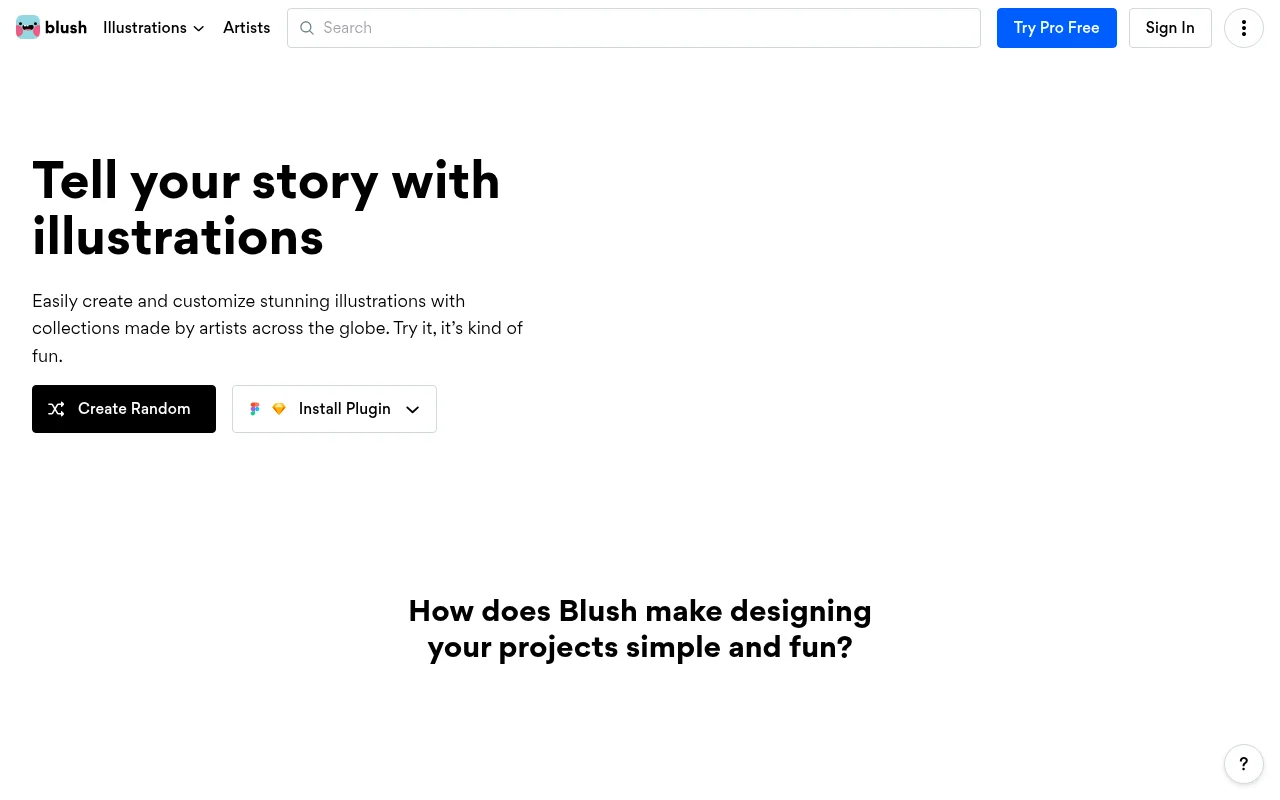
What is Blush: Illustrations for everyone
Blush is a design-as-a-service platform that provides a vast library of customizable illustrations created by global artists. Unlike static stock image repositories, Blush allows users to modify individual components—such as character poses, clothing, skin tones, and background elements—directly within the browser or via plugins for Figma and Sketch. By leveraging a modular vector-based architecture, it enables teams to maintain brand consistency while generating unique, high-quality visuals that fit specific UI/UX requirements without needing advanced graphic design skills.
Blush: Illustrations for everyone 's Core features
Modular Component Customization
Blush breaks down illustrations into individual, editable layers. Users can swap out specific attributes like hair color, clothing, or accessories in real-time. This modularity ensures that assets are not just generic stock images but tailored visuals that align with specific brand guidelines, reducing the need for custom-commissioned artwork for every project.
Figma and Sketch Integration
The platform offers native plugins for Figma and Sketch, allowing designers to pull assets directly into their workflow. This eliminates context switching between browser tabs and design tools. Assets are imported as vector layers, enabling further manipulation within the design software, which is critical for maintaining high-fidelity prototypes and scalable design systems.
Diverse Artist Marketplace
Blush hosts a curated marketplace of global artists, providing a wide range of aesthetic styles from flat 2D to isometric and hand-drawn. This variety allows teams to find a visual language that matches their product's personality. Each artist receives royalties, ensuring a sustainable ecosystem that encourages the continuous addition of high-quality, unique illustration sets.
SVG and High-Res Export
All assets are available in SVG format, providing infinite scalability without quality loss, which is essential for responsive web design. For non-vector workflows, users can export in high-resolution PNG formats. This flexibility ensures that assets look crisp on everything from mobile app icons to large-scale marketing landing pages.
Randomization Engine
The 'Randomize' tool allows users to instantly generate new iterations of an illustration by shuffling its components. This is particularly useful for rapid prototyping or filling out large dashboards with diverse user avatars and placeholder imagery, saving hours of manual adjustment time while keeping the visual output fresh and varied.
How to use Blush: Illustrations for everyone
Navigate to Blush.design and browse the collection of illustration sets categorized by style and theme.,Select an illustration and use the built-in editor to customize colors, character expressions, and composition elements.,Install the Blush plugin for Figma or Sketch to access the library directly within your design environment.,Drag and drop your customized assets into your project canvas as SVG or PNG files.,Use the 'Randomize' feature to quickly iterate through variations of a specific illustration to find the perfect fit for your layout.
Use cases of Blush: Illustrations for everyone
UI/UX Prototyping
Product designers use Blush to populate wireframes and high-fidelity prototypes with consistent, professional-grade illustrations. This helps stakeholders visualize the final product's emotional tone during the design phase without waiting for custom assets.
Marketing Content Creation
Content marketers use the platform to generate unique visuals for blog posts, social media, and landing pages. By customizing colors to match brand palettes, they create cohesive visual storytelling that stands out from generic stock photography.
Presentation Design
Presenters and educators use Blush to create engaging slide decks. By selecting illustrations that match their presentation theme, they can communicate complex ideas more effectively than with standard clip-art or text-heavy slides.
Who benefits from Blush: Illustrations for everyone
UI/UX Designers
Need high-quality, scalable assets that integrate into their existing design tools like Figma to speed up the prototyping process and maintain visual consistency.
Product Managers
Require a fast way to add professional visuals to product mockups and internal presentations without relying on a dedicated illustrator for every minor change.
Content Creators
Need a library of diverse, customizable imagery to enhance their digital content and brand identity without needing advanced graphic design software skills.
Pricing of Blush: Illustrations for everyone
Free plan includes limited collections. Pro plan at $12/mo (billed annually) offers full library access, high-res PNGs, and SVG downloads.
More similar tools like Blush: Illustrations for everyone
Mobbin
Mobbin is a design inspiration tool that helps teams and enterprises discover real-world design patterns.
Notion
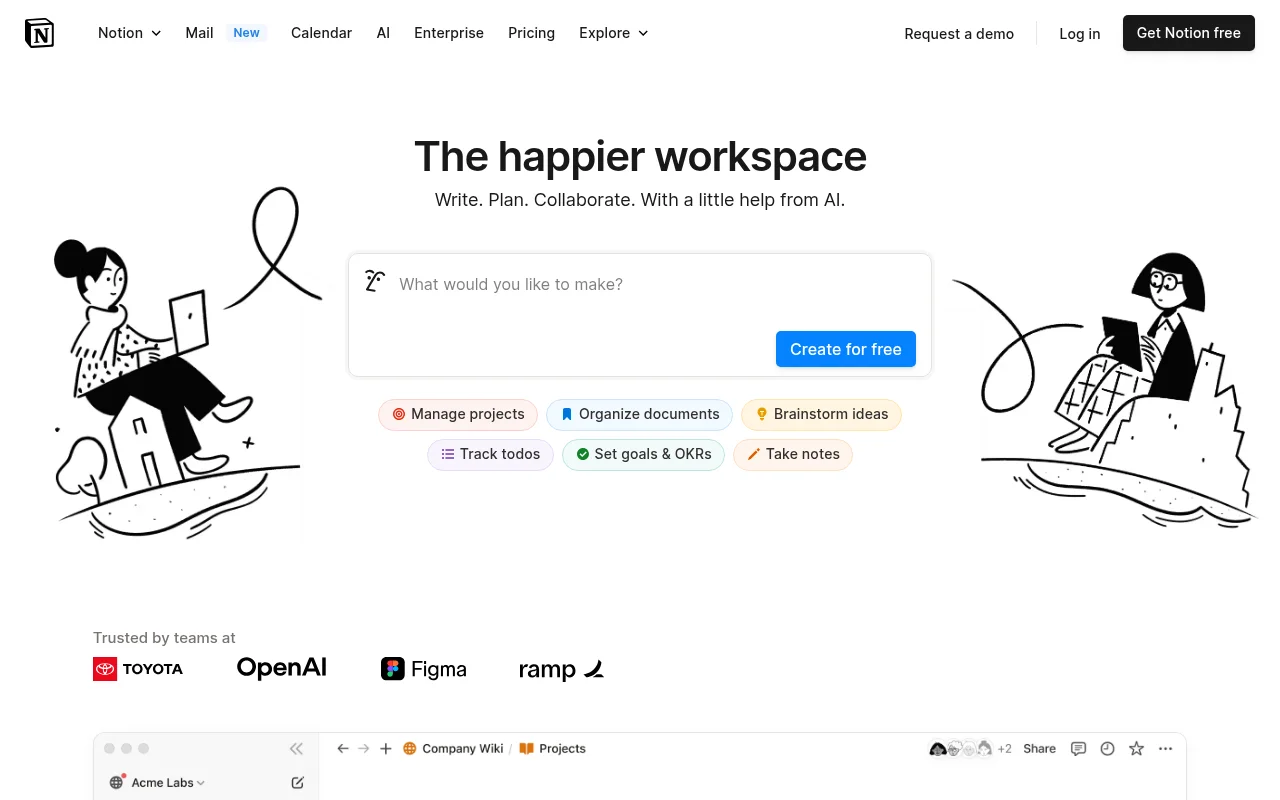
Notion is an all-in-one workspace that combines notes, docs, wikis, and more into a single collaborative platform.

Trello
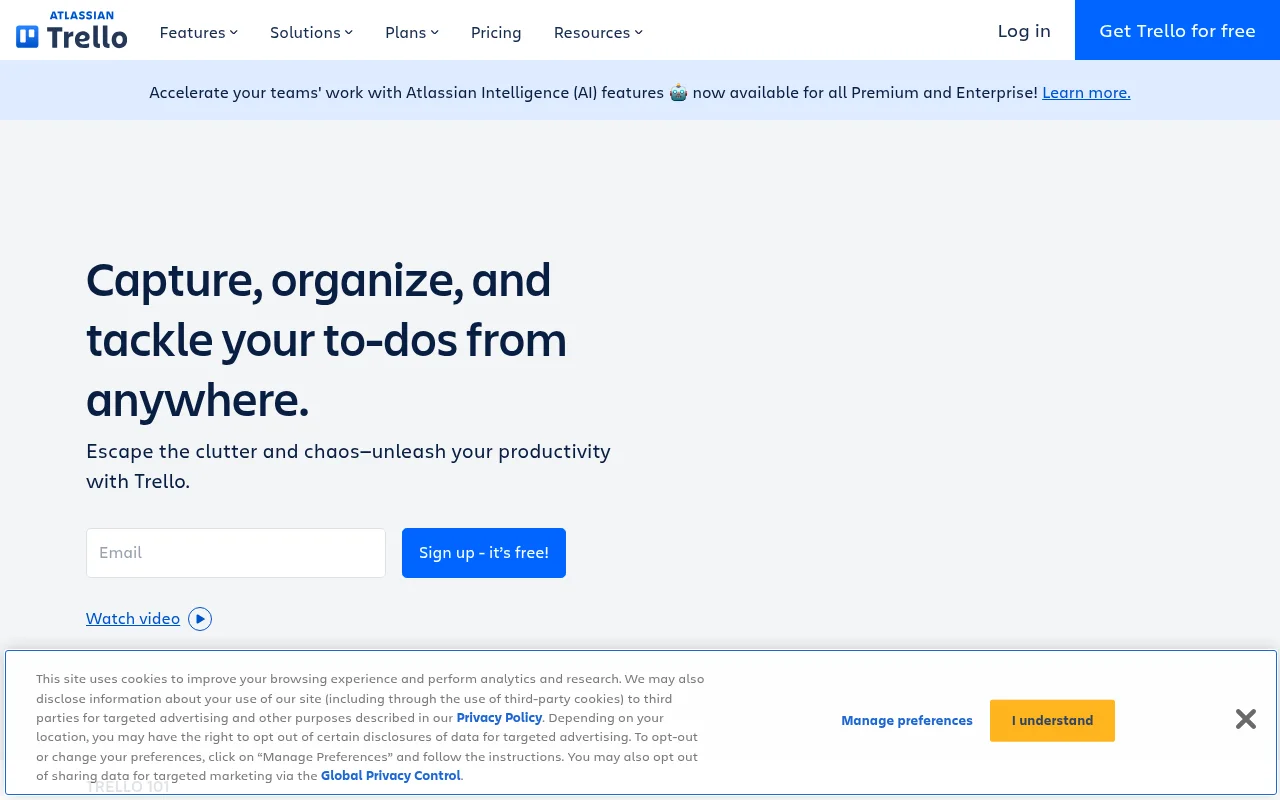
Trello is a collaboration and project management tool that helps teams capture, organize, and tackle their to-dos from anywhere.