Open Screen
Visual browser for AI agents
Free
Support platforms
web
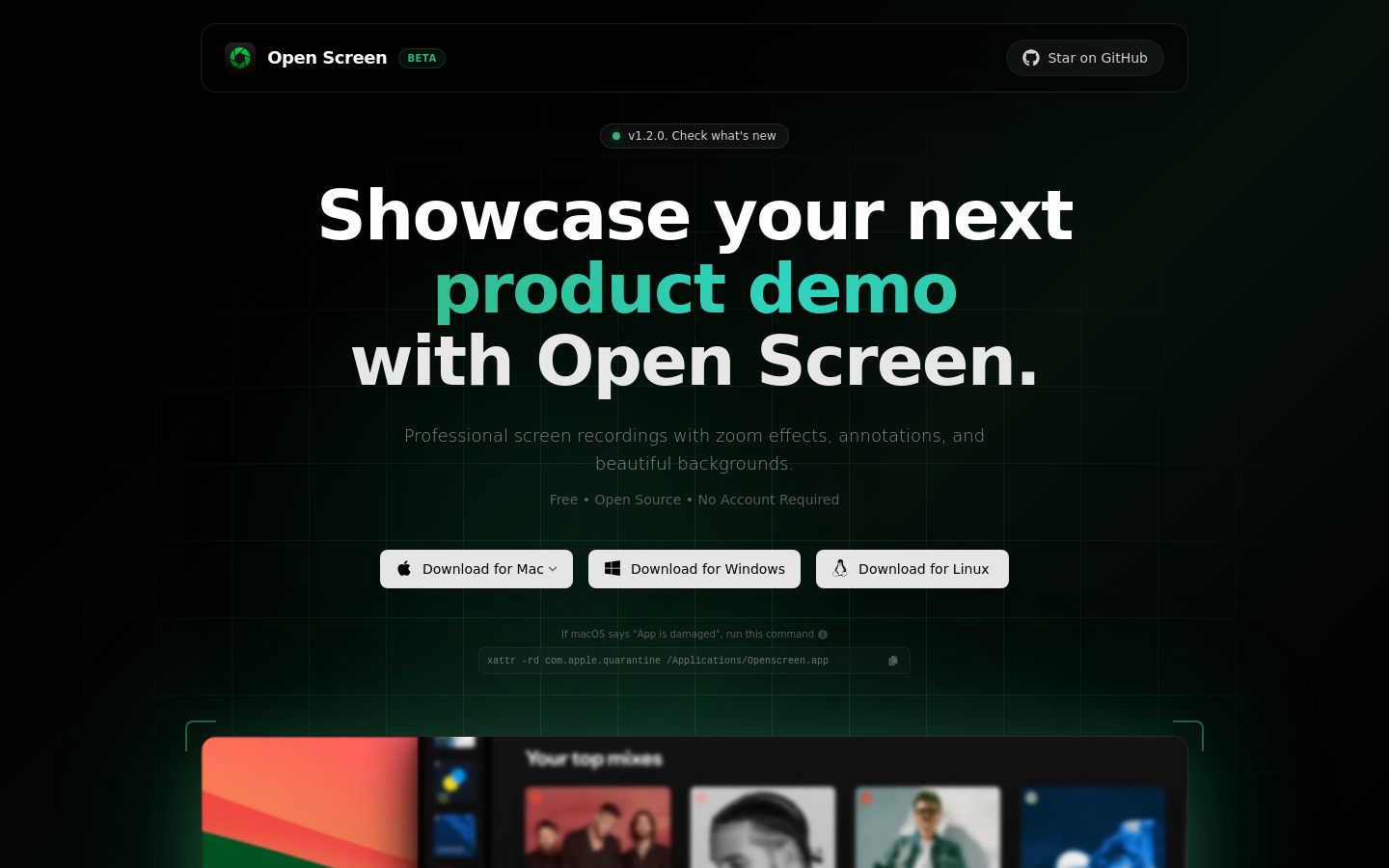
What is Open Screen
Open Screen is a specialized headless browser interface designed to bridge the gap between LLM agents and complex web UIs. Unlike standard Puppeteer or Playwright scripts that require brittle DOM selectors, Open Screen provides a visual-first interaction layer. It captures the DOM state and visual viewport, allowing AI models to 'see' and interact with websites as humans do. This approach eliminates the maintenance overhead of selector-based automation, making it ideal for developers building autonomous agents that need to navigate dynamic, non-standardized web applications.
Open Screen 's Core features
Visual DOM Snapshotting
Captures both the raw DOM structure and a rendered screenshot of the page. By feeding these snapshots into multimodal LLMs, the agent gains spatial awareness of UI elements, allowing it to interact with buttons and inputs based on their visual position rather than fragile CSS selectors that break during site updates.
Natural Language Interaction
Translates high-level user intent into precise browser actions like clicks, scrolls, and text input. Instead of writing complex automation scripts, developers define goals in plain English, and the system uses the LLM to reason about the necessary steps to achieve the desired outcome on the target webpage.
Dynamic State Handling
Automatically manages asynchronous page loads and dynamic content updates. The system continuously monitors the DOM for changes, ensuring the agent waits for elements to render before attempting interaction. This significantly reduces 'element not found' errors common in traditional automation tools when dealing with heavy JavaScript frameworks like React or Vue.
Headless Browser Integration
Built on top of high-performance headless browser protocols, it ensures minimal resource overhead. By running in a headless state, it maintains a small memory footprint, allowing developers to scale multiple concurrent agent instances on standard cloud infrastructure without the need for a full GUI environment.
Agentic Feedback Loop
Implements a recursive loop where the agent evaluates the result of every action. If an action fails or leads to an unexpected state, the system provides the error context back to the LLM, allowing it to self-correct and attempt an alternative path, which is critical for robust, autonomous web navigation.
How to use Open Screen
- Clone the repository from the Open Screen GitHub/Vercel source.,2. Install dependencies using 'npm install' to set up the browser automation engine.,3. Configure your LLM provider API keys (e.g., OpenAI or Anthropic) in the .env file.,4. Launch the local server using 'npm run dev' to initialize the browser instance.,5. Point the agent at a target URL and provide a natural language task, such as 'login and extract the latest invoice'.,6. Observe the agent's visual feedback loop as it processes DOM snapshots and executes actions.
Use cases of Open Screen
Automated Data Extraction
Developers use Open Screen to scrape data from complex, authenticated portals that lack public APIs. By instructing the agent to navigate to a dashboard, filter by date, and copy table data, they can automate manual reporting workflows that would otherwise require constant script maintenance.
Autonomous QA Testing
QA engineers deploy agents to perform end-to-end testing of web applications. The agent explores the site, fills out forms, and validates UI behavior, reporting back any visual or functional regressions without the need for writing hundreds of lines of manual test code.
AI-Driven Workflow Automation
Business analysts use the tool to bridge disparate SaaS platforms. An agent can be tasked to pull a lead from a CRM, navigate to an email marketing platform, and input the lead details, effectively creating a 'no-code' integration between tools that do not have native API support.
Who benefits from Open Screen
AI Agent Developers
Need a reliable way to connect LLMs to the web. They use Open Screen to bypass the limitations of traditional scraping and create agents that can handle unpredictable UI changes.
Automation Engineers
Looking to reduce the maintenance burden of brittle automation scripts. They rely on visual-first interaction to ensure their workflows remain functional even when the underlying website structure changes.
Product Managers
Seeking to prototype AI-powered features quickly. They use the tool to demonstrate how an AI can interact with existing web products without requiring backend API development.
Pricing of Open Screen
Open source project available under the MIT license. Free to deploy and self-host via Vercel or local environments.