Caddy
Automated HTTPS Web Server
Free
Support platforms
web
What is Caddy
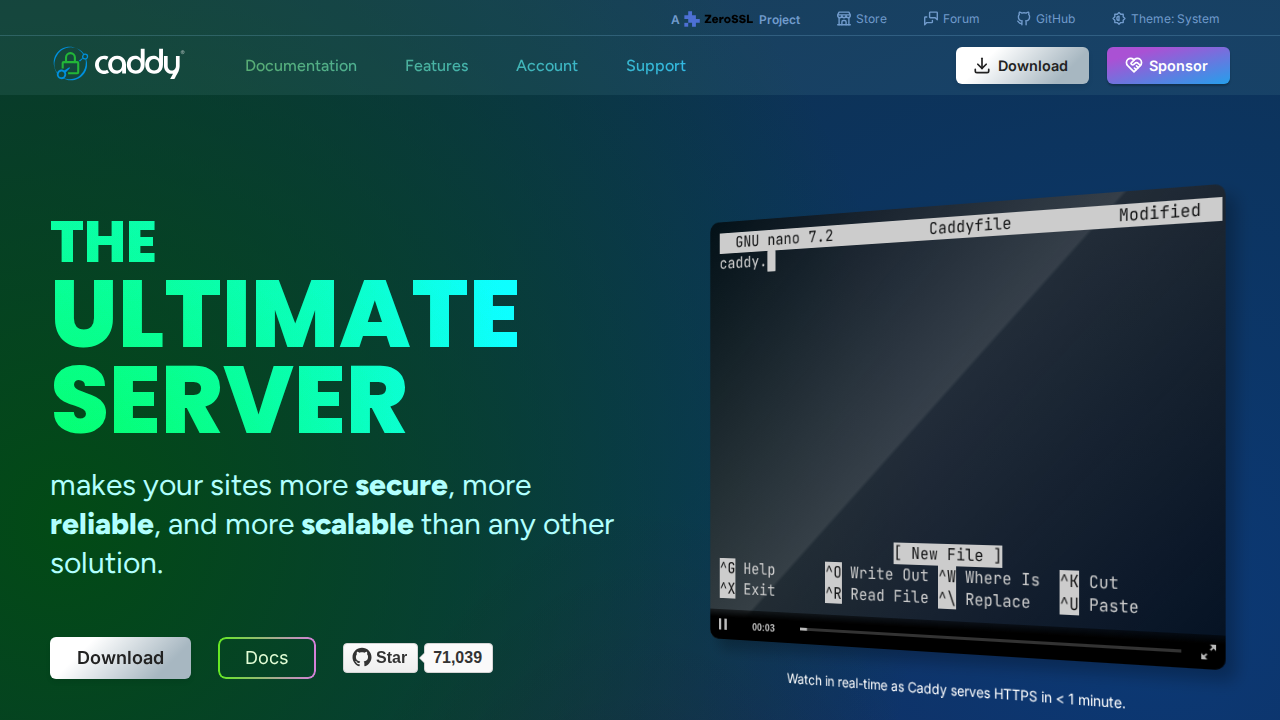
Caddy is a powerful, open-source web server designed for ease of use and security, with automatic HTTPS enabled by default. Its core value proposition lies in simplifying web server management, especially for TLS/SSL certificates, which it handles automatically through Let's Encrypt. Unlike traditional servers like Apache or Nginx, Caddy's configuration is human-friendly, using a simplified Caddyfile format, and it offers a native JSON configuration API for programmatic control. This makes it ideal for developers, DevOps engineers, and anyone needing a secure, reliable, and scalable web server without the complexities of manual certificate management. Caddy's on-demand TLS feature is particularly beneficial for SaaS providers managing numerous custom domains.
Caddy 's Core features
Automatic HTTPS by Default
Caddy automatically obtains and renews TLS certificates from Let's Encrypt for all your sites, ensuring secure HTTPS connections without manual configuration. This simplifies setup and maintenance, saving time and reducing the risk of misconfiguration. It supports wildcard certificates and handles certificate renewals automatically, minimizing downtime and security vulnerabilities. This feature is a core differentiator, eliminating the need for complex certificate management processes.
Human-Friendly Configuration
Caddy uses the Caddyfile, a simple and intuitive configuration format, making it easy to define website behavior. This contrasts with the often complex configuration files of Apache or Nginx. The Caddyfile supports directives for common tasks like reverse proxying, static file serving, and more, all in a clear, readable format. This reduces the learning curve and speeds up deployment times for developers.
On-Demand TLS
Caddy's On-Demand TLS feature dynamically provisions certificates for customer-owned domains, ideal for SaaS platforms. When a client accesses a domain, Caddy automatically obtains and manages the certificate on-the-fly, simplifying multi-tenant setups. This eliminates the need for pre-provisioning certificates for every domain, streamlining the onboarding process and improving scalability. This feature is a key differentiator for SaaS providers.
Native JSON Configuration API
Caddy offers a RESTful API for managing its configuration, allowing for programmatic control and automation. This enables integration with CI/CD pipelines and other automation tools. You can export and manipulate the configuration as a JSON document, making it easy to manage and deploy changes across multiple instances. This API supports dynamic updates and is crucial for infrastructure-as-code practices.
Scalable Certificate Management
Caddy is designed to manage certificates reliably at scale, handling hundreds of thousands of sites or thousands of instances without performance degradation. This is a significant advantage over other web servers or scripted certificate tools that may struggle with large-scale deployments. Caddy's architecture ensures efficient certificate renewal and management, even under heavy load.
Internal PKI Support
Caddy can manage your internal PKI for you across a fleet of servers and clients. This allows you to create and manage your own Certificate Authority (CA) for internal services, ensuring secure communication within your network. This is particularly useful for organizations that need to secure internal applications and services without relying on public certificate authorities.
How to use Caddy
- Download the Caddy binary for your operating system from the official website (caddyserver.com).,2. Create a Caddyfile in your project directory. This file defines your website's configuration, including domain, file paths, and any desired features.,3. Configure your Caddyfile to serve your website. For example:
yourdomain.com { root * /var/www/html file_server },4. Open a terminal and navigate to the directory containing your Caddyfile.,5. Run Caddy using the command:./caddy run. Caddy will automatically obtain and manage TLS certificates for your domain.,6. Access your website via HTTPS (e.g., https://yourdomain.com). Caddy will handle the secure connection.
Use cases of Caddy
SaaS Platform
A SaaS company uses Caddy to serve thousands of customer-owned domains. Caddy's On-Demand TLS feature automatically provisions and manages TLS certificates for each domain, simplifying onboarding and ensuring secure connections for all users. This reduces operational overhead and allows the company to scale its platform efficiently.
Developer's Personal Website
A developer uses Caddy to host their personal website. Caddy's automatic HTTPS simplifies the setup process, ensuring the site is secure by default. The easy-to-use Caddyfile allows the developer to quickly configure the site and make changes without needing to understand complex server configurations.
Reverse Proxy for Microservices
A company uses Caddy as a reverse proxy to manage traffic to its microservices. Caddy's configuration API allows for dynamic updates to the proxy configuration, enabling seamless deployments and scaling of microservices. The automatic HTTPS ensures secure communication between the client and the microservices.
Internal Application Security
An organization uses Caddy to secure internal applications. Caddy's internal PKI support allows the organization to create and manage its own Certificate Authority (CA) for internal services, ensuring secure communication within the network without relying on public certificate authorities.
Who benefits from Caddy
Web Developers
Developers benefit from Caddy's ease of use and automatic HTTPS, which simplifies website deployment and management. They can quickly set up secure websites without needing to become experts in server configuration or certificate management, allowing them to focus on code.
DevOps Engineers
DevOps engineers use Caddy to automate server deployments and manage infrastructure. Caddy's configuration API and scalability features allow them to easily integrate Caddy into CI/CD pipelines and manage large-scale deployments, ensuring security and reliability.
SaaS Providers
SaaS providers leverage Caddy's On-Demand TLS feature to easily manage TLS certificates for customer-owned domains. This simplifies onboarding, improves security, and allows them to scale their platform without the complexities of manual certificate management.
System Administrators
System administrators can use Caddy to simplify the management of web servers and ensure secure connections for all websites. Caddy's automatic HTTPS and easy configuration reduce the time and effort required to maintain secure and reliable web services.
Pricing of Caddy
Caddy is free and open-source software, licensed under the Apache 2.0 License. It relies on sponsorships for ongoing development.