fzf
Command-line fuzzy finder.
Free
Support platforms
web
What is fzf
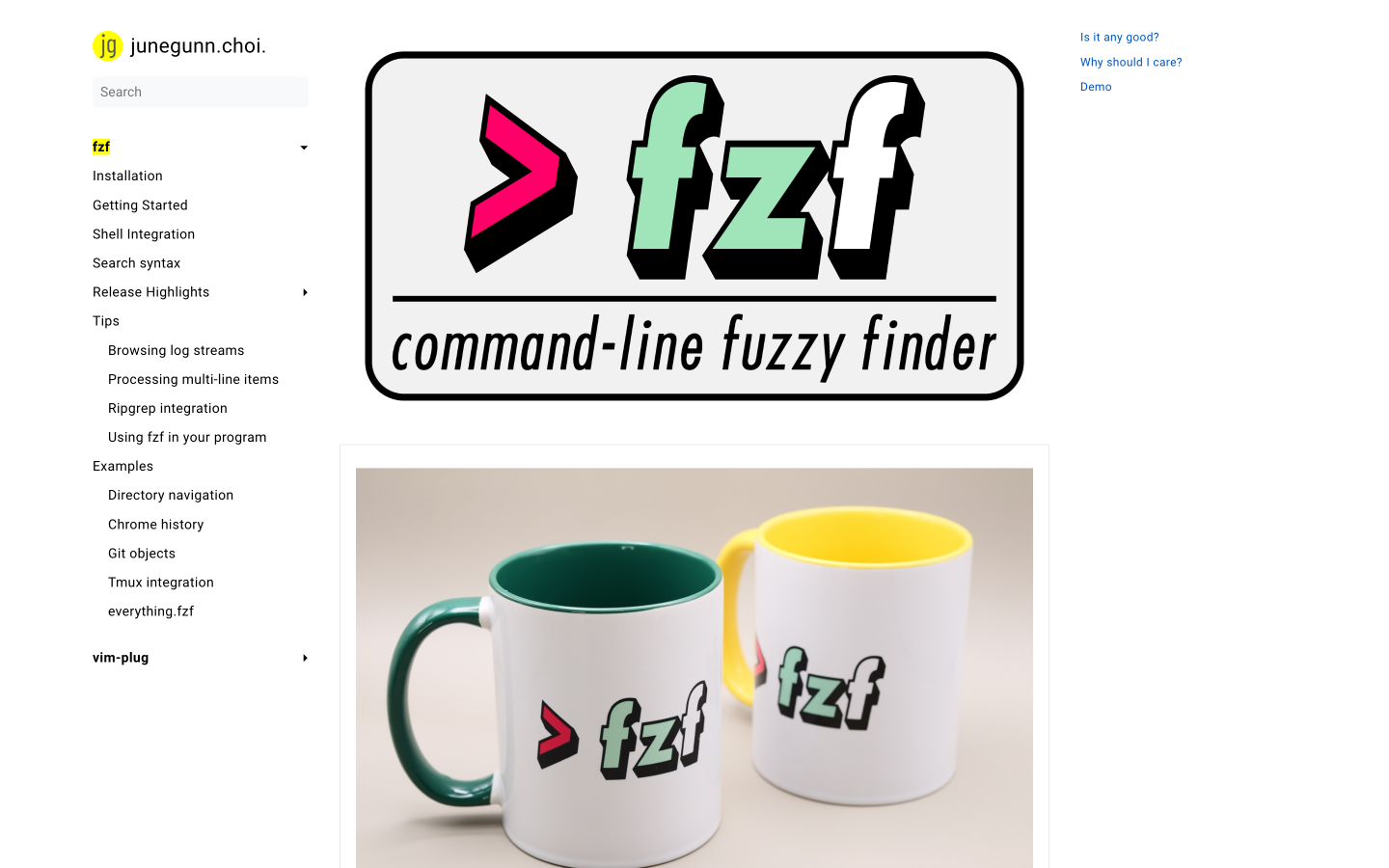
fzf is a general-purpose command-line fuzzy finder, an interactive Unix filter. It allows users to quickly find files, command history, processes, hostnames, and more, using a fuzzy matching algorithm. Unlike traditional tools like find or grep, fzf offers an interactive, real-time filtering experience, making it significantly faster and more efficient for navigating and selecting items from long lists. The tool's core value lies in its ability to drastically improve command-line productivity by reducing the time spent searching and selecting items. fzf stands out due to its speed, interactive interface, and seamless integration with various command-line tools and editors. It's built in Go, ensuring high performance and minimal dependencies. Developers, system administrators, and anyone who frequently uses the terminal will benefit from fzf, streamlining their workflows and saving valuable time.
fzf 's Core features
Interactive Fuzzy Matching
fzf's core feature is its fuzzy matching algorithm, which allows users to quickly find items by typing a pattern, even if the pattern contains typos or omits characters. This algorithm uses a scoring system based on character matching and proximity, providing relevant results in real-time. This is significantly faster than exact matching or regular expression-based searches, especially for large lists.
Real-time Preview
fzf supports real-time previews of selected items. Using the `--preview` option, you can display the content of a file, the output of a command, or any other relevant information directly within the fzf interface. This feature is invaluable for quickly verifying the correct selection before taking action, such as opening a file or running a command.
Shell Integration
fzf seamlessly integrates with various shells (Bash, Zsh, Fish), providing keybindings (e.g., Ctrl+r for command history) and auto-completion. This integration significantly enhances usability, making it easier to invoke fzf and use its features directly from the command line. The integration is achieved by sourcing shell-specific scripts.
Customizable Interface
fzf offers extensive customization options to tailor the interface to your preferences. You can customize the layout, colors, and keybindings to match your workflow. This includes options for the preview window, the search prompt, and the result display. Customization is achieved through command-line flags and environment variables.
Integration with Editors
fzf integrates well with popular text editors like Vim and Neovim. This allows users to use fzf for file navigation, buffer switching, and other editor-related tasks. This integration often involves plugins or configurations that leverage fzf's capabilities to enhance the editor's functionality.
Multi-line Item Support
fzf can handle multi-line items, which is crucial for tasks like browsing log streams or processing complex data. This means that fzf correctly displays and filters items that span multiple lines, ensuring that the entire item is considered during the matching process. This is particularly useful when dealing with structured data or verbose output.
How to use fzf
- Installation: Install fzf using your system's package manager (e.g.,
brew install fzfon macOS,apt install fzfon Debian/Ubuntu, oryum install fzfon CentOS/RHEL).,2. Shell Integration: Source the fzf shell integration script in your shell configuration file (e.g.,.bashrc,.zshrc) to enable keybindings and auto-completion. This is often done automatically during installation, but you may need to addsource ~/.fzf/completion.bashandsource ~/.fzf/key-bindings.bash.,3. Basic Usage: Usefzfto filter a list from standard input. For example,ls | fzfwill allow you to interactively filter the output ofls.,4. File Finding: Usefzfwith thefindcommand to quickly locate files. For example,find . -print0 | fzf --read0 --print.,5. Command History: PressCtrl+r(if keybindings are enabled) to search through your command history using fzf.,6. Customization: Customize fzf's behavior using command-line options (e.g.,--preview,--layout) and environment variables (e.g.,FZF_DEFAULT_COMMAND).
Use cases of fzf
File Navigation
Developers use fzf to quickly navigate project directories and open files in their editor. They type a partial filename, and fzf filters the list of files in real-time, allowing them to select the desired file with minimal typing and scrolling. This dramatically speeds up the development workflow.
Command History Search
System administrators use fzf to search through their command history. By pressing Ctrl+r, they can type keywords or partial commands, and fzf instantly filters the history, enabling them to quickly re-execute past commands without manually scrolling or retyping.
Process Management
Users employ fzf to manage running processes. They can use fzf to filter the output of `ps` or `top`, allowing them to quickly identify and kill specific processes by name or other criteria. This is particularly useful for managing resource-intensive applications.
Git Branch Switching
Developers utilize fzf to switch between Git branches. They can use `git branch | fzf` to interactively filter the list of branches and select the desired branch for checkout. This streamlines the Git workflow, making it faster and less error-prone.
Hostname Selection
Users leverage fzf to connect to remote servers via SSH. They can use fzf to filter the contents of their `~/.ssh/config` or `~/.ssh/known_hosts` files, allowing them to quickly select the desired hostname and establish an SSH connection.
Who benefits from fzf
Developers
Developers benefit from fzf by speeding up their command-line workflows. They can quickly navigate files, search command history, and manage processes, leading to increased productivity and reduced development time. The fuzzy matching algorithm is particularly helpful for projects with large codebases.
System Administrators
System administrators use fzf to efficiently manage servers and systems. They can quickly find files, monitor processes, and execute commands, saving time and improving their ability to troubleshoot and maintain systems. The interactive filtering is invaluable for large datasets.
DevOps Engineers
DevOps engineers utilize fzf for tasks such as managing deployments, interacting with containerized environments, and automating tasks. The tool's ability to quickly filter and select items from lists is crucial for streamlining complex operations and improving efficiency.
Power Users
Power users who spend a significant amount of time in the terminal find fzf essential for boosting their productivity. The tool's speed, flexibility, and customization options allow them to tailor their command-line experience to their specific needs, making them more efficient.
Pricing of fzf
Open source (MIT License). Free to use.