Graphite
Free online vector & procedural design
Free
Support platforms
web
What is Graphite
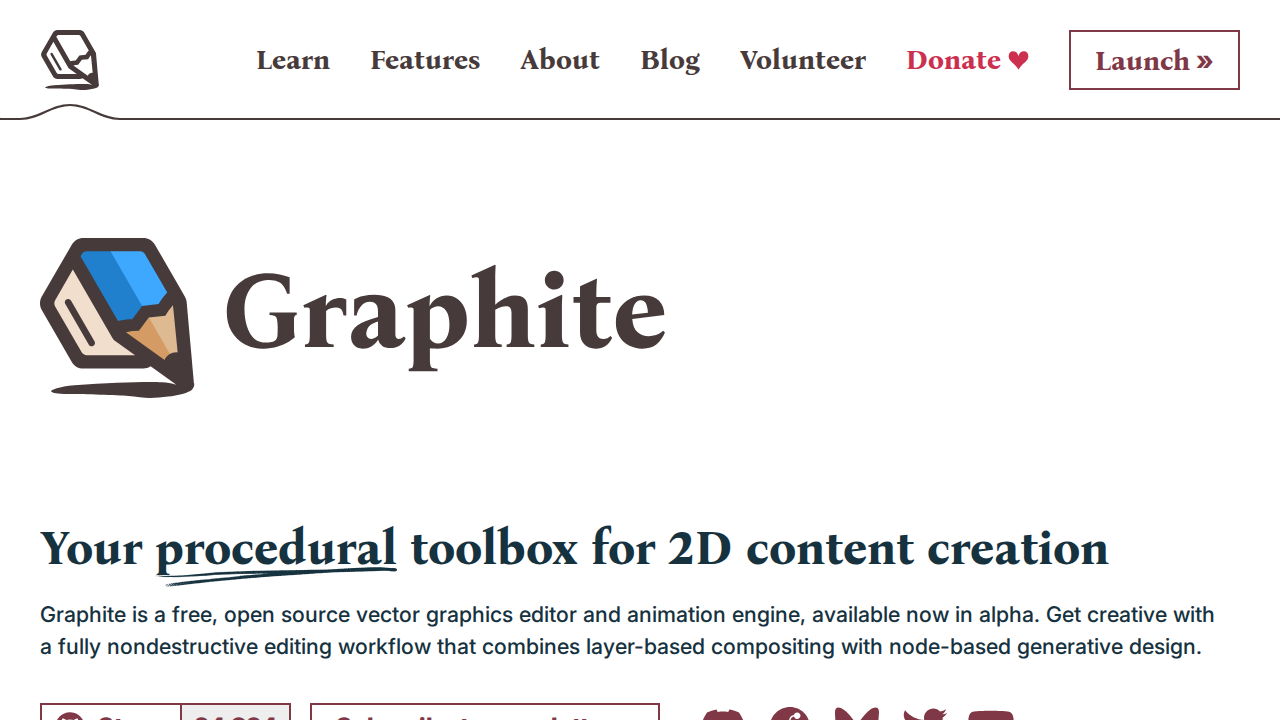
Graphite is a free, online vector editor and procedural design tool. It offers a unique approach to design by combining traditional vector editing with procedural generation capabilities. Users can create and manipulate vector graphics, and also define rules and parameters to generate complex designs automatically. Unlike traditional vector editors like Adobe Illustrator, Graphite emphasizes procedural workflows, allowing for dynamic and iterative design processes. This makes it ideal for designers, artists, and developers who want to explore generative art, create reusable design systems, or rapidly prototype visual concepts. The tool is web-based, eliminating the need for software installation and offering accessibility across various devices.
Graphite 's Core features
Online Vector Editing
Graphite provides a full suite of vector editing tools, including pen tools, shape tools, and path manipulation capabilities. This allows users to create and modify vector graphics directly within the web browser. The editor supports standard vector operations such as boolean operations, path editing, and color adjustments, ensuring compatibility with existing design workflows. This eliminates the need for desktop software installation and provides accessibility from any device with a web browser.
Procedural Design Engine
The core of Graphite's innovation lies in its procedural design engine. Users can define rules and parameters to generate complex designs automatically. This engine allows for the creation of dynamic and iterative designs, where changes to parameters instantly update the visual output. It uses a node-based system, similar to tools like Blender or Houdini, enabling users to create sophisticated generative art and design systems. This approach allows for rapid prototyping and experimentation.
Node-Based Workflow
Graphite employs a node-based workflow for procedural design, allowing users to connect different nodes to create complex effects and designs. Each node represents a specific operation or function, such as generating shapes, applying transformations, or modifying colors. This visual programming approach makes it easier to understand and control the design process, even for users without extensive coding experience. This system offers flexibility and control over the design process.
SVG Export
Graphite supports exporting designs in SVG (Scalable Vector Graphics) format. SVG is a widely supported vector image format that can be used in web design, print design, and other applications. The SVG export ensures that designs created in Graphite can be easily integrated into various projects. This format allows for lossless scaling and editing in other vector editors, maintaining the quality and flexibility of the original design.
Free and Open Source
Graphite is available as a free and open-source tool, making it accessible to a wide range of users. This allows users to use the software without any cost, and also allows developers to contribute to the project and customize it to their needs. The open-source nature fosters community collaboration and ensures the long-term viability of the tool. This also allows for transparency in development and security.
How to use Graphite
- Visit the Graphite website and click 'Launch Graphite' to open the editor in your browser.,2. Familiarize yourself with the interface, including the toolbar, layers panel, and properties panel.,3. Use the vector tools (pen, shapes, etc.) to create basic shapes and paths.,4. Explore the procedural features by adding nodes and connections to generate complex patterns and designs.,5. Experiment with different parameters and settings to control the output of your procedural designs.,6. Save your work in the browser or export it in SVG format.
Use cases of Graphite
Generative Art Creation
Artists can use Graphite to create unique and complex generative art pieces. They can define rules and parameters to generate intricate patterns, shapes, and compositions. This allows for the creation of dynamic and evolving artworks, exploring the intersection of art and technology. The procedural nature of the tool enables artists to experiment with different variations and iterations quickly.
UI/UX Design Prototyping
UI/UX designers can use Graphite to rapidly prototype visual elements and design systems. They can create reusable components and define rules for generating variations. This allows for faster iteration and exploration of different design options. Designers can quickly test different layouts, color schemes, and visual styles, improving the efficiency of the design process.
Web Design Graphics
Web designers can use Graphite to create scalable vector graphics for websites. They can design logos, icons, illustrations, and other visual elements that can be easily scaled without loss of quality. The SVG export feature ensures that the graphics are optimized for web use. This ensures that websites look crisp and professional on all devices.
Educational Tool
Educators can use Graphite to teach design principles and procedural generation concepts. The intuitive interface and visual programming approach make it easier for students to understand complex concepts. Students can experiment with different parameters and see the immediate effects on the design. This hands-on approach enhances learning and creativity.
Who benefits from Graphite
Graphic Designers
Graphic designers can leverage Graphite for creating vector graphics, logos, illustrations, and other visual assets. The procedural design capabilities offer new creative possibilities and allow for efficient generation of variations and design systems. This streamlines their workflow and enhances their creative output.
UI/UX Designers
UI/UX designers can use Graphite for prototyping user interface elements and creating design systems. The tool's procedural capabilities allow for rapid iteration and exploration of different design options. This helps them to quickly test and refine their designs, improving the user experience.
Artists and Generative Artists
Artists and generative artists can use Graphite to create unique and complex artworks. The tool's procedural design engine enables them to explore the intersection of art and technology, generating dynamic and evolving compositions. This expands their creative possibilities and allows them to experiment with new forms of expression.
Web Designers and Developers
Web designers and developers can use Graphite to create scalable vector graphics for websites. The SVG export feature ensures that the graphics are optimized for web use. This ensures that websites look crisp and professional on all devices, enhancing the user experience.
Pricing of Graphite
Free and open-source, available under the MIT license.