Verdict
Best for Remote IT Support
RustDesk is an open source remote desktop software, offering secure and private access to devices
Best for
IT Professionals
Remote Workers
Key Features
Open-Source
Self-Hosting
Cross-Platform
Actions
Share
RustDesk Screenshots & Demo
What is RustDesk
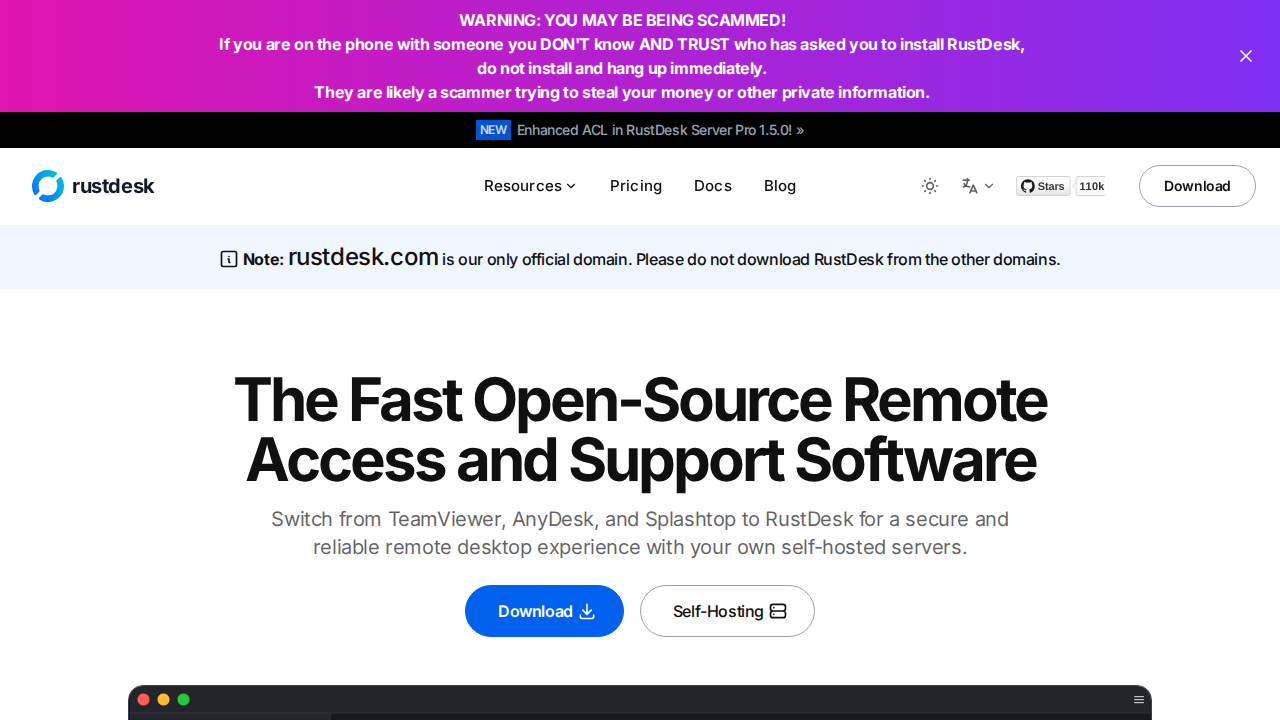
RustDesk is an open-source remote desktop software, offering secure and private access to devices. It provides self-hosting options for complete control over data and connections. RustDesk emphasizes ease of use, cross-platform compatibility, and high performance. It's designed to be a reliable alternative to proprietary remote access solutions, ensuring user privacy and data security. The software supports various operating systems, making it versatile for different user environments. It's suitable for both personal and professional use, offering features like file transfer, remote printing, and session recording.
RustDesk 's Core features
Open-Source
Offers transparency and community-driven development.
Self-Hosting
Provides full control over data and connections.
Cross-Platform
Supports Windows, macOS, Linux, Android, and iOS.
Secure Connections
Uses end-to-end encryption for secure remote access.
File Transfer
Allows easy transfer of files between devices.
High Performance
Optimized for fast and responsive remote control.
How to use RustDesk
Download and install RustDesk on both the host and client devices.,Launch RustDesk on both devices and note the ID and password on the host.,Enter the host's ID and password into the client application.,Click 'Connect' to establish the remote desktop session.,Use the remote desktop interface to control the host device.
Use cases of RustDesk
Remote IT Support
Enables IT professionals to remotely access and troubleshoot client devices.
Remote Work
Allows employees to access their work computers from home or while traveling.
Personal Use
Provides access to personal computers for file access and remote control.
Educational Purposes
Facilitates remote learning and collaboration.
Who benefits from RustDesk
IT Professionals
For remote troubleshooting and system administration.
Remote Workers
For accessing work computers from remote locations.
Pricing of RustDesk
RustDesk is completely free and open-source, with no hidden costs or limitations.