Sketchsheets
Printable UX Wireframe Grids
Free
Support platforms
web
What is Sketchsheets
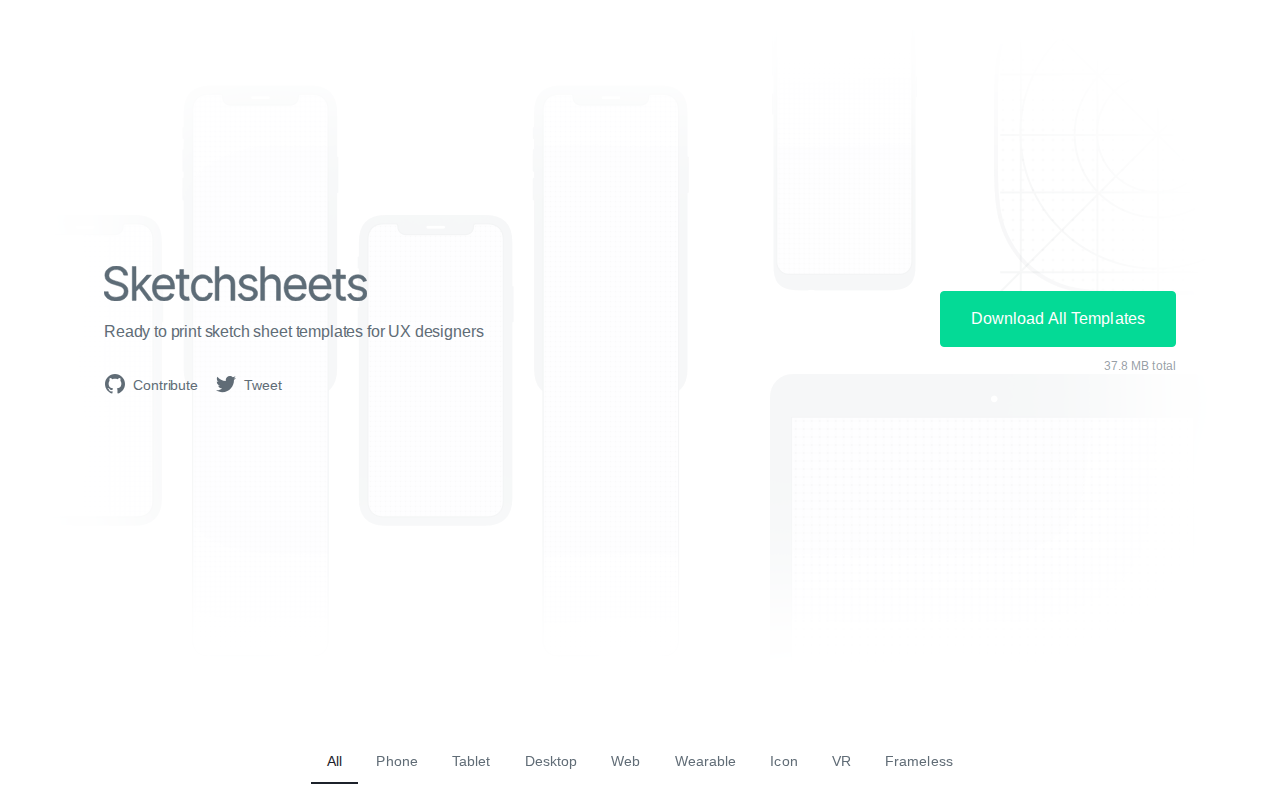
Sketchsheets is an open-source repository of high-fidelity, print-ready wireframing templates tailored for UX/UI designers. Unlike digital-only prototyping tools, Sketchsheets focuses on the tactile ideation phase, providing precise device-specific grids for mobile, tablet, desktop, and wearable form factors. By offering standardized layouts for devices like the iPhone X, iPad Pro, and Apple Watch, it eliminates the need for manual grid creation. The project is maintained as a community-driven resource, allowing designers to contribute templates via GitHub. It is an essential utility for UX professionals who prefer sketching initial concepts on paper before transitioning to high-fidelity software like Figma or Sketch.
Sketchsheets 's Core features
Device-Specific Grid Templates
Provides over 100+ templates mapped to exact physical dimensions of modern hardware, including iPhone, Galaxy, and Pixel devices. These templates include accurate aspect ratios and safe-area margins, ensuring that hand-drawn wireframes remain proportional and technically feasible when translated to digital design environments, saving designers from manually calculating grid constraints.
High-Resolution Vector PDFs
All templates are exported as high-resolution vector PDFs, ensuring crisp lines and zero pixelation regardless of the printer quality. This technical approach allows for scaling or cropping without loss of fidelity, providing a professional-grade canvas for detailed UI annotations and complex interaction flow mapping.
Open Source Community Contribution
Hosted on GitHub, the project allows the design community to suggest and submit new device templates. This crowdsourced model ensures the library stays updated with the latest hardware releases, effectively crowdsourcing the maintenance of the template library and ensuring a diverse range of device form factors are available.
Wearable and VR Templates
Includes specialized templates for non-standard form factors like the Apple Watch and Virtual Reality headsets. These templates account for unique constraints such as circular displays or field-of-view limitations, which are often overlooked in standard wireframing kits, allowing designers to prototype for emerging platforms with specific spatial requirements.
Standardized CC BY-SA License
The project is distributed under the Creative Commons Attribution-ShareAlike 4.0 International license. This allows designers to freely use, modify, and redistribute the templates for both personal and commercial projects, provided they attribute the source, making it a legally safe and accessible resource for design agencies and freelance consultants.
How to use Sketchsheets
Navigate to sketchsheets.com and browse the device category list (e.g., Phone, Tablet, Wearable).,Click on the desired device template to download the corresponding PDF file.,Open the PDF file in your preferred document viewer or print directly to A4 or Letter-sized paper.,Use a physical pen or pencil to sketch your wireframes directly onto the pre-printed device grids.,Scan your completed sketches or use them as a reference guide for building digital prototypes in design software.
Use cases of Sketchsheets
Rapid Ideation Workshops
UX designers use these templates during brainstorming sessions to quickly iterate on mobile app layouts. By sketching on paper, teams can bypass the learning curve of design software, allowing them to generate dozens of layout variations in minutes before digitizing the best concepts.
Client Design Presentations
Freelance designers use these sheets to present rough wireframes to clients during early discovery phases. The physical nature of the sketches encourages collaborative feedback and prevents clients from getting distracted by high-fidelity colors or typography, keeping the focus on user flow and functionality.
UI/UX Education and Training
Design instructors use Sketchsheets to teach students about grid systems and screen real estate. By providing students with pre-made templates, they can focus on teaching core UX principles like information architecture and touch target sizing rather than spending time on manual layout setup.
Who benefits from Sketchsheets
UX/UI Designers
Need a reliable, consistent way to sketch wireframes for various devices. Sketchsheets provides the necessary structure to ensure their hand-drawn concepts are grounded in real-world device constraints.
Product Managers
Use these templates to quickly map out user flows and feature requirements during meetings. It helps them communicate ideas clearly to stakeholders without requiring advanced design software skills.
Design Students
Require standardized tools to learn the fundamentals of mobile and desktop layout design. These templates offer a professional starting point for their portfolio projects and coursework.
Pricing of Sketchsheets
100% free and open source. All templates are available for download under the CC BY-SA 4.0 license.