Html Colors
Comprehensive Color Utility Hub
Free
Support platforms
web
What is Html Colors
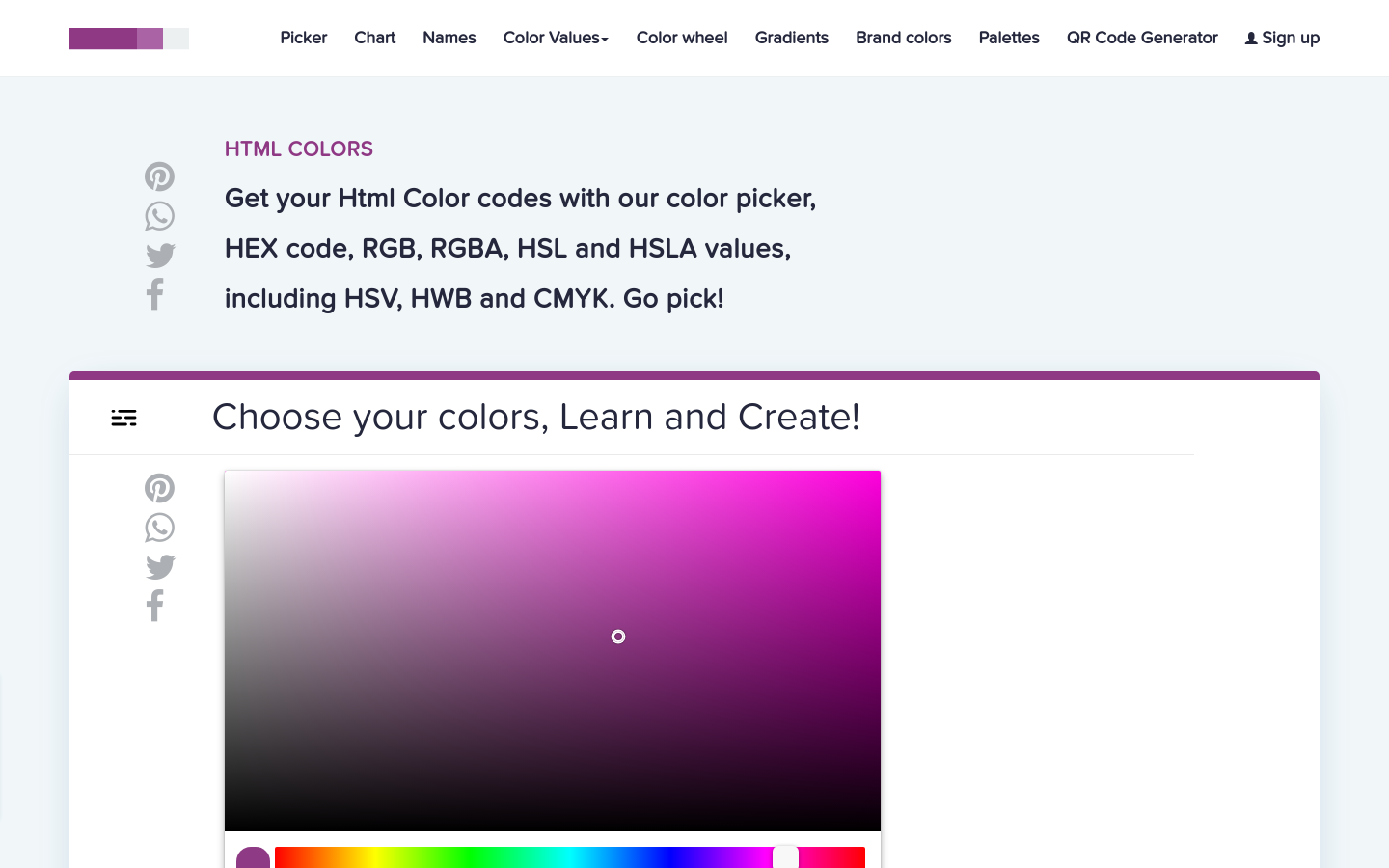
HtmlColors is a specialized web-based utility suite designed for UI/UX designers and front-end developers. It provides a centralized environment for color space conversion, palette generation, and brand identity management. Unlike generic color pickers, it supports a wide array of technical color formats including Hex, RGB, RGBA, HSL, HSLA, HSV, HWB, and CMYK. The platform streamlines the design-to-code workflow by providing instant CSS-ready snippets, gradient generation, and accessibility-focused color wheel tools, making it an essential resource for maintaining design system consistency across web projects.
Html Colors 's Core features
Multi-Format Color Conversion
Supports seamless conversion between eight distinct color spaces including CMYK for print and HSL/RGBA for web. This eliminates the need for manual calculation or external conversion tools, ensuring that developers can maintain color fidelity when transitioning from design mockups to production CSS code, reducing potential errors in color representation across different browser rendering engines.
CSS Gradient Generator
Provides an intuitive interface for creating complex linear and radial gradients. It outputs clean, cross-browser compatible CSS syntax, including vendor prefixes where necessary. This feature allows developers to visualize gradient transitions in real-time and copy-paste production-ready code, significantly accelerating the styling process for modern UI components like buttons, cards, and backgrounds.
Interactive Color Wheel
Features a high-precision color wheel that allows for the selection of complementary, analogous, and triadic color schemes. By mathematically calculating color relationships based on hue, saturation, and lightness, it enables designers to build harmonious palettes that adhere to color theory principles, ensuring professional-grade aesthetic consistency across digital products.
Brand Palette Management
Enables the storage and organization of brand-specific color palettes. This is critical for maintaining design system integrity in large-scale applications. By centralizing brand colors, teams can ensure that every developer uses the exact same hex or RGB values, preventing 'color drift' that often occurs when multiple contributors manually define colors in various CSS files.
QR Code Integration
Includes a built-in QR code generator that allows users to encode URLs or text directly into scannable graphics. This utility is particularly useful for developers building mobile-responsive web apps who need to quickly test UI layouts on physical devices by generating a QR code that links directly to their local development environment or staging URL.
How to use Html Colors
Navigate to the 'Picker' or 'Color Values' section to input a specific color code or select a shade from the interactive wheel.,Select your target color format (e.g., RGBA or HSL) from the sidebar to see real-time conversion values.,Use the 'Gradients' tool to generate CSS linear or radial gradient code snippets for direct implementation in your stylesheet.,Access the 'Brand Colors' or 'Palettes' section to explore pre-curated color schemes or save custom combinations for your project.,Copy the generated CSS/SCSS code snippets directly into your IDE to ensure accurate color implementation in your web application.
Use cases of Html Colors
Front-end Style Implementation
A front-end developer uses the tool to convert design-provided CMYK values into web-safe HSL or RGBA values. They copy the generated CSS snippet directly into their project's variables file, ensuring the application matches the brand's visual identity perfectly.
UI Component Prototyping
A UI designer uses the gradient generator to create a modern, multi-stop background for a hero section. They export the CSS code and share it with the development team, ensuring the exact transition angles and color stops are implemented.
Accessibility Palette Creation
A product designer uses the color wheel to generate a high-contrast palette for a dashboard. By selecting complementary colors, they ensure that text and background elements meet WCAG contrast requirements for improved readability.
Who benefits from Html Colors
Front-end Developers
Need precise color values and CSS snippets to implement designs accurately. They rely on the tool to handle complex conversions and generate valid, cross-browser compatible CSS code quickly.
UI/UX Designers
Require tools for palette exploration and color theory application. They use the platform to maintain brand consistency and create visually harmonious interfaces for web and mobile applications.
Web Agency Teams
Need a centralized repository for brand colors and assets. The tool helps them standardize color usage across multiple client projects, ensuring consistency and efficiency in their design-to-development pipeline.
Pricing of Html Colors
The tool is provided as a free, ad-supported web utility. No subscription or paid tiers are required to access the full suite of color tools.