Shotty for Mac
Native Mac Screenshot Utility
Paid
Support platforms
web
What is Shotty for Mac
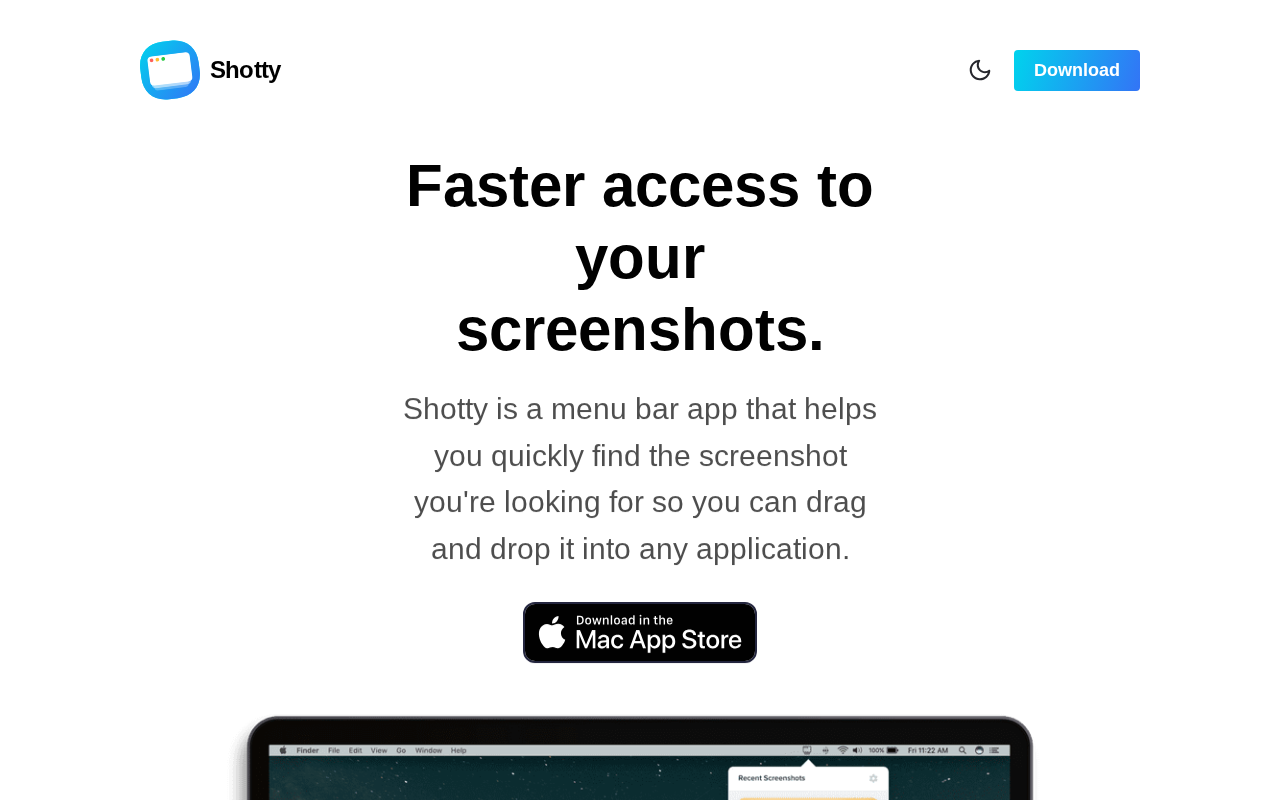
Shotty for Mac is a high-performance screenshot utility designed to replace the native macOS capture experience with a more streamlined, keyboard-centric workflow. Unlike standard tools that clutter the desktop or require complex menu navigation, Shotty focuses on rapid capture, instant clipboard integration, and optimized file handling. It is engineered for power users, developers, and designers who require a frictionless way to capture, annotate, and share visual data without interrupting their creative flow. By leveraging native macOS APIs, it ensures minimal CPU overhead and high-fidelity image rendering, making it a superior alternative to bloated third-party screen capture suites.
Shotty for Mac 's Core features
Native macOS Integration
Built using Swift and Apple’s native frameworks, Shotty achieves near-zero latency during the capture process. Unlike Electron-based alternatives that consume significant memory, Shotty maintains a minimal footprint, ensuring that your system resources remain dedicated to your primary development or design tasks. This native approach guarantees compatibility with macOS security protocols and system-wide dark mode settings.
Configurable Capture Workflows
Shotty allows users to define custom post-capture actions. Whether you need to automatically upload to a CDN, save to a specific cloud-synced folder, or simply copy to the clipboard for Slack/Jira integration, the tool handles these tasks in the background. This eliminates the manual 'save-then-upload' cycle, saving approximately 10-15 seconds per screenshot.
High-Fidelity Image Processing
The engine supports lossless PNG and optimized JPEG compression, ensuring that text in screenshots remains crisp and readable. This is critical for developers sharing code snippets or UI bugs where pixel-perfect accuracy is required. The tool automatically strips metadata when necessary, providing a clean, professional output for documentation or bug reporting.
Global Hotkey Customization
Provides deep integration with macOS input events, allowing users to map specific capture modes to unique keyboard shortcuts. This prevents conflicts with existing system shortcuts (like Cmd+Shift+4) while enabling advanced users to trigger specific workflows, such as 'Capture Window and Copy to Clipboard,' with a single keystroke.
Smart File Management
Shotty includes an intelligent file naming and organization system. Users can define naming templates using variables like timestamps, project names, or sequence numbers. This prevents the 'Screenshot 2023-10-01 at 10.00.00' clutter, allowing for better file indexing and retrieval in professional environments where thousands of screenshots are generated annually.
How to use Shotty for Mac
Download the Shotty installer from the official website and move it to your Applications folder.,Grant the necessary Accessibility and Screen Recording permissions in System Settings to enable global hotkey capture.,Configure your preferred global hotkey (e.g., Cmd+Shift+2) within the Shotty preferences menu.,Select your capture mode: Full Screen, Window, or Selection area via the overlay interface.,Choose your output destination: automatically copy to clipboard, save to a specific local directory, or trigger a quick-share link.,Access the history manager to retrieve previous captures or perform batch exports.
Use cases of Shotty for Mac
Bug Reporting
QA engineers and developers use Shotty to capture UI glitches instantly. By automatically copying the image to the clipboard and using a standardized file naming convention, they can attach high-fidelity evidence to Jira or GitHub issues in seconds, accelerating the debugging cycle.
Technical Documentation
Technical writers use Shotty to maintain consistency across documentation. By utilizing the tool's precise selection mode and lossless export, they ensure that all screenshots in a manual or tutorial have uniform dimensions and clarity, resulting in a professional, polished end-user experience.
Design Feedback Loops
Product designers use Shotty to share rapid iterations with stakeholders. By mapping a shortcut to save directly to a shared cloud drive, they can provide instant visual updates on UI changes, ensuring the team stays aligned without the friction of manual file management.
Who benefits from Shotty for Mac
Software Developers
Need to document code snippets, UI bugs, and architectural diagrams quickly. They value the tool's low system impact and ability to integrate into existing development workflows without context switching.
UI/UX Designers
Require high-fidelity, lossless captures for design reviews and portfolio assets. They benefit from the tool's ability to maintain image quality and consistent file naming for organized asset management.
Technical Support Specialists
Need to capture and annotate user issues efficiently. The tool's speed and clipboard integration allow them to respond to tickets faster by providing clear, visual instructions to customers.
Pricing of Shotty for Mac
Paid software. Pricing is typically structured as a one-time license fee or a standard Mac App Store purchase model. Check website for current pricing.
More similar tools like Shotty for Mac

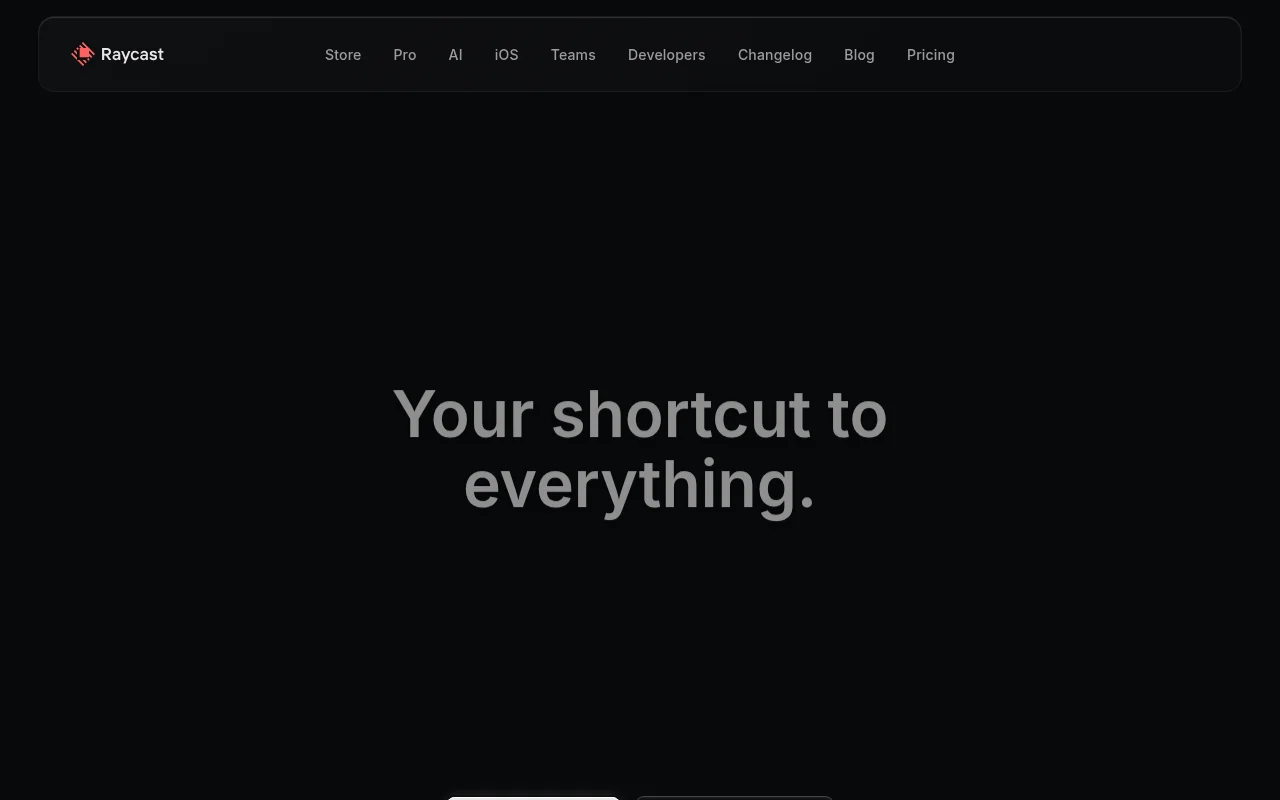
Raycast
Raycast is your ultimate shortcut to everything on your Mac. This powerful launcher and productivity tool empowers you to access and control applications, files, and services with unparalleled speed and efficiency. Forget endless clicking and searching – with Raycast, everything is just a keystroke away. Its intuitive interface and extensive extension library seamlessly integrate with your favorite tools, from project management and design to communication and music. Whether you're a developer, designer, project manager, or simply someone who values productivity, Raycast will transform the way you work. Experience the power of a truly streamlined workflow and reclaim your time. Download Raycast today and unlock a new level of productivity.